Recommendations
• The sample volume is not less than 850 µl (minimum for TVAC).
• Use flow rates between 0.5 - 5 µl/s for sample measurements.
The optimal flow rates depends on the application.
• Use the same flow rate for pre-measure and measure phase to avoid fluidic
turbulences.
Requirements
• The sample is prepared for measurement.
• The Sheath Fluid bottle is filled.
• The Waste bottle is not full.
• “Sample Port” in Settings - Measure Mode - Sample Source is selected.
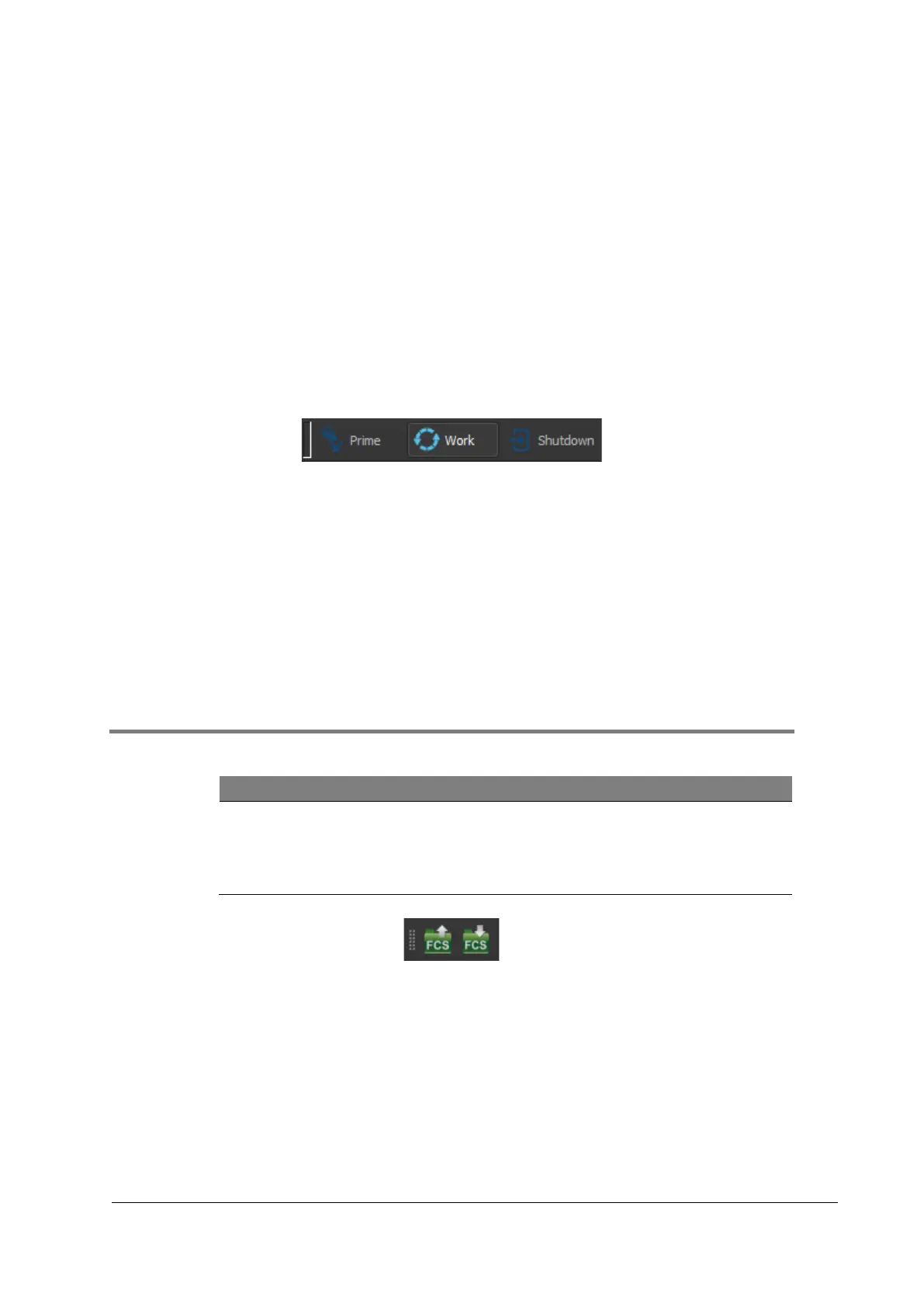
Figure 7: Selecting Work Mode
Procedure
1. Select [Work mode].
2. Connect the Sample tube to the Sample port until the Sample tube audibly clicks.
3. Choose Measure mode and define parameters.
4. Press [Start].
5. If a stop condition is set, wait until acquisition stops.
If no stop condition is set, click [Stop] to stop the acquisition.
6. Remove Sample tube.
7.4 Saving acquired data
Flow Cytometry Standard File (FCS)
Acquired data can be stored in the Flow Cytometry Standard File format
(FCS). Configurations set by the user are stored automatically with the
FCS file.



 To Next Page