CyFlow™ Ploidy Analyser | Operating Manual | October 2021
13.4.4 Compensation
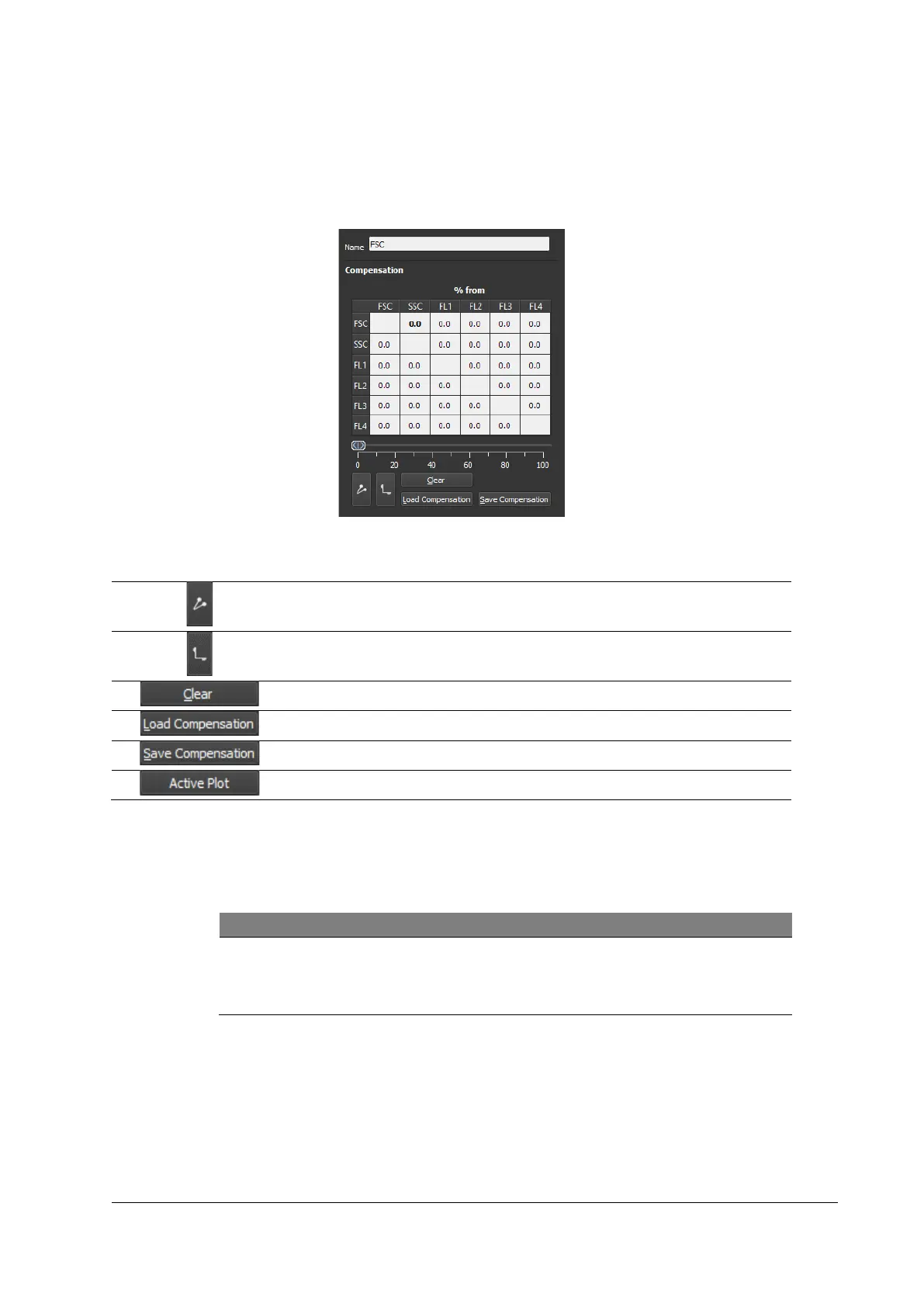
The Compensation tab provides controls allowing you to calculate fluorescence
compensation.
The bottom left buttons beneath the slide bar enable and disable compensation.
Figure 18: Compensation tab
Switch Compensation ON / OFF
Show / Hide overcompensated particles
Clear compensation settings
Load compensation settings
Save compensation settings
Only shows the compensation pair of the currently activated dot plot
Procedure
1. Select a parameter combination to compensate.
2. Use the slide bar to set the percentage of compensation.
Saving and Loading Compensation data
Compensation files can be saved and loaded using the according buttons
in the Compensation tab.



 To Next Page