User Manual for Oscar GNSS Receiver v2.4
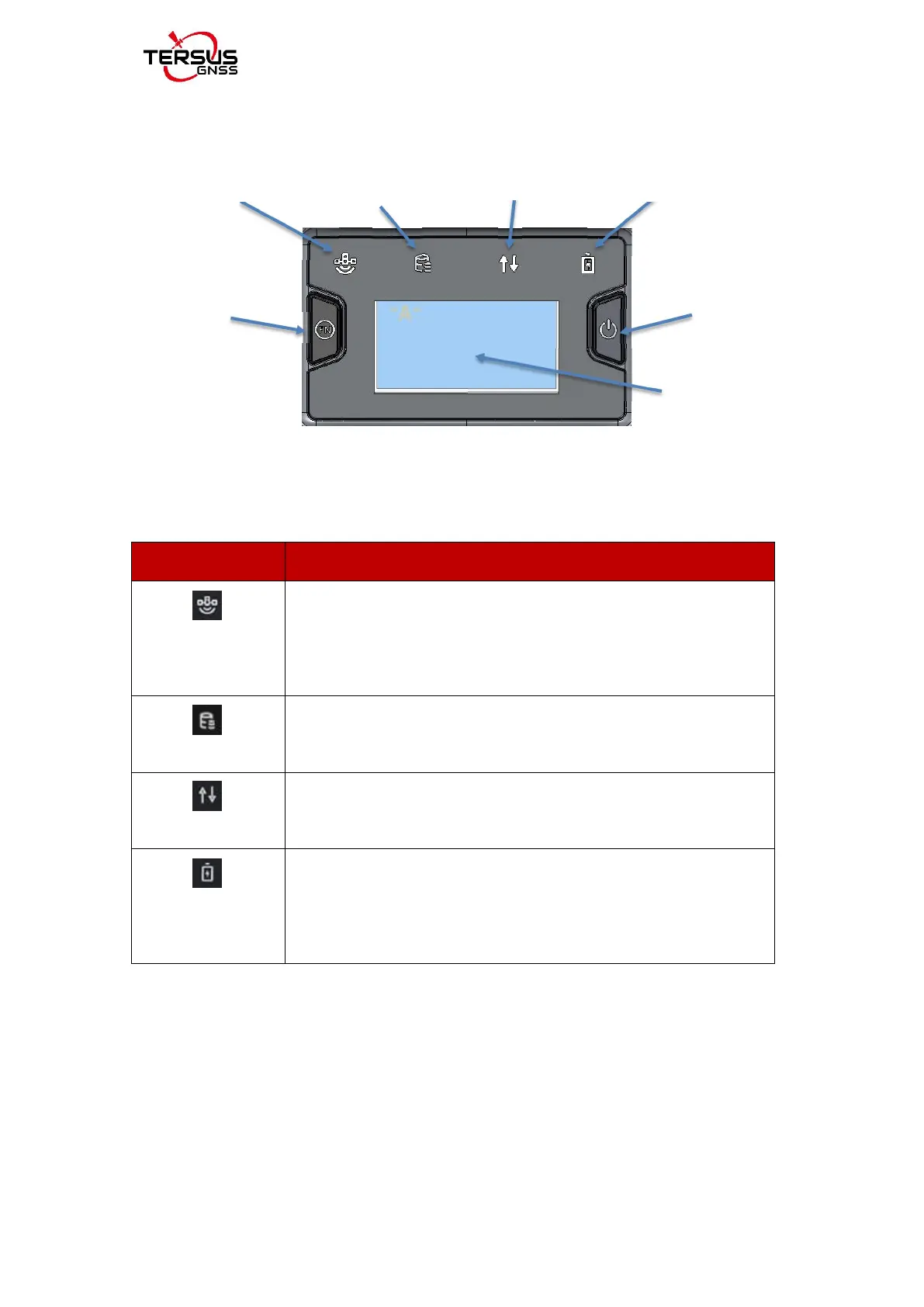
Figure 1.5 Buttons and display on Oscar Advanced
Table 1.3 LED indicators on Advanced version
Green LED. Flashing every 5 seconds indicates that it is searching
satellites. After satellites are searched, it flashes N times every 5
seconds, in which N indicates N satellites are found.
Green LED indicates static survey mode.
Green and Red LED. Green indicates correction data, and red
indicates solution status.
Green LED. Steady green in normal operation. Slow flash indicates
the battery level is between 30% and 10%. Fast flash indicates the
battery level is below 10% and reminds users to change battery.



 To Next Page