User Manual for Oscar GNSS Receiver v2.4
62
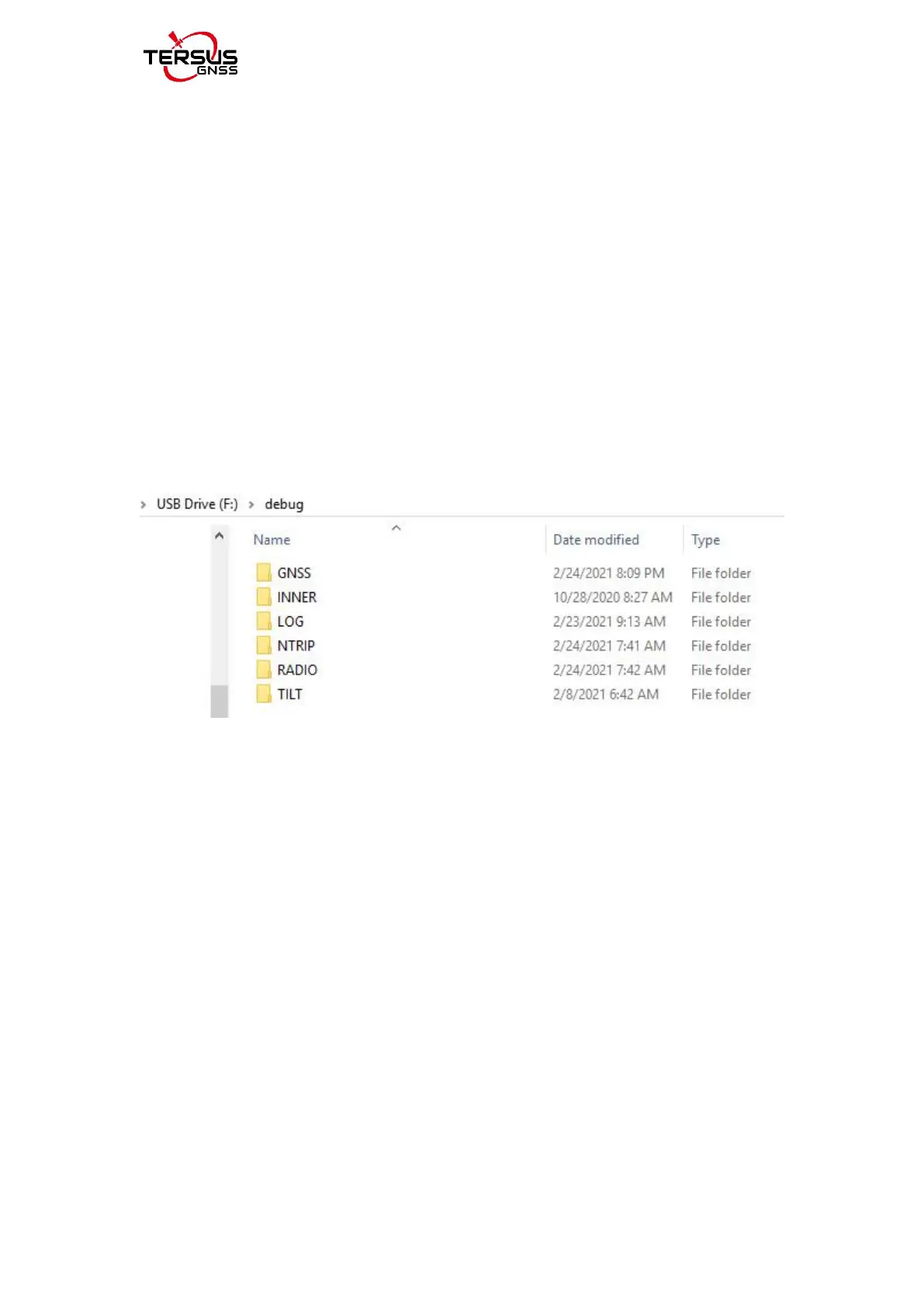
debug information includes GNSS, tilt, internal radio and NTRIP information.
For Oscar Basic version, you can click [Device] -> [Device Debug] -> [Set] in
Nuwa app. After you select some debug info to turn on and confirm, Oscar will
record them when you are doing survey work.
If your Oscar hardware version is 2 in [Device Info] -> [GNSS INFO] ->
[Hardware], you can click [Device Info] -> [Disk Management] -> [Download
Log] on Oscar panel (Oscar Ultimate and Advanced versions)or click [Device]
-> [Inner Log] -> [Sync] in Nuwa app(Oscar Basic version), then connect the
receiver and PC via a Mini USB cable,download inner data of the GNSS board
in the F:\debug\INNER folder on your computer for issue debugging.
Figure 2.20 Debug info folders
Send these debug info to Tersus technical support team to help solve the
problems you encountered.



 To Next Page