User Manual for Oscar GNSS Receiver v2.4
83
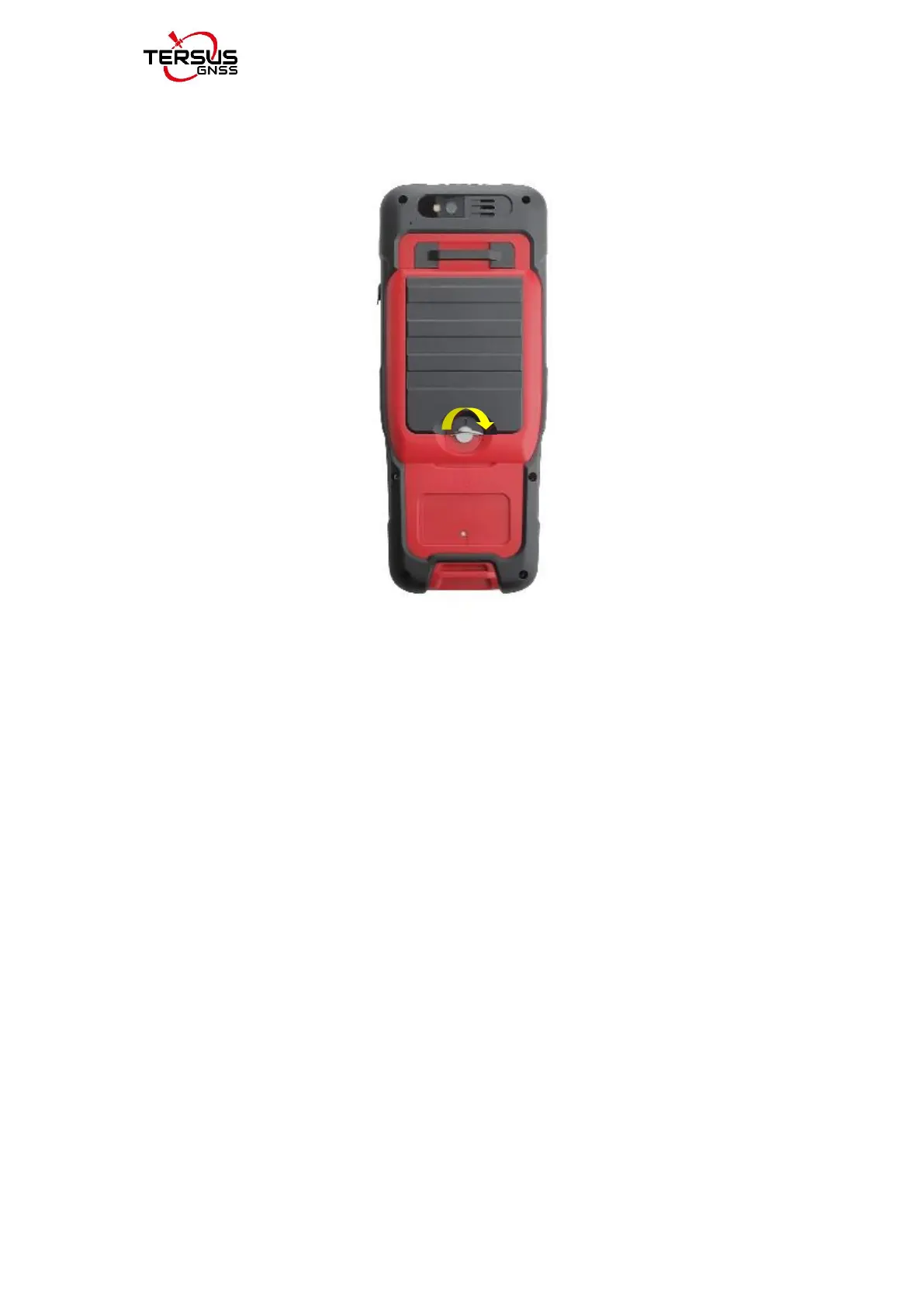
5. Insert the back cover: Insert the back cover and rotate screws clockwise
to lock the back cover shown as below.
Figure 2.57 Insert the back cover
Note: Please power off the phone before plug in or pull out the SIM card.
2.7.2Micro SD Card
1. Connect USB, turn on USB storage.
It automatically pops up USB connected interface after connecting USB, and
then click “Turn on USB storage” to use the Micro SD as USB storage.



 To Next Page