User Manual for Oscar GNSS Receiver v2.4
2.General Operations
This chapter includes setting up, configuration and other related operations.
2.1Setting up Oscar
2.1.1 Insert the battery
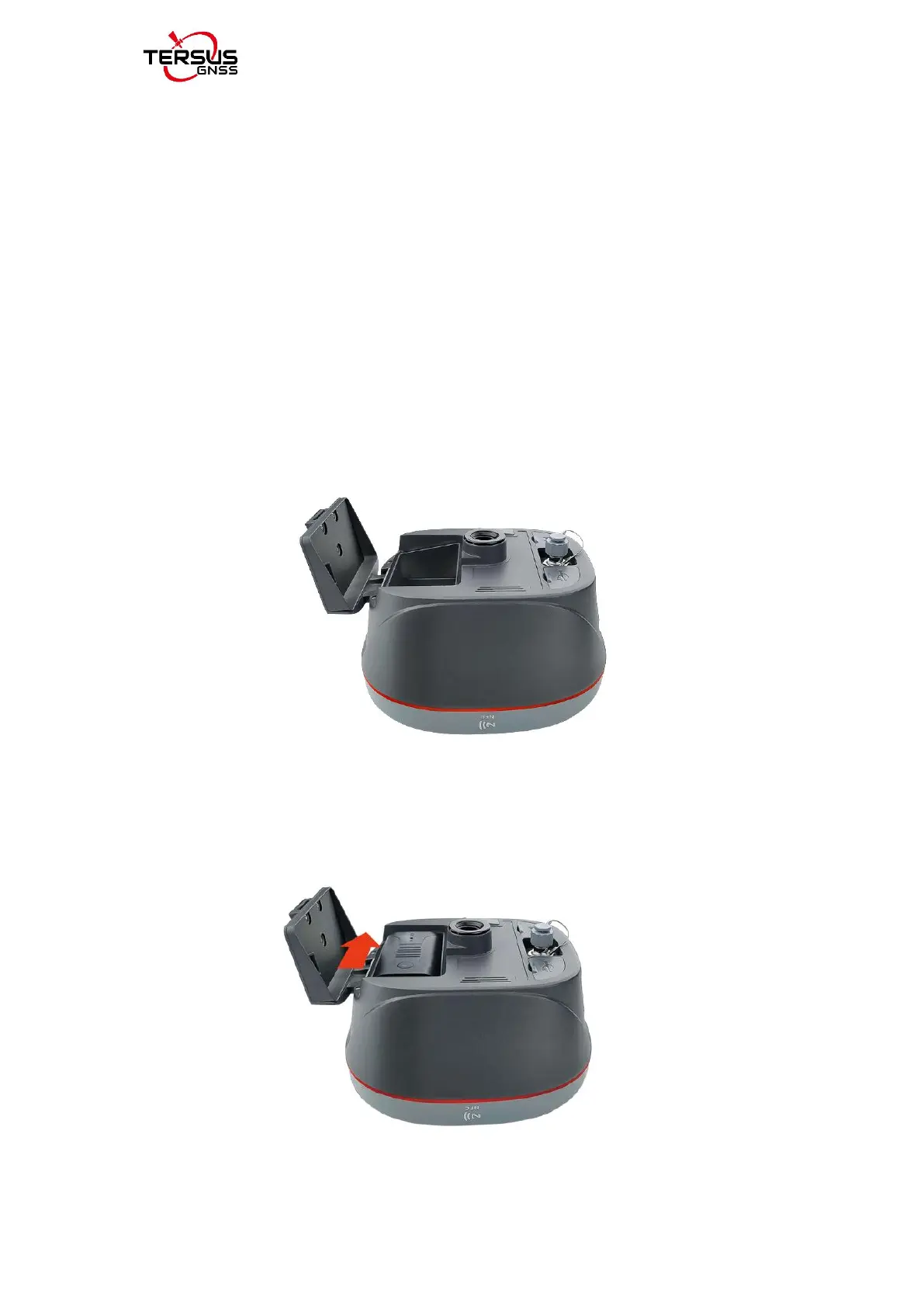
Open the battery cover, notice the metal contact on the bottom, put one battery
align the metal contact position, and make sure the button end is close to the
battery compartment.
Figure 2.1 Open the battery cover
Push the battery in the direction of the arrow on the top, the battery is properly
installed after a ‘click’, then close the cover and lock it.
Figure 2.2 Put one battery in Oscar



 To Next Page