User Manual for Oscar GNSS Receiver v2.4
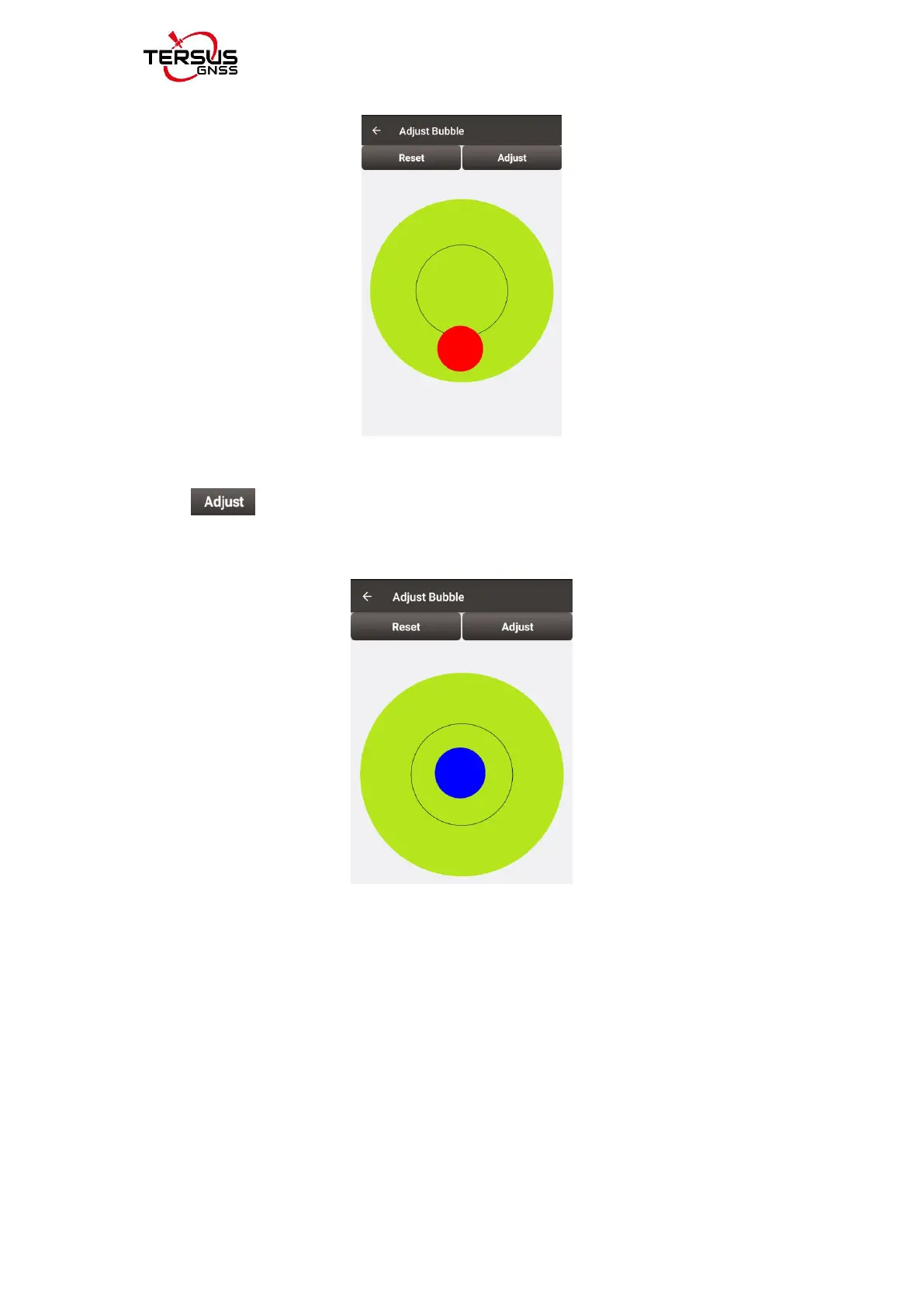
Figure 2.9 eBubble before adjusting
Click on the right, the eBubble is calibrated to the center inside the
black circle and the bubble color turns blue.
Figure 2.10 eBubble after adjusting
2.2.2.3Registration
When the registration is not effective, follow below steps to complete the
registration.
1) Connect the TC20/TC50 controller to your computer with a mini USB cable,
and choose "Use USB for Transfer files" on the TC20/TC50 screen.
2) Click TC20/TC50 -> Internal storage -> TersusSurvey on the computer,



 To Next Page