User Manual for Oscar GNSS Receiver v2.4
Figure 2.7 Connect Oscar via Bluetooth
Select [Bluetooth] for the Connect Type. Click [Connect Config] to search and
pair the Bluetooth address of Oscar. The antenna is selected as [Oscar] by
default. Then click [Connect] to enable the communication between
TC20/TC50 controller and Oscar.
2.2.2.2Electronic Bubble (eBubble)
Make the body of Oscar stand on a leveled Tribrach before eBubble calibration.
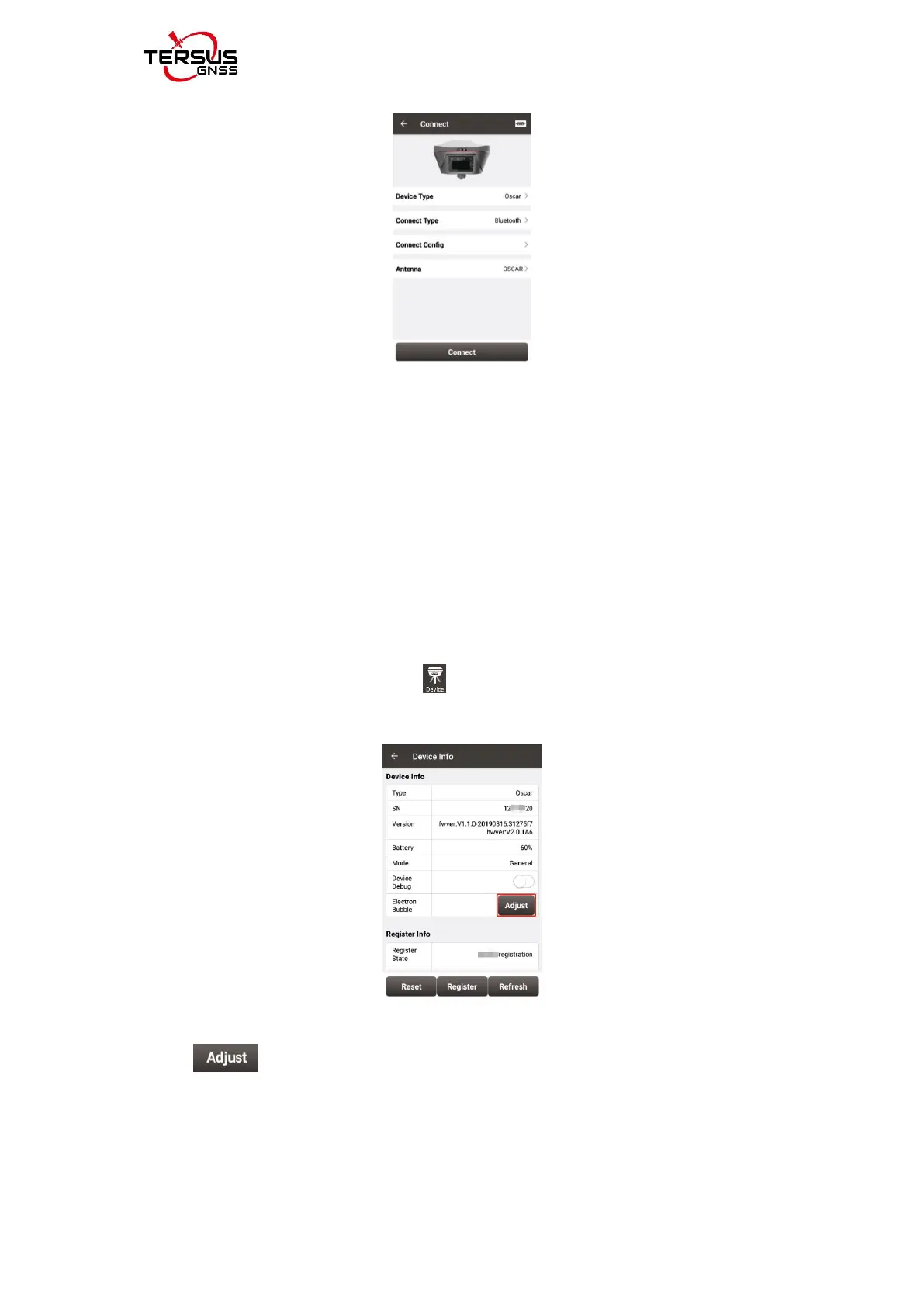
Click the device information icon on the top tool bar of Nuwa, the Oscar
info is shown as below.
Figure 2.8 Device info of Oscar
Click on the right of electronic bubble to adjust bubble. On the
screenshot below, the eBubble is not in the black circle and its color is red for
warning purpose.



 To Next Page