User Manual for Oscar GNSS Receiver v2.4
100
logo. The Bluetooth pairs automatically after a beep and Nuwa is launched
requesting to open the latest project. Click [OK] and start configuring
Oscar from step 7. Also you can click [Cancel] to create a new project or
open an existing project, and then start configuring Oscar from step 7.
4. If using an android device without NFC function, ensure Oscar is powered
on, and launch Nuwa application on the android device. Click [Project] in
the main interface to create a new project or open an existing project and
connect Oscar manually.
5. Back to the main interface of Nuwa app, click [Device] -> [Connect] under
an opened project.
6. Select [Oscar] for the Device Type, select [Bluetooth] for the Connect Type,
click [Connect Config] to search and pair the Bluetooth address of Oscar,
select [Oscar] for the Antenna and click [Connect] to enable
communication between the android controller and Oscar.
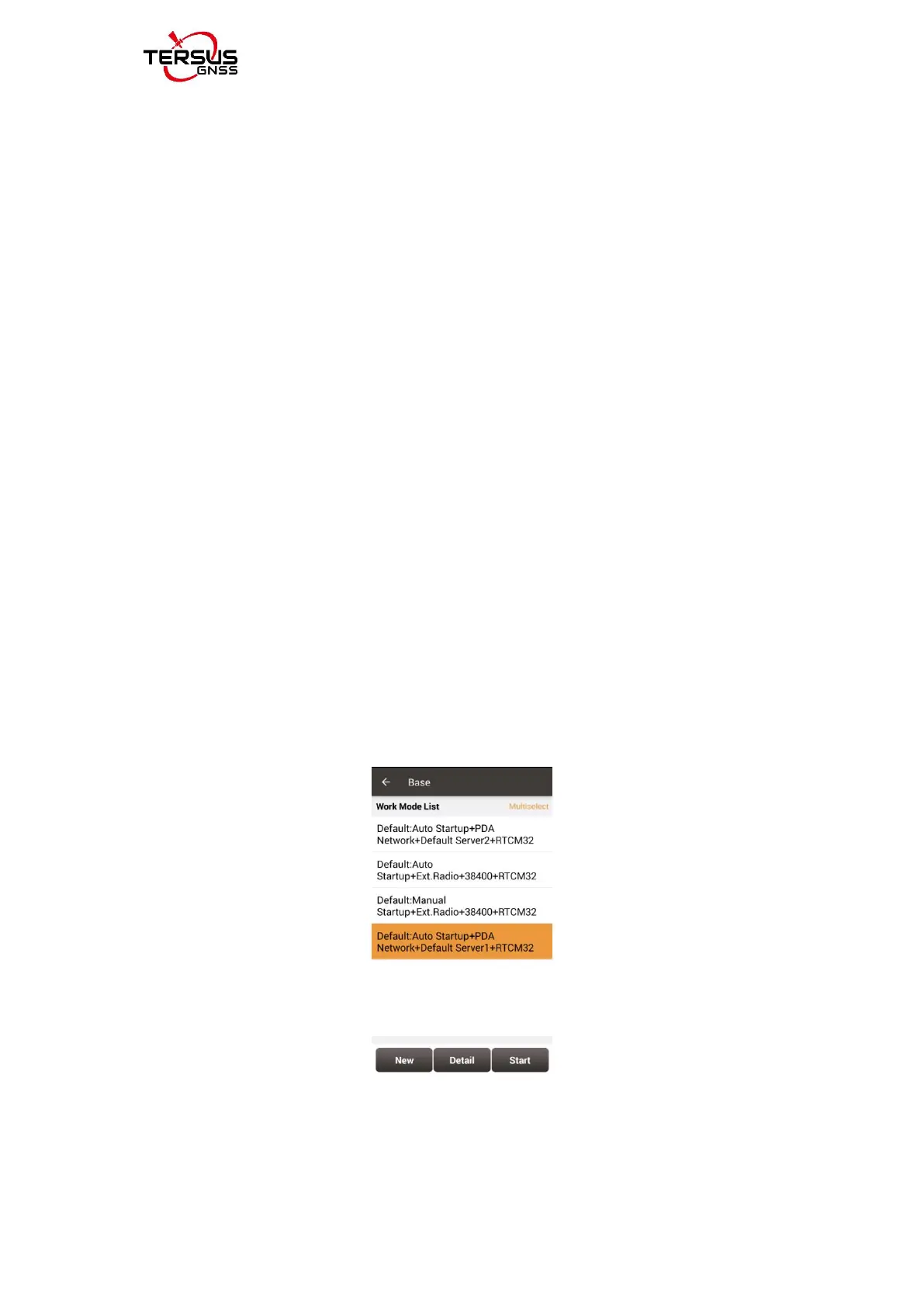
7. Back to [Device] - > [Base], click [New] to create a new configuration for
base.
Figure 4.4 Base setting interface
8. Edit the base configuration for Oscar GNSS receiver. The startup mode



 To Next Page