User Manual for Oscar GNSS Receiver v2.4
81
2.7Operations of TC20 controller
2.7.1Insert SIM card and Micro SD card
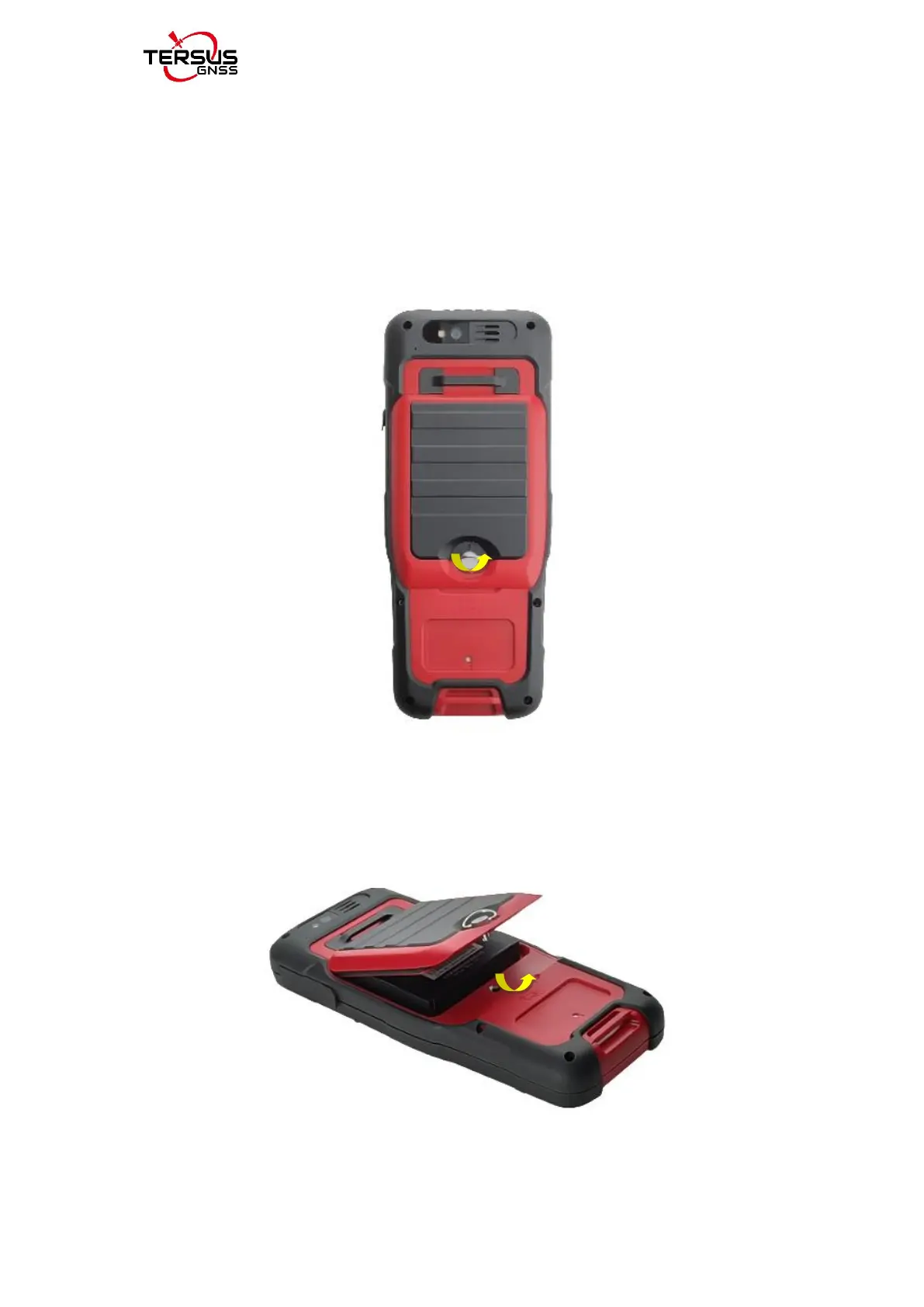
1. Remove the back cover: Loosen the screws on the back side - to rotate
the screws anti-clockwise until open the back cover shown as below.
Figure 2.53 Remove the back cover
2. Take off the back cover: Remove the back cover by lifting it up from the
bottom part shown as below.
Figure 2.54 Take off the back cover



 To Next Page