User Manual for Oscar GNSS Receiver v2.4
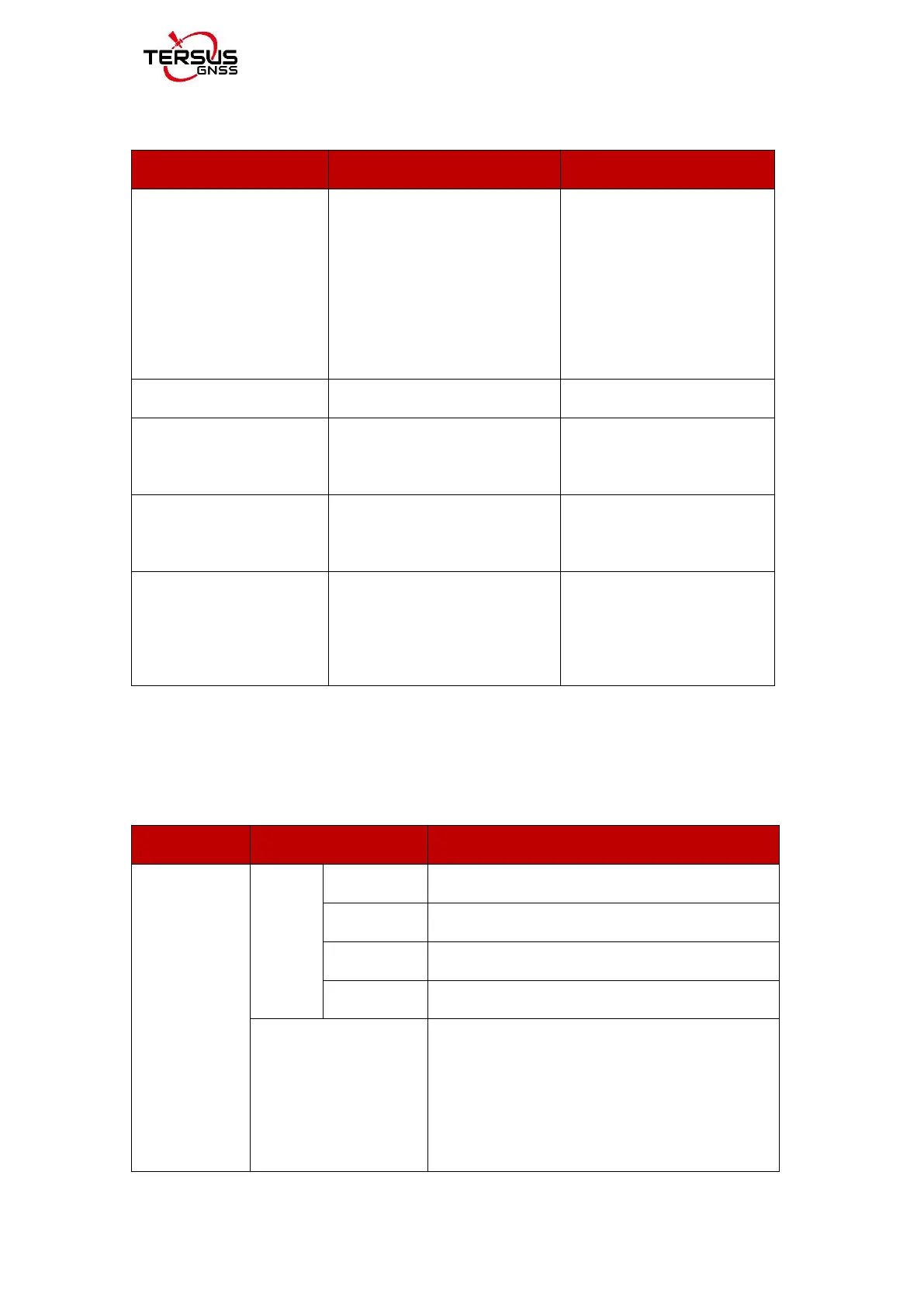
Table 2.4 Button configuration for Oscar Basic
Press the power button for 2s
All six LEDs light up and
remain for 3s, then all go off
and battery LED is steady
green if battery level
is >30%.
Press the power button for 3s
Press and hold FN button for
3s
Turn off static recording
Press and hold FN button for
3s
Press and hold the FN button,
continuously tap the power
button 5 times
All LEDs light up for 5
seconds.
2.2.1.2Panel options and operation introduction
SV & BAT
Press the power button to enter the next level of display interface.
Satellite
Solution&
Battery
The receiver is in single point solution state.
The receiver is in float point solution state.
The receiver is in fixed solution state.
Quantity of all visible satellites and satellite
quantity of each constellation. G means GPS, R
means GLONASS, B means Beidou, E means
Galileo, S means SBAS, Q means QZSS.



 To Next Page