User Manual for Oscar GNSS Receiver v2.4
2.2.2Configure via TC20/TC50 controller
The detailed introduction of TC20 controller refers to section 1.3.3 and
technical specification refers section 3.2. The detailed introduction of TC50
controller refers to section 1.3.4 and technical specification refers section 3.3.
Here in this section describes how to configure Oscar via Nuwa app which is
installed in TC20/TC50 controller.
2.2.2.1Connect Oscar in Nuwa
The general operations of Nuwa app refer to User Manual for Nuwa App which
can be downloaded on Tersus official website.
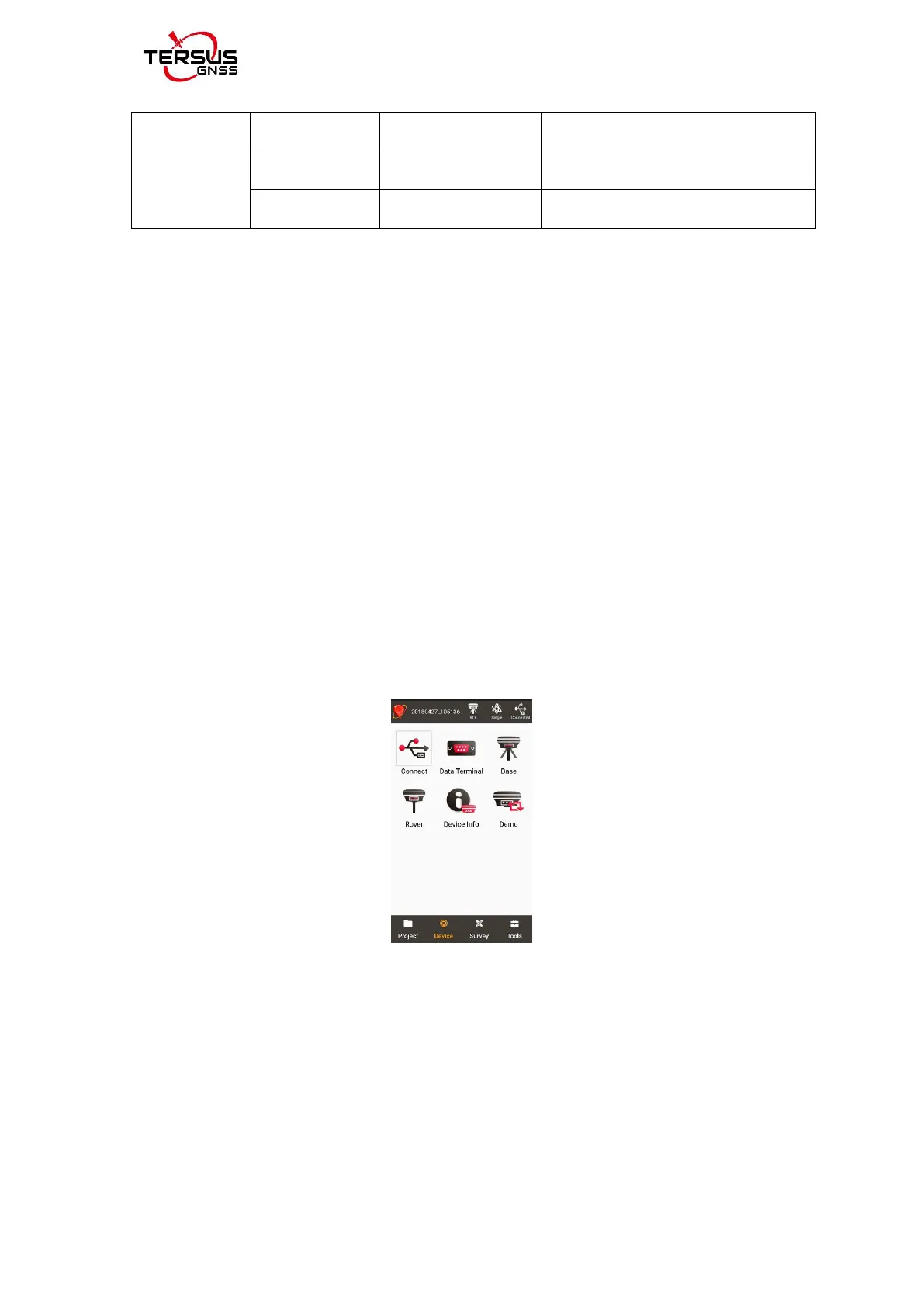
Figure 2.6 Device functional group
When Oscar GNSS receiver is powered on, to connect Oscar, put TC20/TC50
controller near the NFC logo on Oscar, the TC20/TC50 controller pair
Bluetooth with Oscar automatically; or click [Device] -> [Connect] under an
opened project, and select [Oscar] for the Device Type which is shown as
below.



 To Next Page