User Manual for Oscar GNSS Receiver v2.4
2.1.2 Insert the SIM card
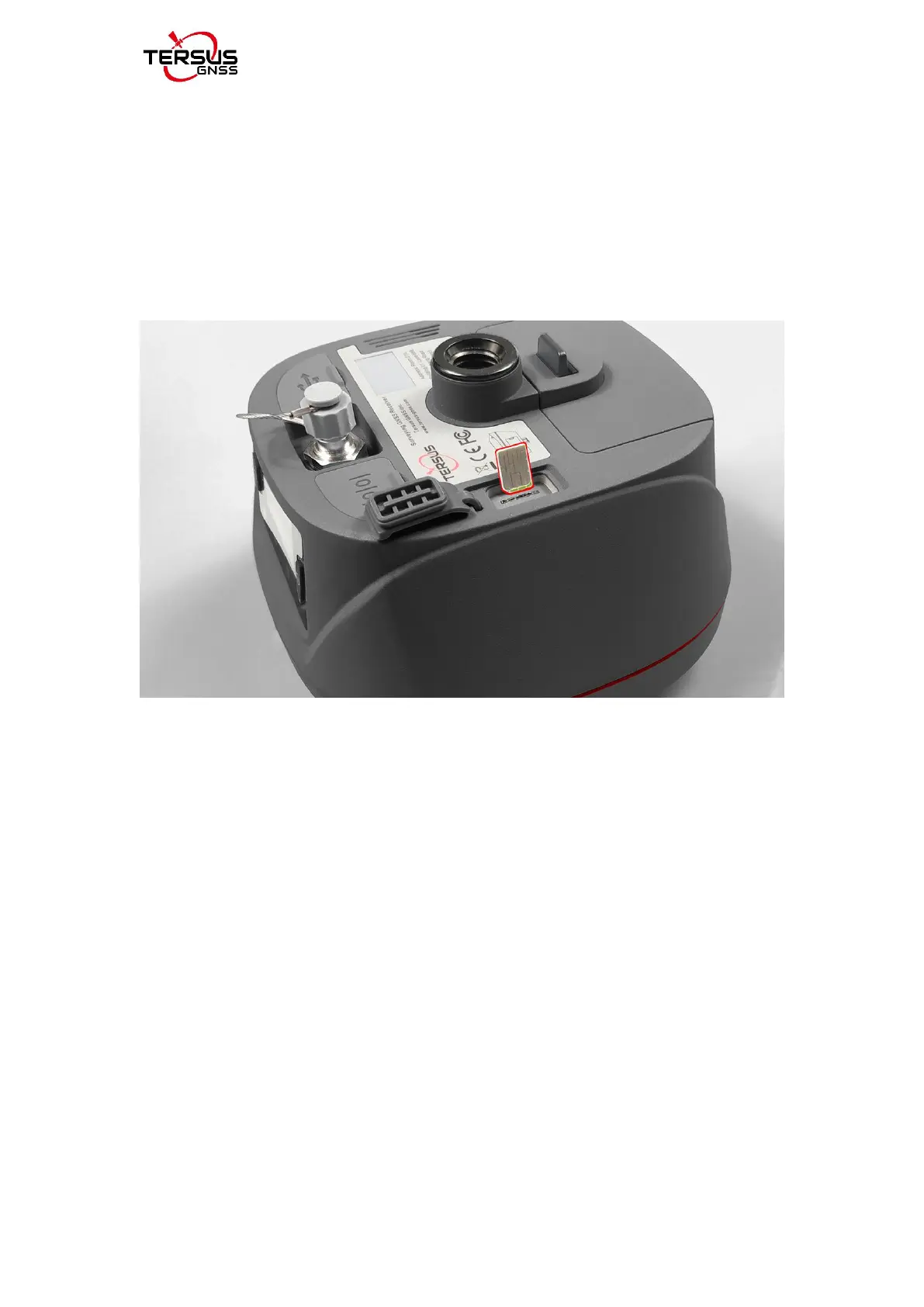
When 4G/3G/2G network is chosen for survey operation, you need to insert a
nano SIM card into Oscar GNSS receiver. Insert the nano SIM card with the
contacts facing outside which is shown as below.
Figure 2.3 Insert the SIM card
To eject the nano SIM card, slightly push it in to trigger the spring-loaded
release mechanism.
Note: The SIM card is provided by your cellular network service provider.



 To Next Page