User Manual for Oscar GNSS Receiver v2.4
60
2.3Data download
2.3.1Connection
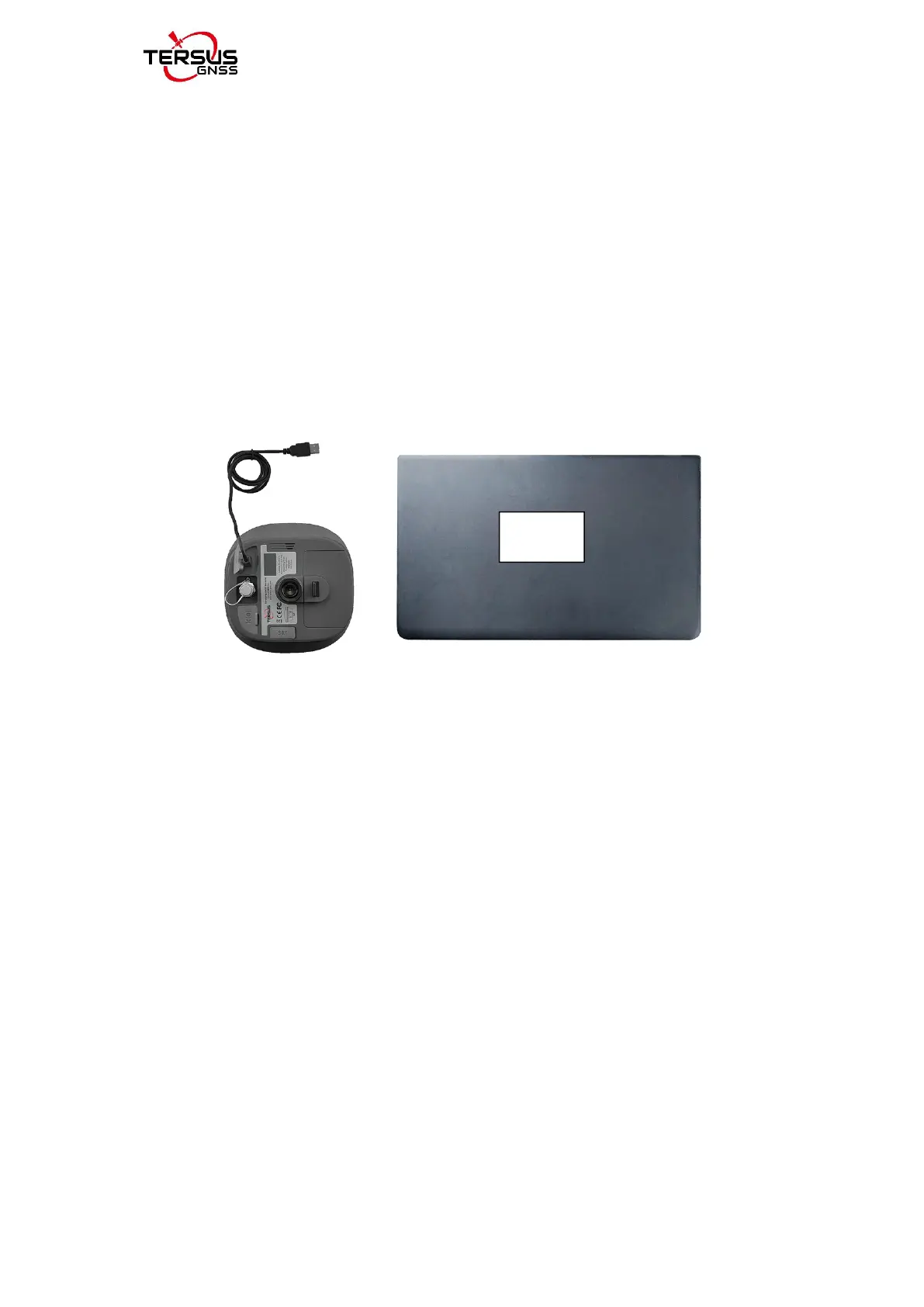
Oscar can be used as an USB storage device when connecting with a
computer. Before connecting Oscar to a computer, ensure Oscar is powered
on. Use the Mini USB cable in the package to connect Oscar to the USB port
of a computer which is shown as below.
Figure 2.16 Connect Oscar to a computer
After completing the connection, a USB device is listed in the file browser of
the computer. Find the data file needed to download, copy and paste it to a
designated folder in your computer.
2.3.2Download static data
If you want to download the recorded static data for post processing, find
F:\record folder in the USB drive shown as below, and then copy the specific
file you need to your computer.



 To Next Page