User Manual for Oscar GNSS Receiver v2.4
then copy the license file obtained from Tersus Technical Support to the
"TersusSurvey" folder.
3) Open Nuwa app on TC20/TC50, click [Register] in Device information
interface. Click [Refresh] to update the registration status.
Note:
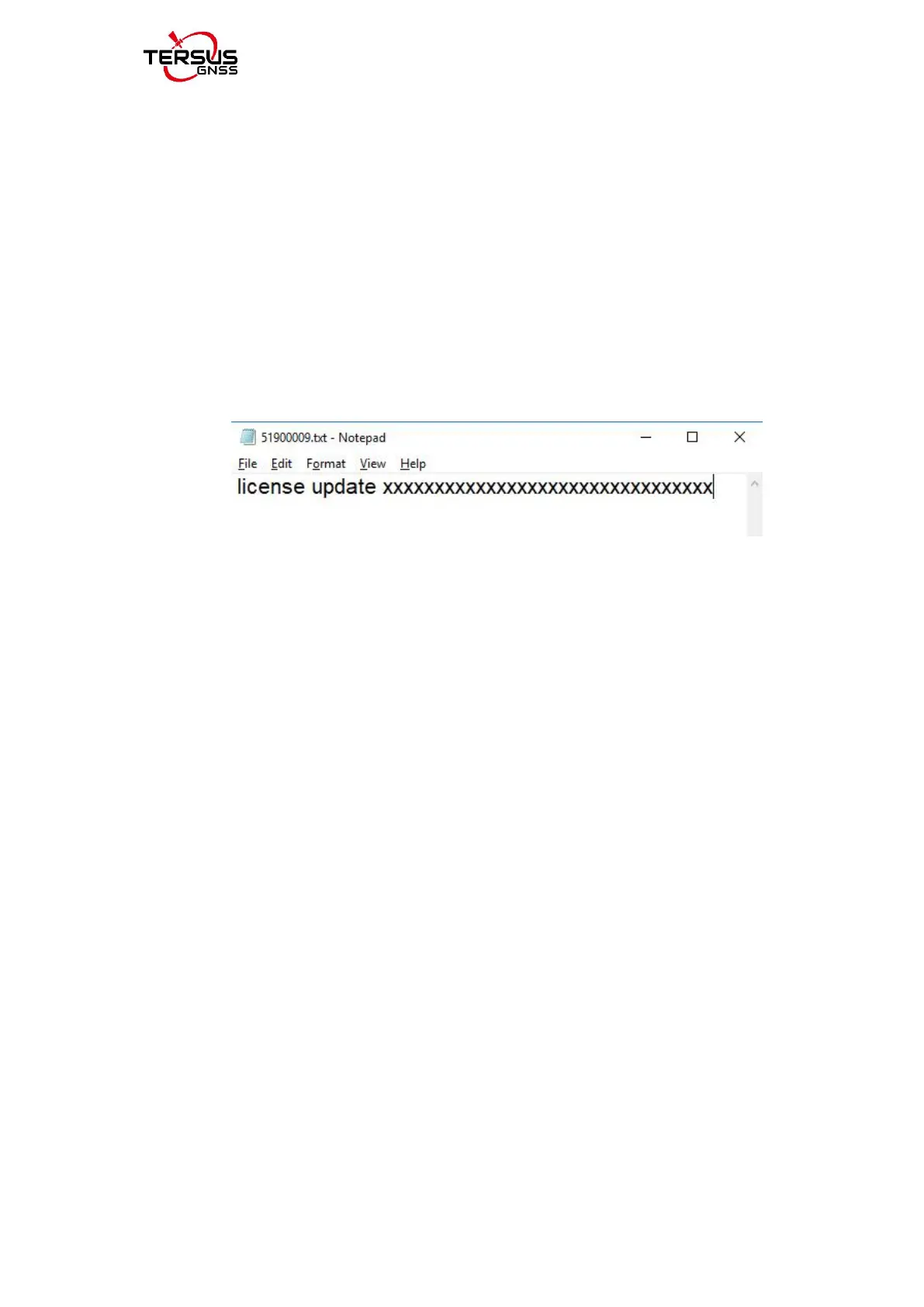
a) The registration file is text format file saved as xxx.txt.
b) The registration file name consists of the first three digits and the last five
digits of the SN number. The example is as below.
Figure 2.11 Example of Oscar’s registration file
The other method is registering using QR code.
Click the scan button at the top right of the device information interface and
directly scan the QR code provided by Tersus to complete the registration.
2.2.2.4Configure base or rover
To configure Oscar as a base or rover, back to Device interface which is shown
in Figure 2.6 Device functional group, click [Base] or [Rover], then create a
work mode of detailed configurations for base or rover which are shown as
below.



 To Next Page