User Manual for Oscar GNSS Receiver v2.4
80
2.6Battery change mode
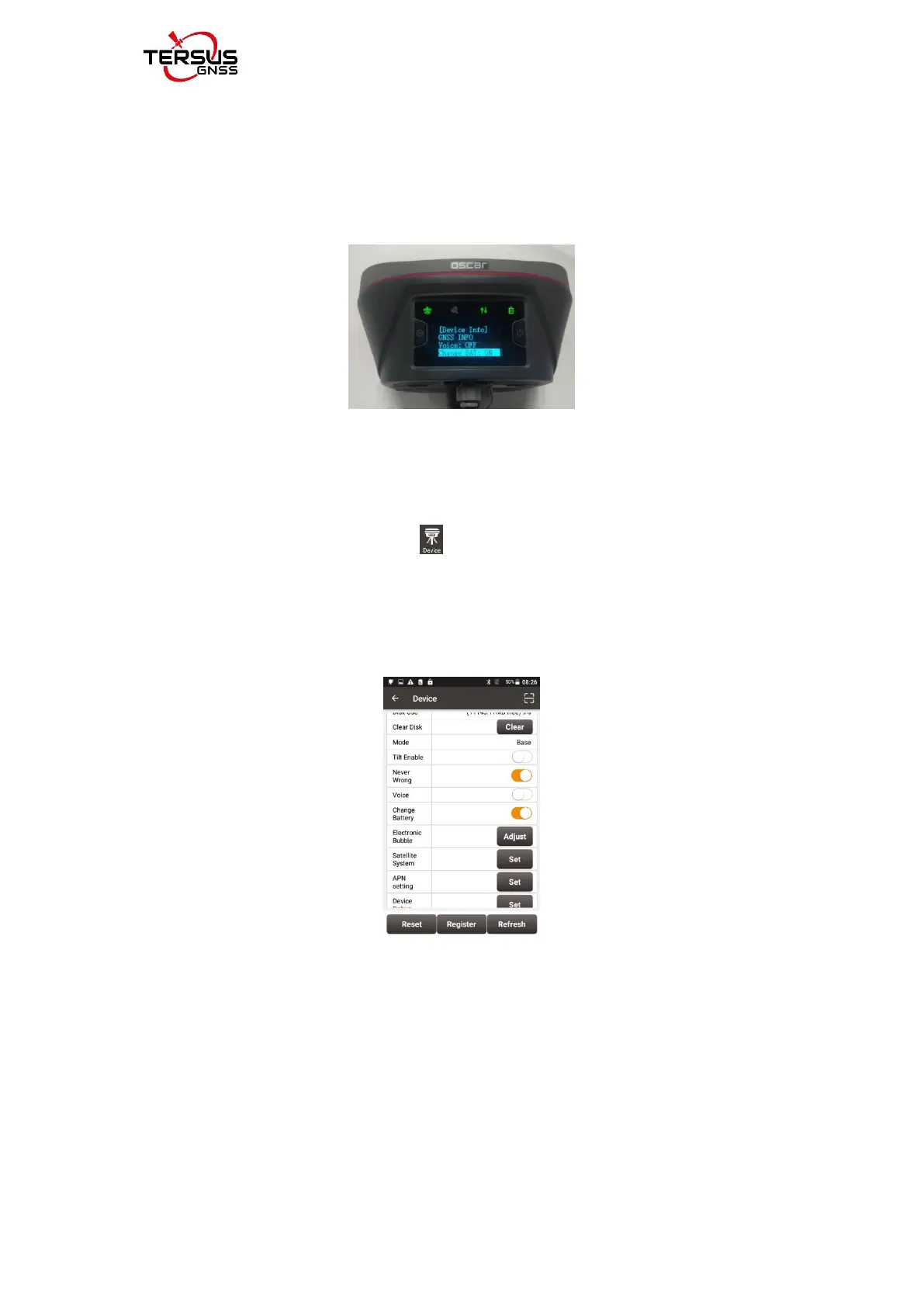
Oscar GNSS receiver Ultimate and Advanced can config the battery change
mode through the panel options. [Device Info] - [Change BAT] - select [ON].
The interface for opening battery change mode is shown in the figure below.
figure 2.51 change bat
Oscar GNSS receiver Basic can config the battery change mode through
controller. NUWA connects to the Oscar receiver via NFC or Bluetooth (see
2.4.1 for the connection method).
Click the device information icon on the top tool bar of Nuwa to enter the
device information interface. Click the button on the right side of the battery
change mode row, and a prompt appears: succeed to config battery change
mode, and the battery change mode can be successfully opened, as shown in
the figure below.
figure 2.52 the battery change mode
When the battery change mode is turned on, turn off the receiver, replace the
battery and restart the device, and it will maintain the working mode before
shutting down; if the base station is in auto start mode before shutting down,
the original auto-start base station coordinates will be maintained; if the base
station is started at a known point before shutting down, it will keep the mode
of starting at the known point; if it was at rover mode before shutting down, it
will keep the rover mode after changing battery.



 To Next Page