User Manual for Oscar GNSS Receiver v2.4
Power off: Press and hold the power button for 3 seconds, select ‘power off’ in
the menu option.
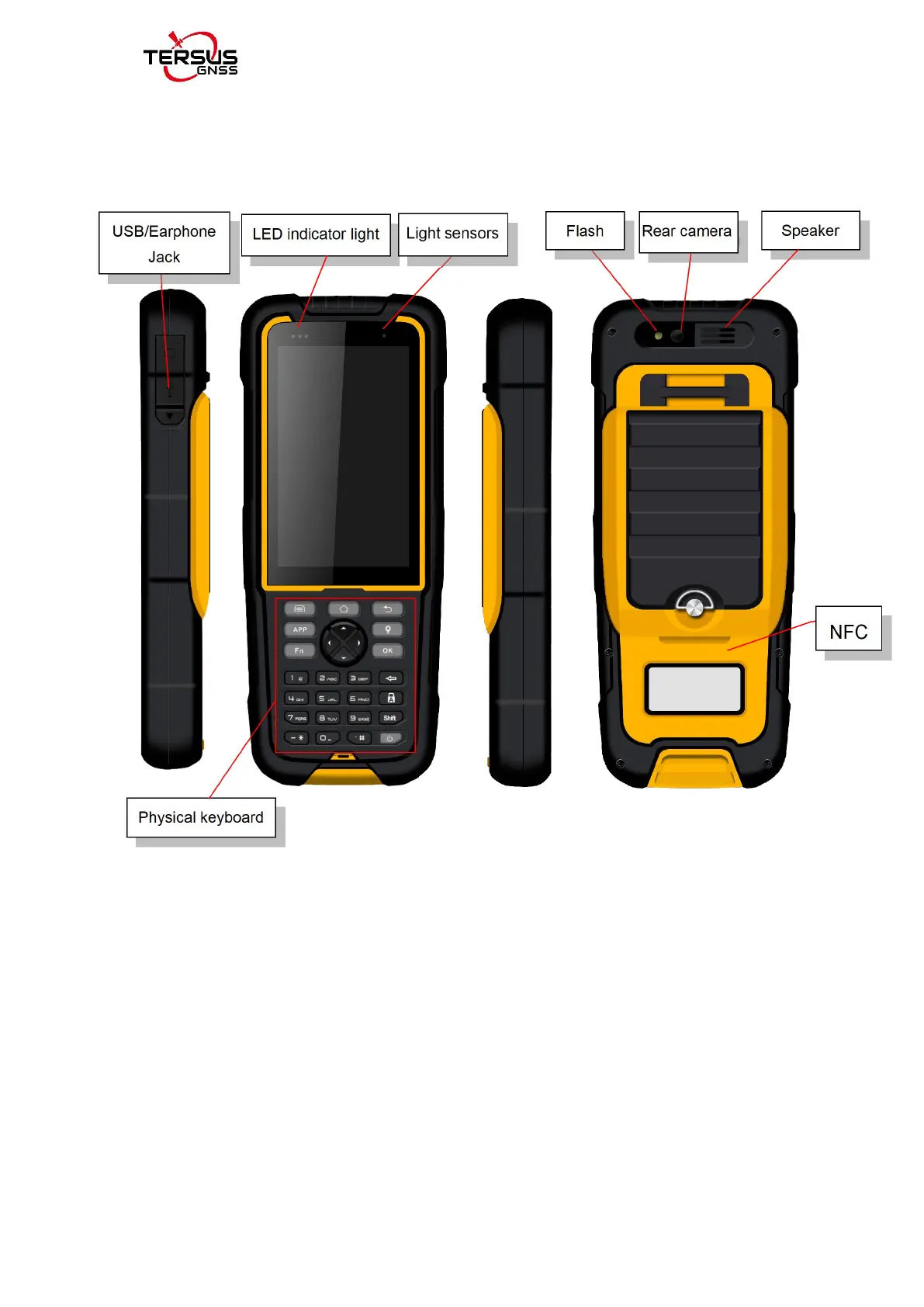
Menu key: Select to show the available menu in current screen.
Home key: Return to home screen. Press and hold it to view recent
application.
Back key: Return to previous screen.
APP key: launch Nuwa app.
Point key: collect point manually under survey interface.
FN key: shift keypad language under some input method.
OK key: confirm or wrap to the next line.
Figure 1.13 Four sides of TC20 controller



 To Next Page