User Manual for Oscar GNSS Receiver v2.4
Power on: Press and hold the power button for 3 seconds
Power off: Press and hold the power button for 3 seconds, select ‘Power Off’
in the menu option.
Reboot: Press and hold the power button for 2 seconds and click "Restart" in
the menu option.
Forced restart: Press and hold the power button for 8 seconds to force the
controller to restart.
Introduction of functional keys
:
Menu Key: Select to show applications that was used recently.
Home Key: Return to home screen. To view recent application, press and
hold the home key.
Back Key: Return to previous screen.
APP Key: Quick start Nuwa application.
Blue Positioning Key: Perform the function of starting measurement
in the Survey and Stakeout interface of Nuwa application.
Yellow Bulb Key
:
Control the screen on and off.
ENTER Key: Execute the function of confirming in Nuwa application.
The accessories of TC50 Controller are listed below.
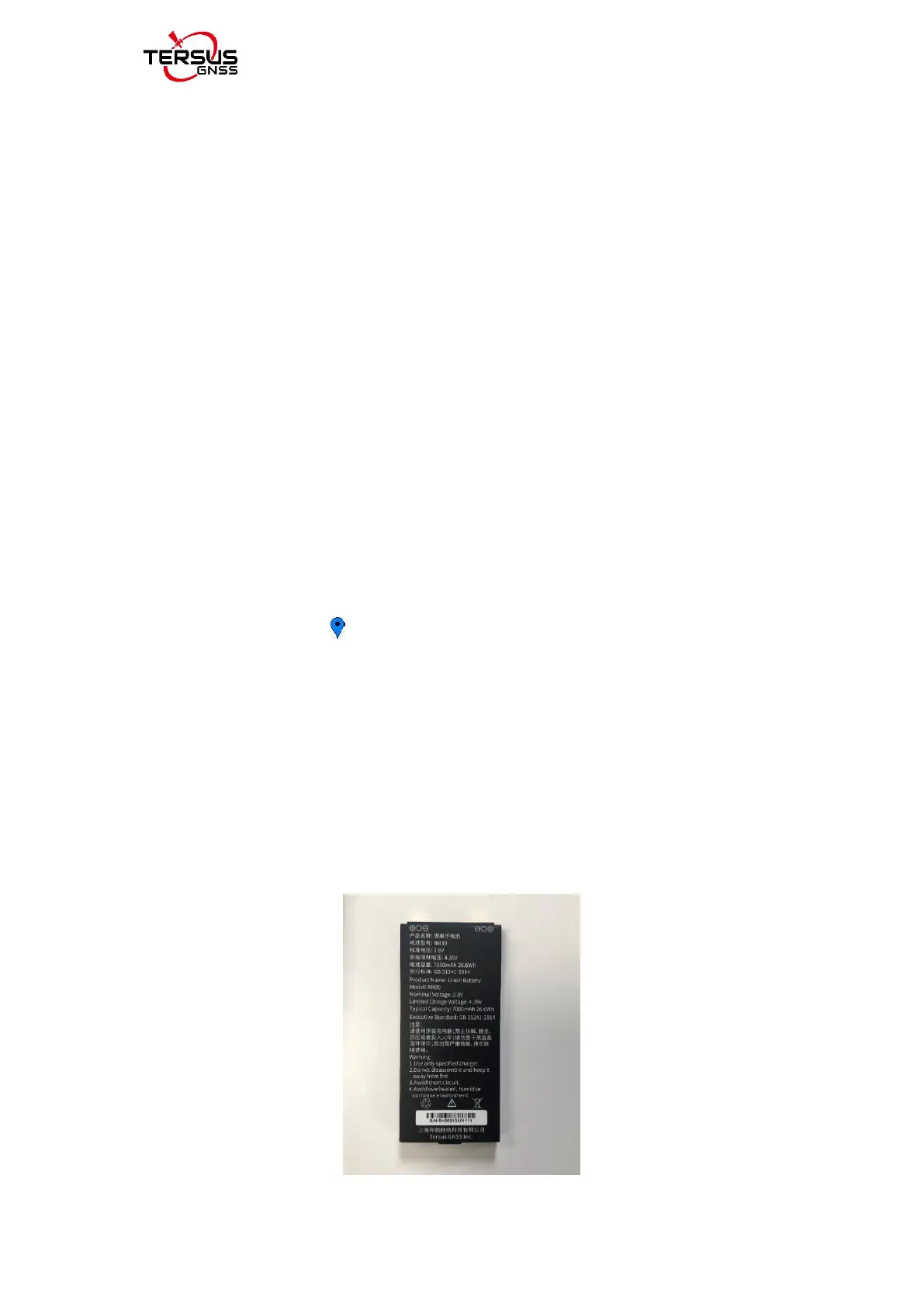
TC50 Lithium Battery (3.8V/7000mAh)



 To Next Page