User Manual for Oscar GNSS Receiver v2.4
64
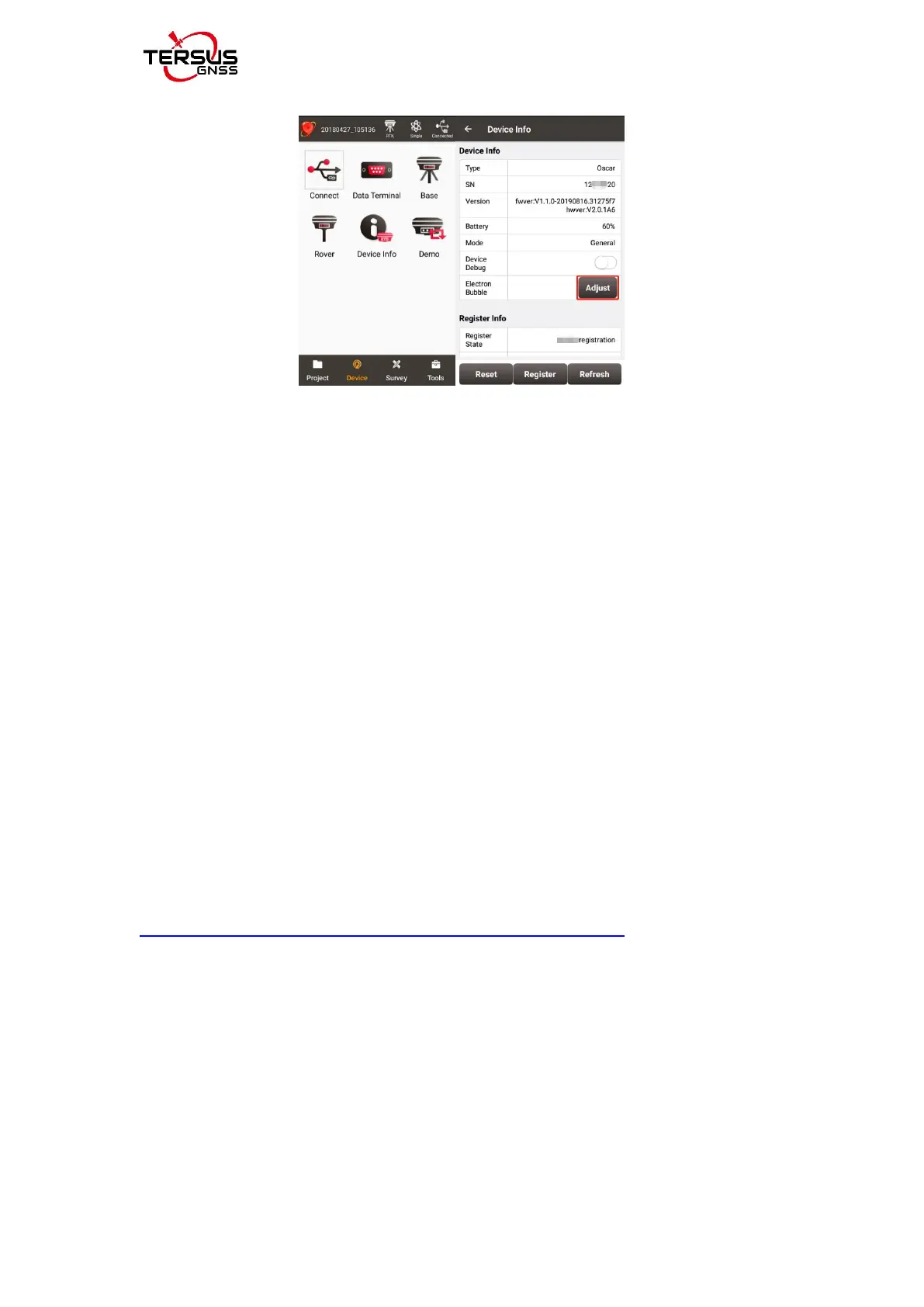
Figure 2.22 View Oscar firmware version
For Ultimate and Advanced versions, you can also check the firmware version
by switching the button. In the [device information] -[GNSS information]-
[firmware version], you can view the firmware version of the GNSS board
inside Oscar. In the [device information] - [software version], you can view
Oscar firmware version.
Please be noted that your Oscar firmware version is V2.0.0 or higher, you
can upgrade the firmware through the built-in storage of the host. If your
Oscar firmware version is below V2.0.0, you can use a USB flash drive to
upgrade the firmware.
2.4.1.1Upgrade the firmware through a USB flash drive
The detailed steps are as follows.
1) Download the latest firmware file from Tersus website
https://www.tersus-gnss.com/software/oscar-gnss-receiver.
If your Oscar firmware version is V1.2.x or previous versions, it is needed to
upgrade to V1.3.1 firmware first , and then upgrade to the latest firmware.
V1.3.1 firmware needs to download the specific upgrade package that is
designated for your Oscar version (Ultimate/Advanced/Basic),as shown below.
Please be noted that the downloaded file is a .zip file, unzip this file to find a
PDF document and the firmware file of .GZ format, DO NOT unzip the



 To Next Page