Operation
Instrument Controls Menu
3-44 Model 48i Instruction Manual Thermo Electron Corporation
Note Add Labels and Prepend Timestamp are toggle items that change
between yes or no when selected.
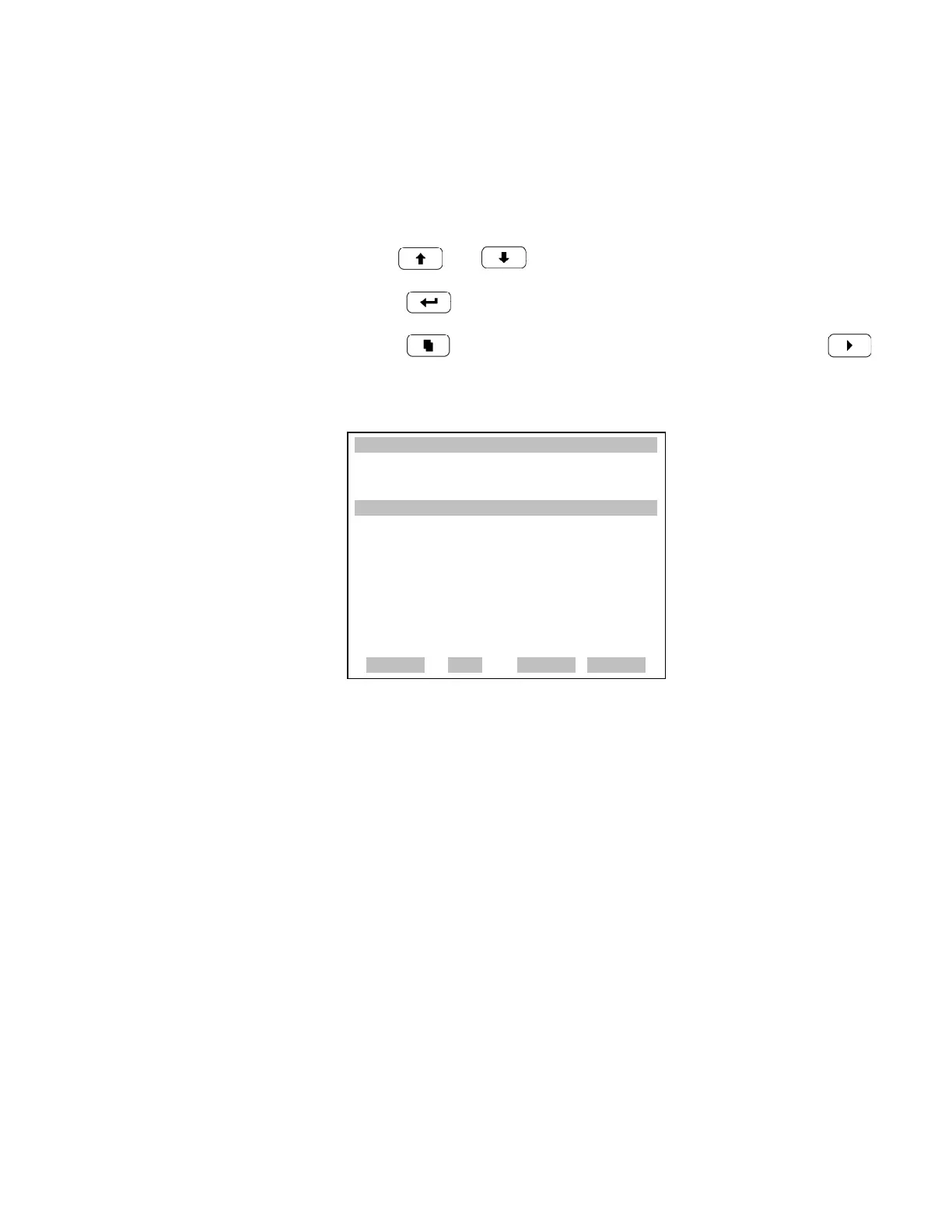
• In the Main Menu, choose Instrument Controls > Communication
Settings > Streaming Data Config.
• Use and to move the cursor up and down.
• Press to select a choice.
• Press to return to the Communication Settings menu or
to return to the Run screen.
Streaming Data Interval The Streaming Data Interval screen is used to adjust the streaming data
interval. The following interval times are available: 1, 2, 5, 10, 20, 30, 60,
90, 120, 180, 240, and 300 seconds.
• In the Main Menu, choose Instrument Controls > Communication
Settings > Streaming Data Config > Streaming Data Interval.
XXLO WCONCENTRATIONXXLO W
CO 15.80 PPM
SAMPLE 12:34 ALARMx
STREAMING DATA CONFIG:
>INTERVAL 10 SEC
ADD LABELS NO
PREPEND TIMESTAMP YES
ITEM 1 CO
ITEM 2 INTT
ITEM 3 CHT
ITEM 4 PRES
ª
RANGE AVG DIAGS ALARM
ITEM 5 SMPLFL
ITEM 6 NONE
ITEM 7 NONE
ITEM 8 NONE
ITEM 9 NONE
ITEM 10 NONE
ITEM 11 NONE
ITEM 12 NONE
ITEM 13 NONE
ITEM 14 NONE
ITEM 15 NONE
ITEM 16 NONE
ITEM 17 NONE
ITEM 18 NONE











 To Next Page