Operation
Instrument Controls Menu
Thermo Electron Corporation Model 48i Instruction Manual 3-45
• Use and for a list of choices.
• Press to save the new streaming data period.
• Press to return to the Streaming Data Config menu or to
return to the Run screen.
Choose Item Signal The Choose Signal screen displays a submenu list of the analog output
signal group choices. Group choices are Concentrations, Other
Measurements, and Analog Inputs (if the I/O expansion board is installed).
• In the Main Menu, choose Instrument Controls > Communication
Settings > Streaming Data Config > Item 1-18.
• Use and to move the cursor up and down.
• Press to select a choice.
• Press to return to the Streaming Data Config submenu or
to return to the Run screen.
XXLO WCONCENTRATIONXXLO W
CO 15.80 PPM
SAMPLE 12:34 ALARMx
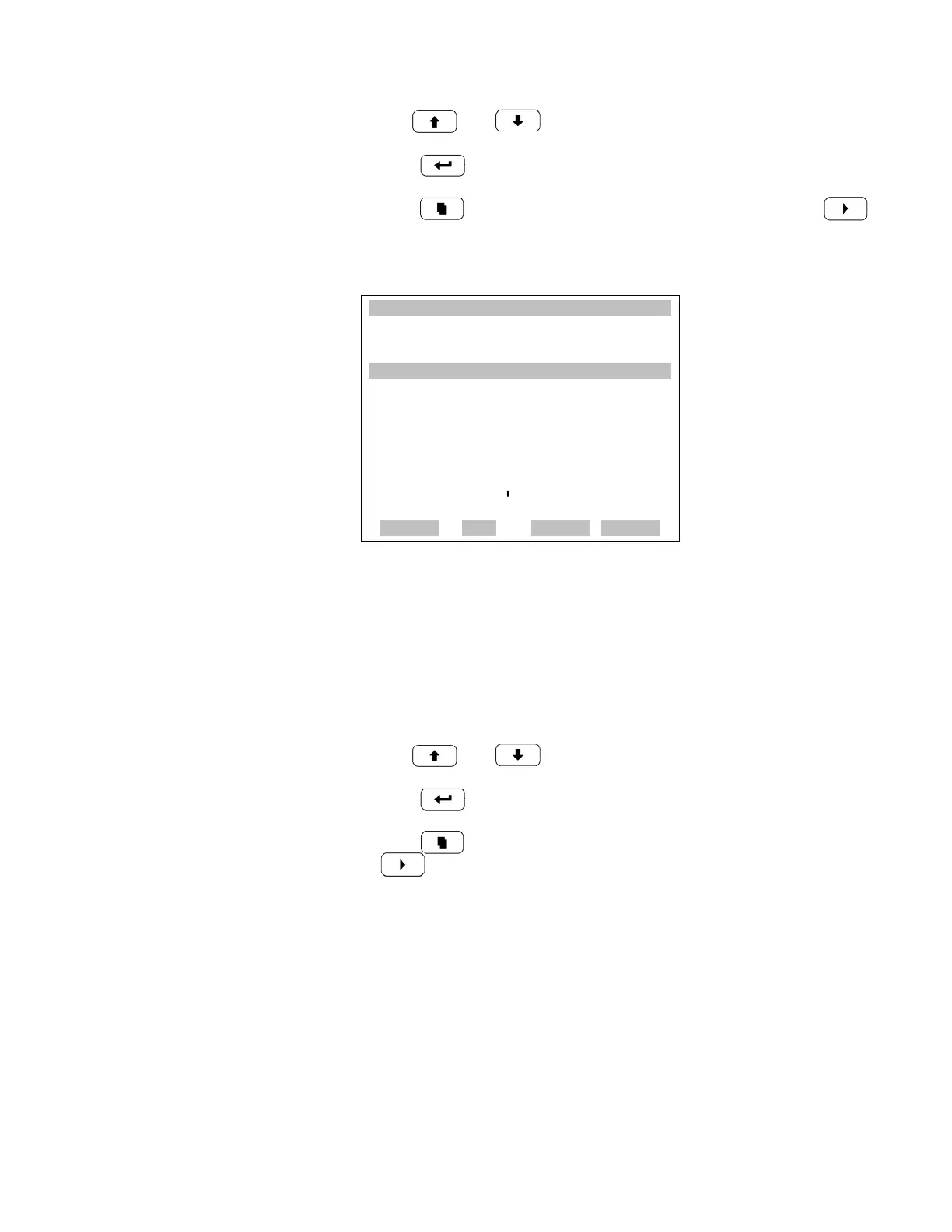
STREAMING DATA INTERVAL:
CURRENTLY: 30 SEC
SET TO: 10 SEC ?
©ª CHANGE VALUE
SAVE VALUE
RANGE AVG DIAGS ALARM











 To Next Page