Operation
Instrument Controls Menu
3-62 Model 48i Instruction Manual Thermo Electron Corporation
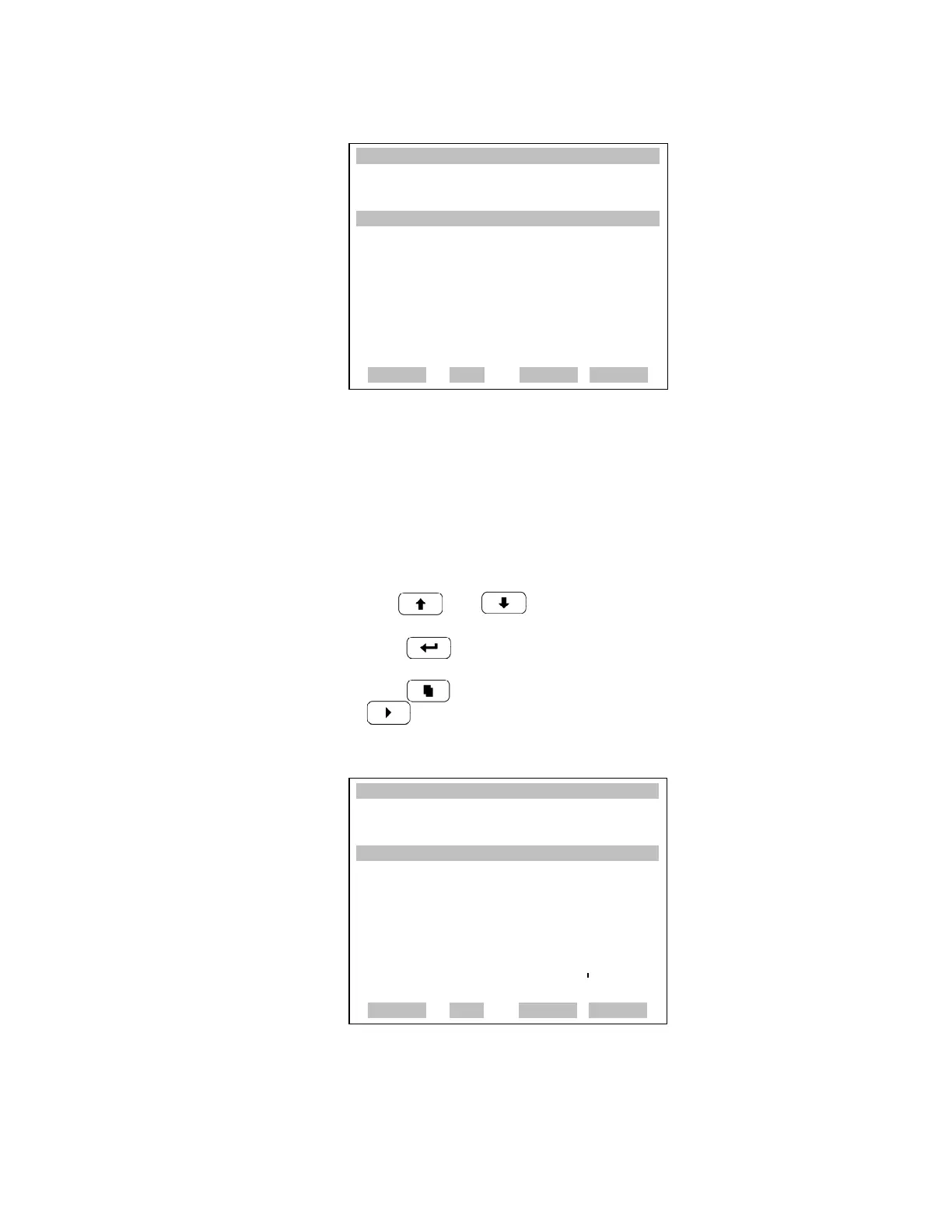
Select Output Range The Select Output Range screen is used to select the hardware range for the
selected analog output channel. Possible ranges for the voltage outputs are:
0-100 mV, 0-1, 0-5, 0-10 V.
• In the Main Menu, choose Instrument Controls > I/O Configuration >
Analog Output Config > Select Channel > Select Range.
• Use and to move the cursor up and down.
• Press to save the new range.
• Press to return to the Analog Output Configuration menu or
to return to the Run screen.
XXLO WCONCENTRATIONXXLO W
CO 15.80 PPM
SAMPLE 12:34 ALARMx
ANALOG OUTPUT CONFIG:
>SELECT RANGE
SET MINIMUM VALUE
SET MAXIMUM VALUE
CHOOSE SIGNAL TO OUTPUT
RANGE AVG DIAGS ALARM
XXLO WCONCENTRATIONXXLO W
CO 15.80 PPM
SAMPLE 12:34 ALARMx
SELECT OUTPUT RANGE:
SELECTED OUTPUT: V ALL
CURRENTLY: 0-10V
SET TO: 0-5V ?
©ª CHANGE VALUE
SAVE
RANGE AVG DIAGS ALARM











 To Next Page