16. SELECTING MODE
16-3
16.2 How to Set Selecting Mode
<Example> Setting unit in DEG:Degree,minute,second , EDM mode: Coarse mode 1cm
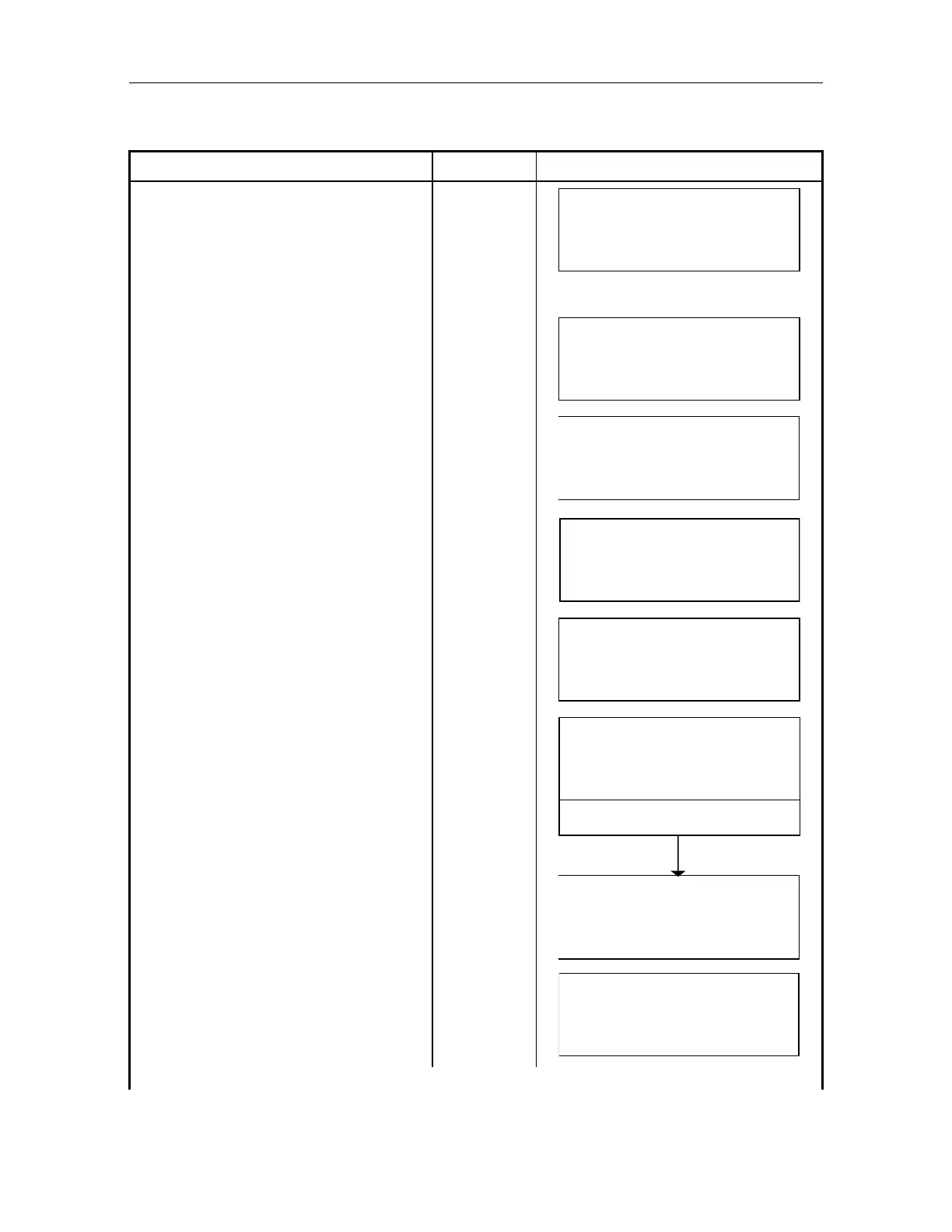
Operating procedure Operating key Display
While pressing [F2] key, power ON.
[F2]
+
Power ON
[PARAMETERS SET]
AP-L1A
SECRET:
EXIT – – – CLR –
Input the same secret code which was
set previously.
In case the secret code is not set,
the selecting menu is displayed.
(Secret
code
already set)
PARAMETERS
F1 : ANGLE
F2 : DIST
F3 : SECRET
Select [F1:Angle] [F1]
PARAMETERS 1/2
F1 : UNIT
F2 : V – 0
F3 : HA– 0 – INDEX
Select [F1:UNIT] [F1]
ANGLE
GRAD
EXIT ENT
Press [F2]() or [F3](), set angle unit
in DEG.
Press [F4](ENT) key.
Returns to parameters 1/1 menu.
[F2]
or
[F3]
[F4]
ANGLE
DEG
EXIT
ENT
SET!
PARAMETERS 1/1
F1 : ANGLE
F2 : DIST
F3 : SECRET
Select [F2:DIST] [F2]
DIST 1/2
F1 : UNIT
F2 : W
CORR
F3 : EDM MODE



 To Next Page