6. COORDINATE MEASUREMENT
6-12
6.3 Setting Height of Target (Prism Height)
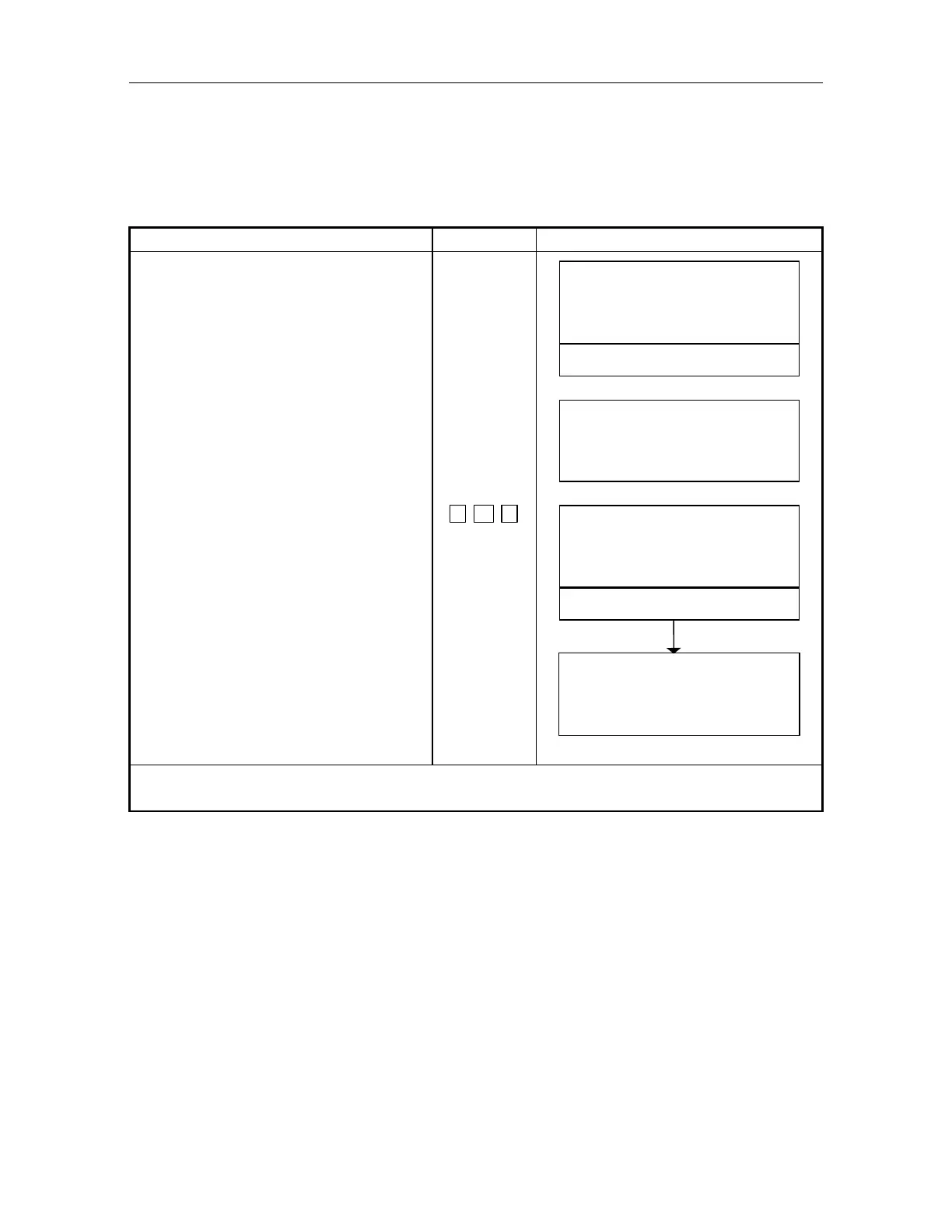
This mode can be used to obtain Z coordinate values . The value of target height (prism height) in
this mode will be eliminated when power is OFF.
Confirm instrument mode is angle or distance measurement mode.
[Example] Target height : 1.3m
Operating procedure Operating key Display
Press [F4]() key 5 times to be a
function as in page 6.
[F4]
5 times
V: 90
10
'
20"
HR : 120
30' 40"
0SET HSET R/L 1
MOVE R. HT
6
Press [F2](R.HT) key. [F2]
REFLECTOR HIGHT
R. HT :
.
m
EXIT
CLR
Input the value of target height and
press [ENT] key.
Press [F3](YES) key.
1
. 3
[ENT]
[F3]
REFLECTOR HIGHT
R. HT : 1.3000 m
SET O
SET ! !
[ YES ][ NO ]
Setting is completed, the display
returns to the previous measurement
mode .
V: 90
10 '20"
HR : 120
30' 40"
MOVE R. HT
6
Setting range: 10.0000m Target height +10.0000m



 To Next Page