1. NOMENCLATURE AND FUNCTIONS
1-9
1.6 Installing Wireless Terminal WT-1A/1B & Data Terminal FS/2
(Optional Accessories)
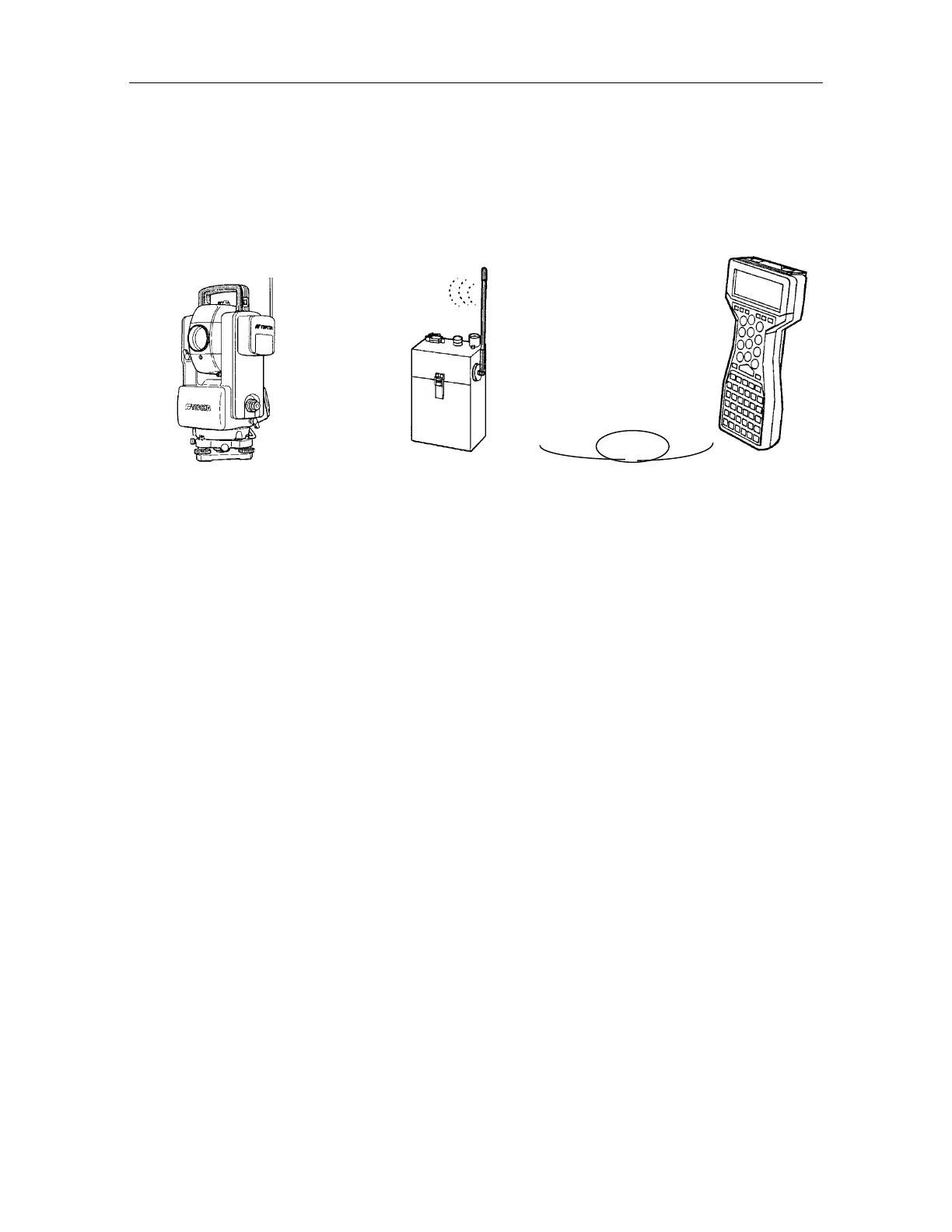
Applying wireless terminal WT-1A/1B and data terminal FS/2 enables the user to receive
measurement data from AP-L1A by remote control. It also allows the setting of a H-angle,
coordinate data, and control over the AP-L1A. This is the single person surveying or stake out
operating system. Refer to instruction manual
gData terminal".
AP-L1A
Wireless terminal WT-1A/1B *2)
Data terminal FS/2
*1) The type of interface cable will differ by the market.
*2) The wireless terminal WT-1A/1B shape will differ by the market.
1.6.1 Setting Wireless Modem (AP-L1A only)
To perform cordless communication between wireless terminal WT-1A/1B and wireless modem of
AP-L1A, it is required to set the communication channel and condition of AP-L1A to meet with WT-
1A/1B. Refer to Chapter 7.6 "Setting AP-L1A Wireless Modem" to set the communication condition
or channels.
It is not necessary to change of shipping time mode in normal use.
* There is no setting function for the communication channels in some markets.
Interface cable E-3 or E-4 *1)



 To Next Page