8. APPLICATION MEASUREMENT
8-6
8.2.3 Execution of Teach Measuring
Operating procedure Operating key Display
Press [MENU] key from the angle or
distance measuring mode.
[MENU]
MENU 1/1
F1 : PARAMETERS
F2 : PROGRAMS
F3 : REMOTE
Select [F2:PROGRAMS]
[F2]
PROGRAMS
F1 : TEACH
F2 : AREA
Select [F1:TEACH ]
[F1]
TEACH 1/1
F1 : SET POINT
F2 : PARAMETERS
F3 : GO
Select [F3:GO]
AP-L1A tracks to the first measuring
point. When the target is found,
measuring starts.
[F3]
TEACH POINT [ 1]?
V: 65
45' 20"
H : 123
40'50"
SD :
Teach Measuring is carried out by order of control points (from small to large).
If data is not ready to be measured, the specific point will be disregarded.
Press [ESC] key to cancel measurement.
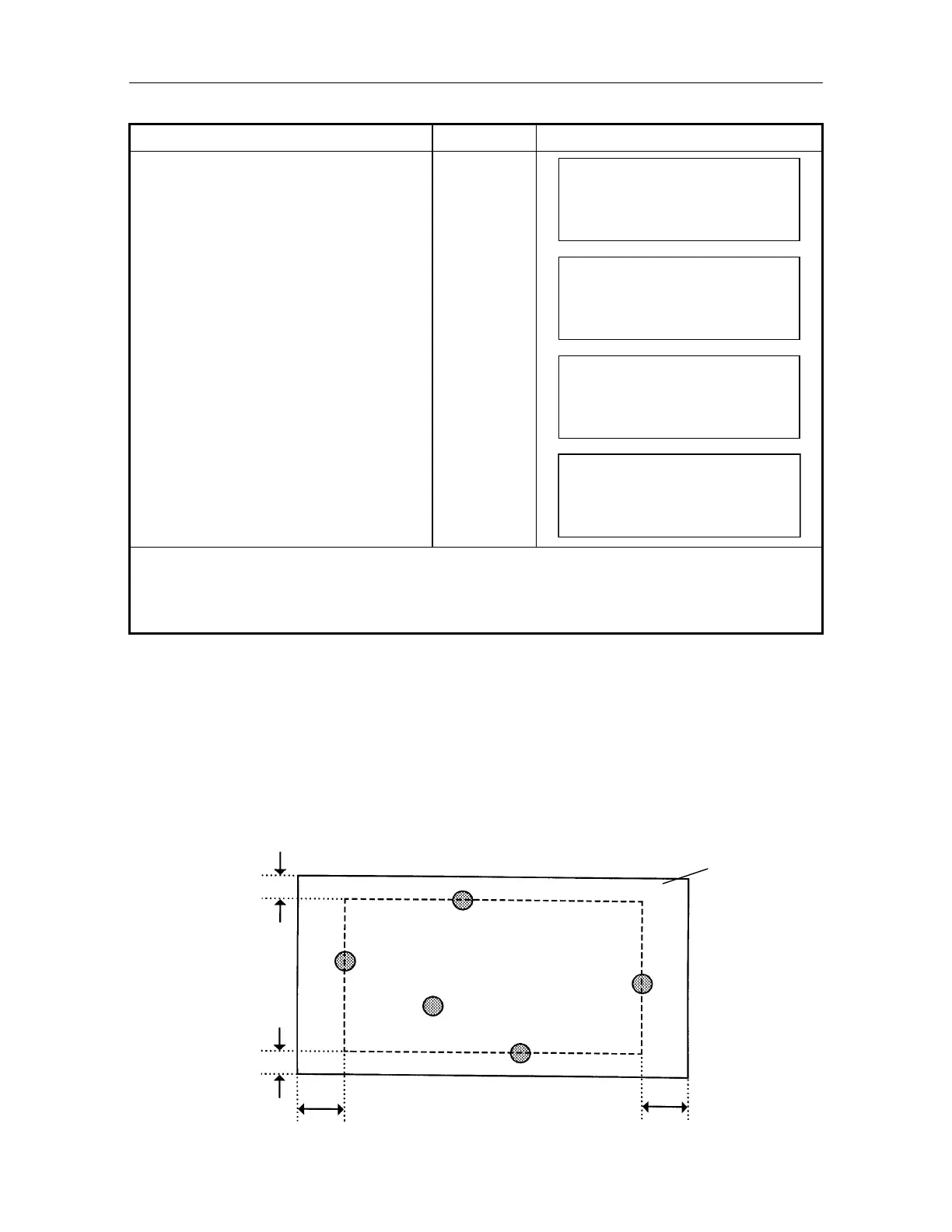
Auto Area Setting in Teach Measuring
The area contains on the outside of measuring points (prisms) of up-down/right-left. shapes a
rectangular area.
The area range in teach measuring is the expanded search range (which is set by selecting mode
1) to the said rectangular.
The area range will be automatically set and ON.
[Example] When search range setting is 10
in horizontal / 5 in vertical, setting area in teach
measurement is as follows.
-5
-10
+10
+5
Prism 3
Prism 5
Prism 4
Prism 2
Prism 1
rea range



 To Next Page