5. DISTANCE MEASUREMENT
5-2
5.4 Fine Mode and Coarse Mode
The Coarse mode is used for the objects which may be slightly unstable. The fine mode is for
those objects which are still for precise applications.
Fine mode : This is a normal distance measuring mode.
The unit to be displayed is 0.2mm or 1mm. (0.001ft or 0.005ft)
Measurement time 0.2mm mode : approx.4.5 seconds
1 mm mode : approx.2 seconds
Measurement accuracy :
(3mm+2ppm)m.s.e.
Coarse mode : This mode measures in shorter time than in fine mode.
The unit to be displayed is 1mm or 1cm. (0.001ft or 0.002ft)
Measurement time 1mm mode : approx.0.5 seconds
1 cm mode : approx.0.2 seconds
Measurement accuracy :
(10mm+2ppm)m.s.e.
Use this mode for auto tracking measurement.
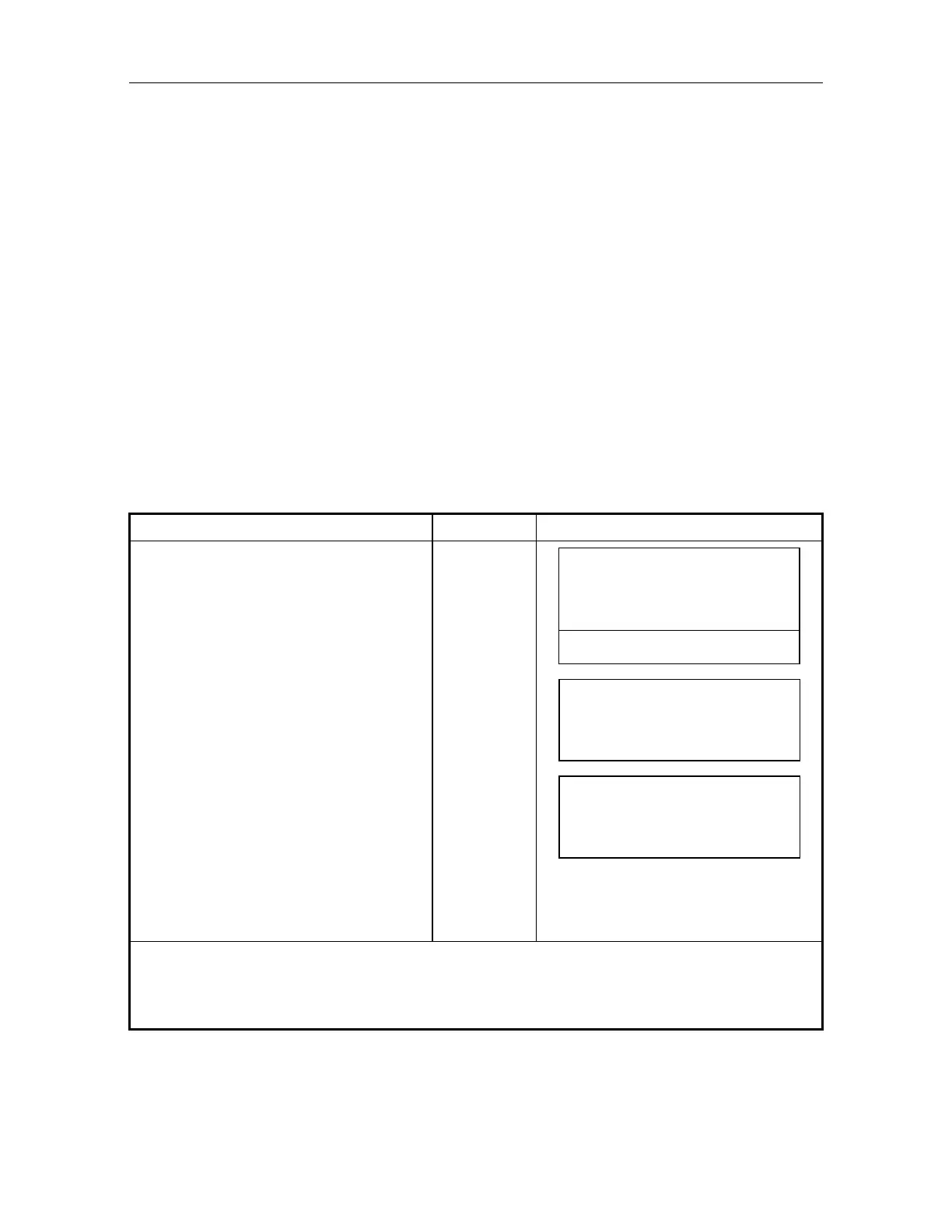
Operating example : Operator chooses to change from the Fine to Coarse mode with a 1cm measuring
unit.
Operating procedure Operating key Display
Press [F4]()key 3 times in distance
measuring mode to get the function
as in page 4.
[F4]
3-times
V: 90 10 '20"
HR : 120 30' 40"
SD : 123.4567m
0SET HSET R/L 1
FINE CRS S/A 4
Press [F2](CRS) key.
Measuring starts in Coarse mode in
unit of 1mm.
[F2]
V: 90 10 '20"
HR : 120 30' 40"
SD : 123.4567m
FINE CRS S/A 4
Press once again [F2](CRS) key, the
display unit will be in 1cm of Coarse
mode. 1)
[F2]
V: 90 10 '20"
HR : 120 30' 40"
SD : 123.46m
FINE CRS S/A 4
1) Every time pressing [F2](CRS) key, the display unit will be changed.
Pressing [F1](FINE) key returns to Fine mode, and every time pressing [F1](FINE) key switches
unit display.



 To Next Page