2. PREPARATION FOR MEASUREMENT
2-3
2.3 POWER Switch Key ON
Turn the power switch key ON.
Display initializes for two seconds and shows current prism constant value, tracking speed and
tracking detecting sensitivity. This allows you to confirm the setting prism constant value is
correct to the using prism, or setting tracking speed is correct to the moving speed of
measuring object or detecting sensitivity is correct to the measuring distance.
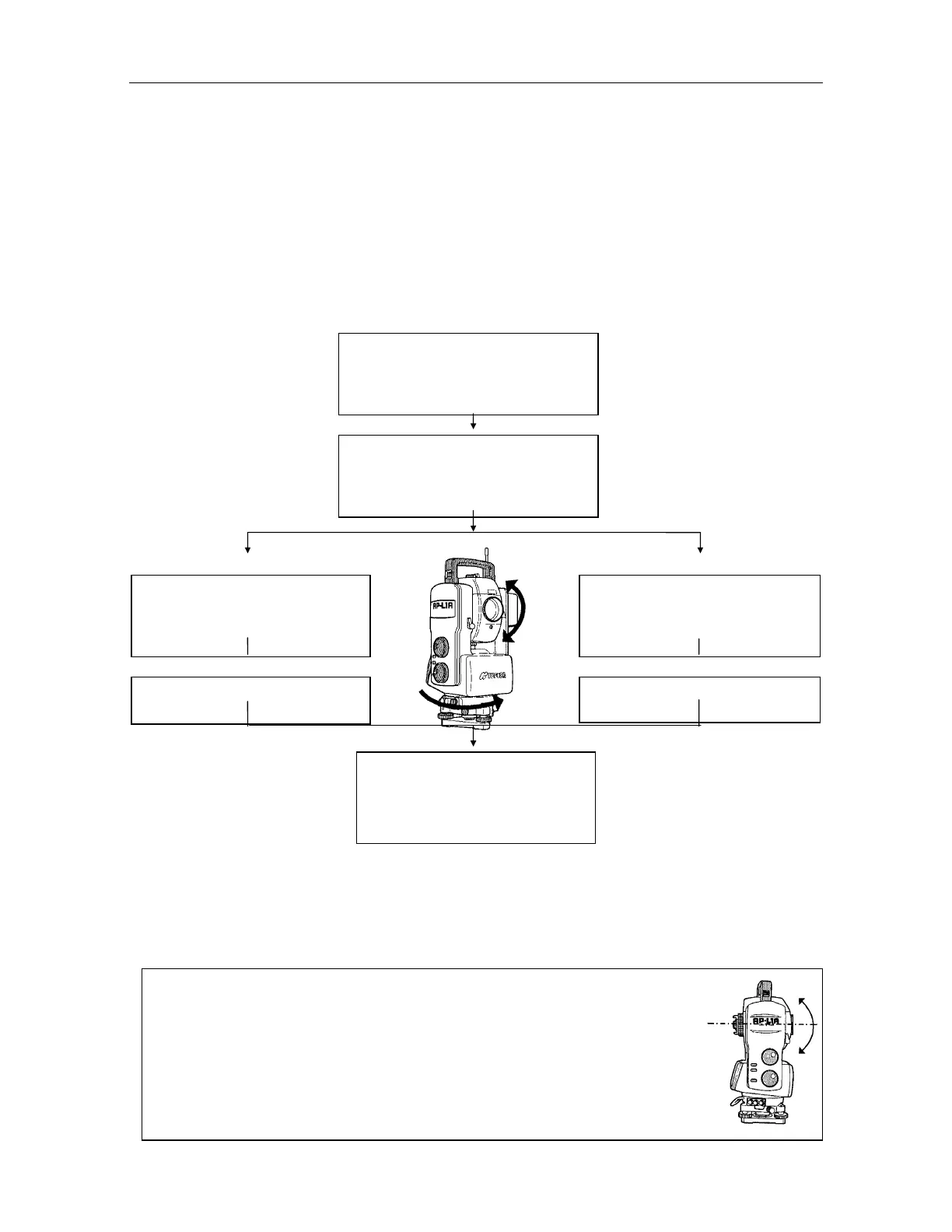
Screen displays ZERO SET. Body and Telescope rotates automatically through 90 degrees
from zenith to index vertical circle. When in manual mode, rotate telescope and body by
operating H/V shuttle for to index vertical circle (ZERO SET).
TOPCON AP-L1A
Title display
PSM CONST : 0mm
TRK SPEED : M
SENSI : H
Correction for prism constant
and tracking parameters
display
ZERO SET
H-SET (AUTO)
V-SET (AUTO)
BATT:
Body and Telescope rotates
automatically to be ZERO SET.
ZERO SET
H-SET (MANU)
V-SET (MANU)
BATT:
Rotate telescope and body by
operating H/V shuttle for ZERO SET.
V : 90 10'20"
HR : 0 00'00"
0SET HSET R/L 1
To change Auto/Manual for ZERO SET, refer to Chapter 16 "How to set special mode"
See chapter 16 "how to set special modes" for horizontal angle zero set feature.
Confirm battery level after Zero set . Replace with charged battery or charge when battery level is
low or indicates "Battery empty". Refer to chapter 2.4 "Battery power remaining display".
Note : For setting the vertical angle at 0,an electronic datum 0 is provided on the
vertical angle circle. If the telescope is turned and the sensor passes the
datum 0, angle measurement begins.
The datum 0 is placed near the level position of the telescope, the vertical
angle setting of 0 can easily be set by rotating the telescope. The datum 0
for horizontal angle is placed near the storage mark located in the lower part
of the instrument.



 To Next Page