3. AUTOMATIC TRACKING MODE
3-1
3. AUTOMATIC TRACKING MODE
Caution : In auto- tracking mode, the laser beam emits from the center of the objective lens.
Do not stare into the objective lens or do not aim at the other people's eyes in the auto-
tracking mode.
Measuring the moving target in automatic tracking mode.
Operating procedure Operating key Display
Manually collimate the target prism
using V/H jog/shuttle.
Press the [A/M] key.
The mode be automatic tracking mode.
In this mode, the instrument tracks
automatically to the target prism.1),2)
[A/M]
Choose different measuring modes by
pressing the appropriate function keys.
3)
[
]
V: 90
10' 20"
HR : 120
30' 40"
SD :
m
0SET HSET R/L *
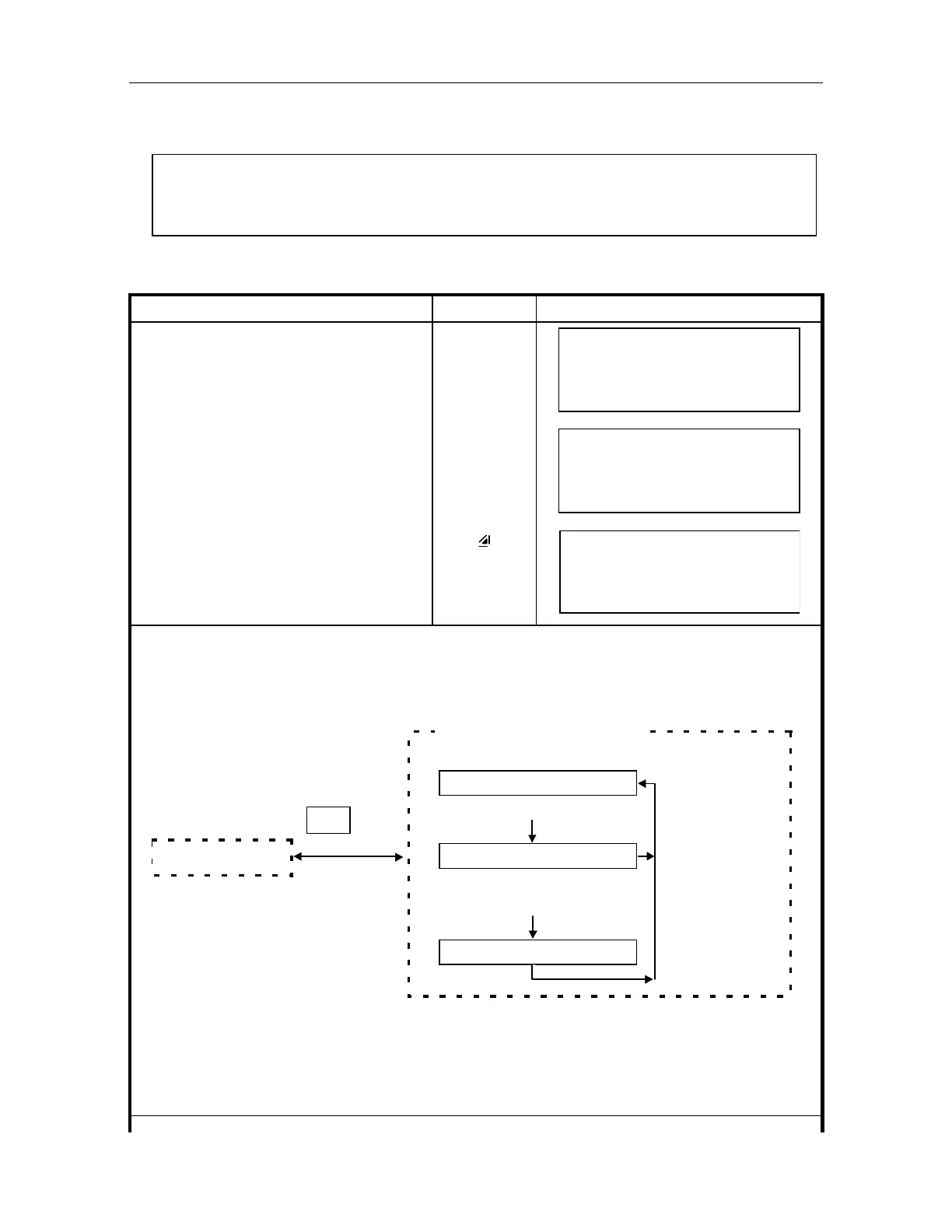
If the target prism is lost during auto tracking status, the instrument will automatically change to
Waiting status and symbol mark will be switched to "!". If the target is found during Waiting status,
tracking resumes *4), and if not, status changes to Searching status. When the target prism is
found, tracking will resume.*5)
Tracking status
The target prism is lost
Waiting status !
The target prism is not found
for some time
Searching status ?
Automatic tracking mode
The target prism
is found
Manual mode
A/M
key
The following symbol marks are indicated at the corner of right bottom of display.
: symbol of Tracking status
! : symbol of Waiting status
? : symbol of Searching status
V : 90 10' 20”
HR : 120 30' 40”
OSET HSET R/L 1
V : 90 10' 20”
HR : 120 30' 40”
OSET HSET R/L *



 To Next Page