5. DISTANCE MEASUREMENT
5-1
5. DISTANCE MEASUREMENT
5.1 Setting of the Atmospheric Correction
When setting the atmospheric correction, obtain the correction value by measuring the
temperature and pressure. Refer to Chapter 11.2 "Setting of Atmospheric Correction Value".
5.2 Setting of the Correction for Prism Constant
Generally, Topcon's prism constant value is 0. Set correction for prism at 0. Using Pin pole prism
set L1 type, Pin pole prism holder L1 type, prism unit A2, near distance prism for AP-S1, or any
other manufacture other than TOPCON's may need a different prism constant value. Refer to
Chapter 10 "Setting the Prism Constant".
5.3 Distance Measurement (Continuous Measurement)
Make sure the mode displays angle measurement.
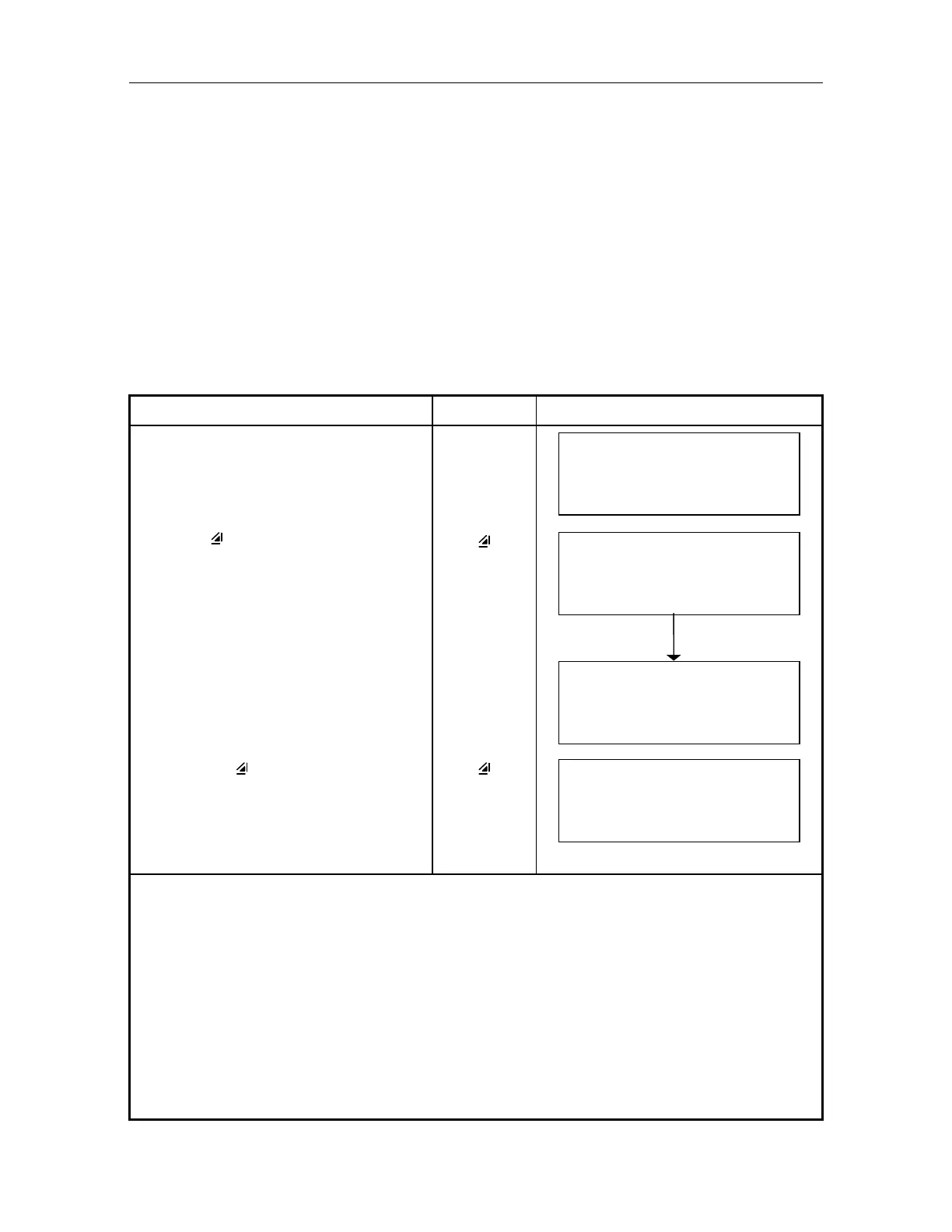
Operating procedure Operating key Display
Sight the center of prism.
V: 90 10 '20"
HR : 120 30' 40"
0SET HSET R/L 1
Press [ ]key.
Distance measurement starts.1),2)
[
]
V: 90 10 '20"
HR : 120 30' 40"
SD* m
0SET HSET R/L 1
The measured slope distances show
every 0.2 to 4.5 seconds according to
setting of distance measuring mode.
3) ~ 6)
V: 90 10 '20"
HR : 120 30' 40"
SD* 12.3456 m
0SET HSET R/L 1
Pressing [ ] key again, the mode
changes to Horizontal and vertical
distance measuring mode.
[ ]
V: 90 10 '20"
HD 11.2345m
VD : 6.5432m
0SET HSET R/L 1
1) When EDM is working, the " " mark appears in the display.
2) To change mode from Fine to Coarse, refer to Chapter 5.4 "Fine Mode and Coarse Mode". To
set the distance measurement on when the instrument is powered up, refer to Chapter 16
"Selecting Mode".
3) The distance unit indicator "m" (for meter) or "f" (for feet) appears and disappears alternatively
with buzzer sounds at every renewal of distance data.
4) The measurement times are not same according to the measuring mode. Refer to "5.4 Fine mode
and Coarse mode" .
5) Measurement may repeat automatically if the result is affected by shimmer etc..
6) To return to the normal measuring angle mode from a distance measuring mode, press (V/H) key.



 To Next Page