2. PREPARATION FOR MEASUREMENT
2-4
2.4 Battery Power Remaining Display
Battery mark
Battery mark in the display indicates the power condition.
BAT
Press the 3 key.
V : 00 18' 25"
HR : 123 45' 25"
BATT :
Remaining battery mark indicates while
pressing BAT key.
BATT
:
BATT
:
BATT
:
Battery empty
Replace with charged battery or charge when battery level is low or indicated “Battery empty".
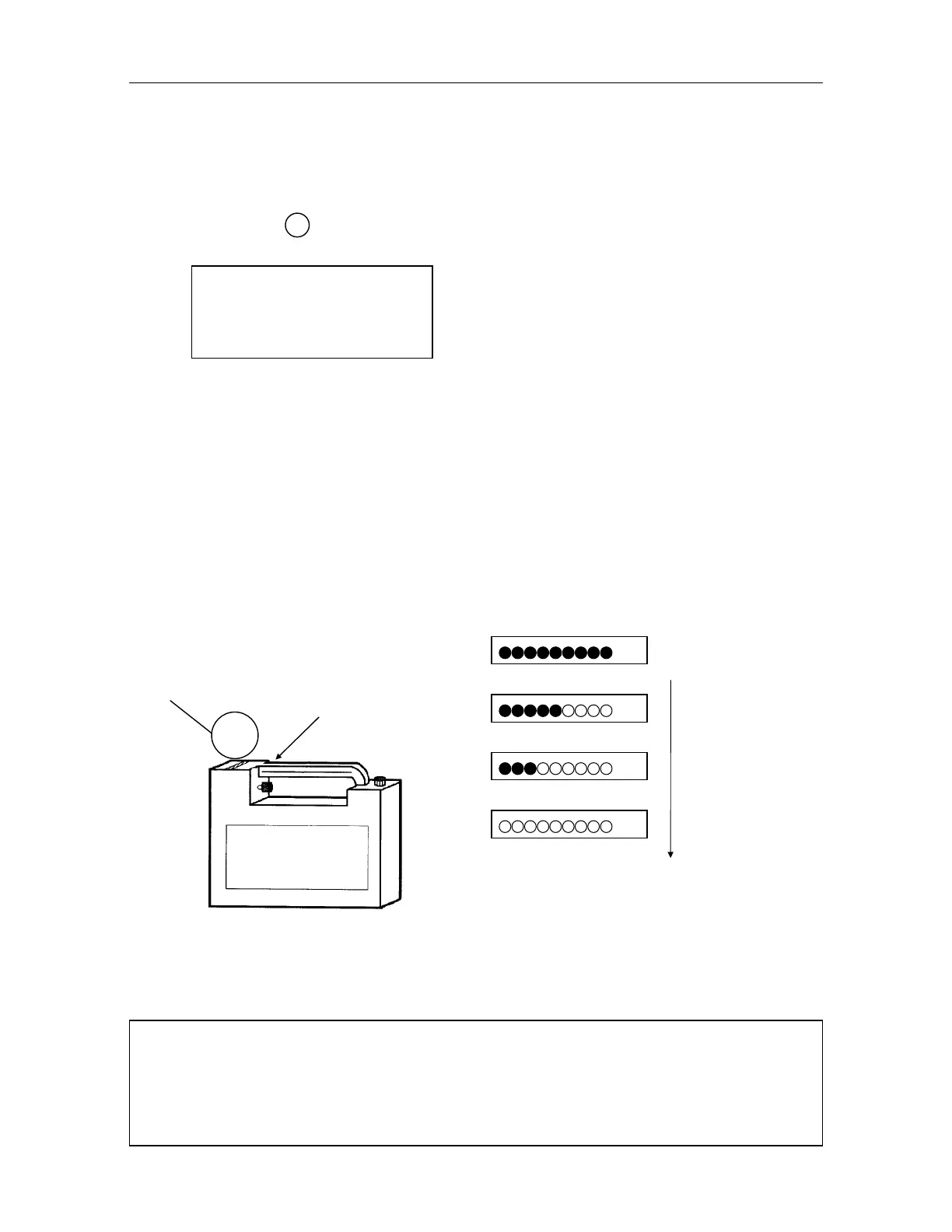
Mark Light Battery
The remaining light and battery mark for battery indicates the level of power for the Mark Light
power source .
Press Battery check switch.
Remaining battery mark light to show the
battery level.
Decreasing
Note : 1) The battery operating time will vary depending on the environmental conditions as in
ambient temperature, charging time, the number of times of charging and dis-charging etc.
It is recommended for safety to charge the battery beforehand or to prepare spare full
charged batteries.
2) For general usage of battery, see chapter 13" Power source and charging".
Battery mark
Battery mark
Battery check switch



 To Next Page