6. COORDINATE MEASUREMENT
6-1
6. COORDINATE MEASUREMENT
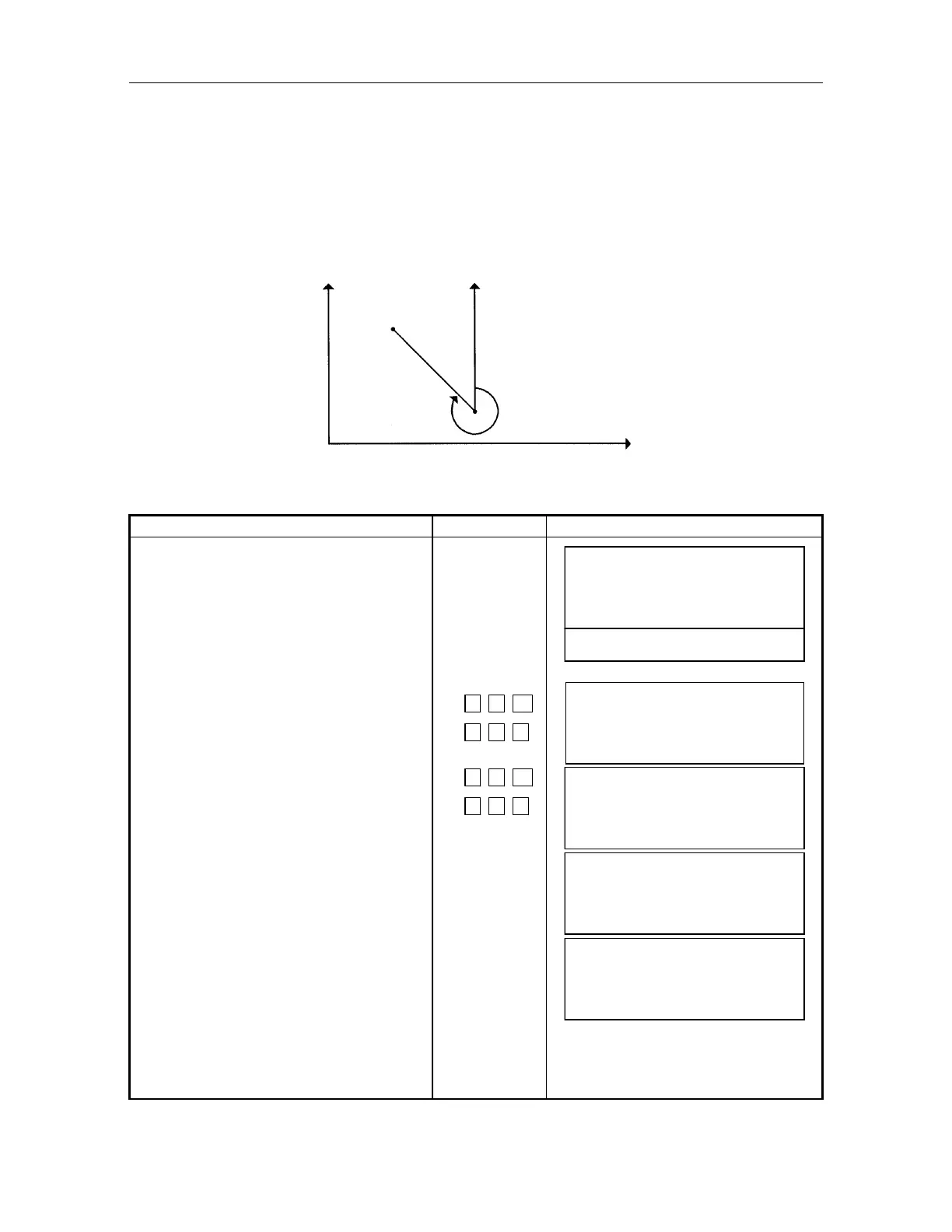
6.1 Setting a Direction Angle for Horizontal Orientation
(Setting from the coordinate of backsight point and instrument point)
From the coordinate value of backsight point (bearing point) and instrument point, the direction
angle from the instrument point to the backsight point can be set.
Confirm instrument mode is angle or distance measurement.
Example: Backsight point A : N coordinate 54.321m, E coordinate 12.345m
Operating procedure Operating key Display
Set N and E coordinate value of
instrument point. Refer to Chapter 6.2,
"Setting coordinate of instrument point".
Press [F4]() key 4 times to be function
as in page 5.
Press [F1](BS) key.
Screen is displays INPUT of Backsight
point.
Input N and E coordinate of backsight
point A.
Example : N coordinate;54.321m
: E coordinate;12.345m
Display shows direction/angle of
backsight point A, calculated from the
coordinates of instrument point and
backsight point.
Sight backsight point A, and press
[F3](YES)key.
After setting, the mode returns to
previous setting.
[F4]
4 times
[F1]
5
4 .
3
2 1
[ENT]
1
2 .
3
4 5
[ENT]
[F3]
V: 90
10' 20"
HR : 120
30' 40"
0SET HSET R/L 1
BS CSET RST 5
BRG. POINT
N :
.
m
E :
.
m
EXIT
CLR
–
BRG. POI
T
: 54.3210 m
E : 12.3450 m
EXIT
CLR
BRG. POI
T
HR= 257
59
'
20
"
SET O
YES
O
V: 70
10
'
20
"
HR : 257
59
'
20
"
BS CSET RST 5
Backsight point A
Instrument point C
Direction angle
N
E



 To Next Page