4. ANGLE MEASUREMENT
4-4
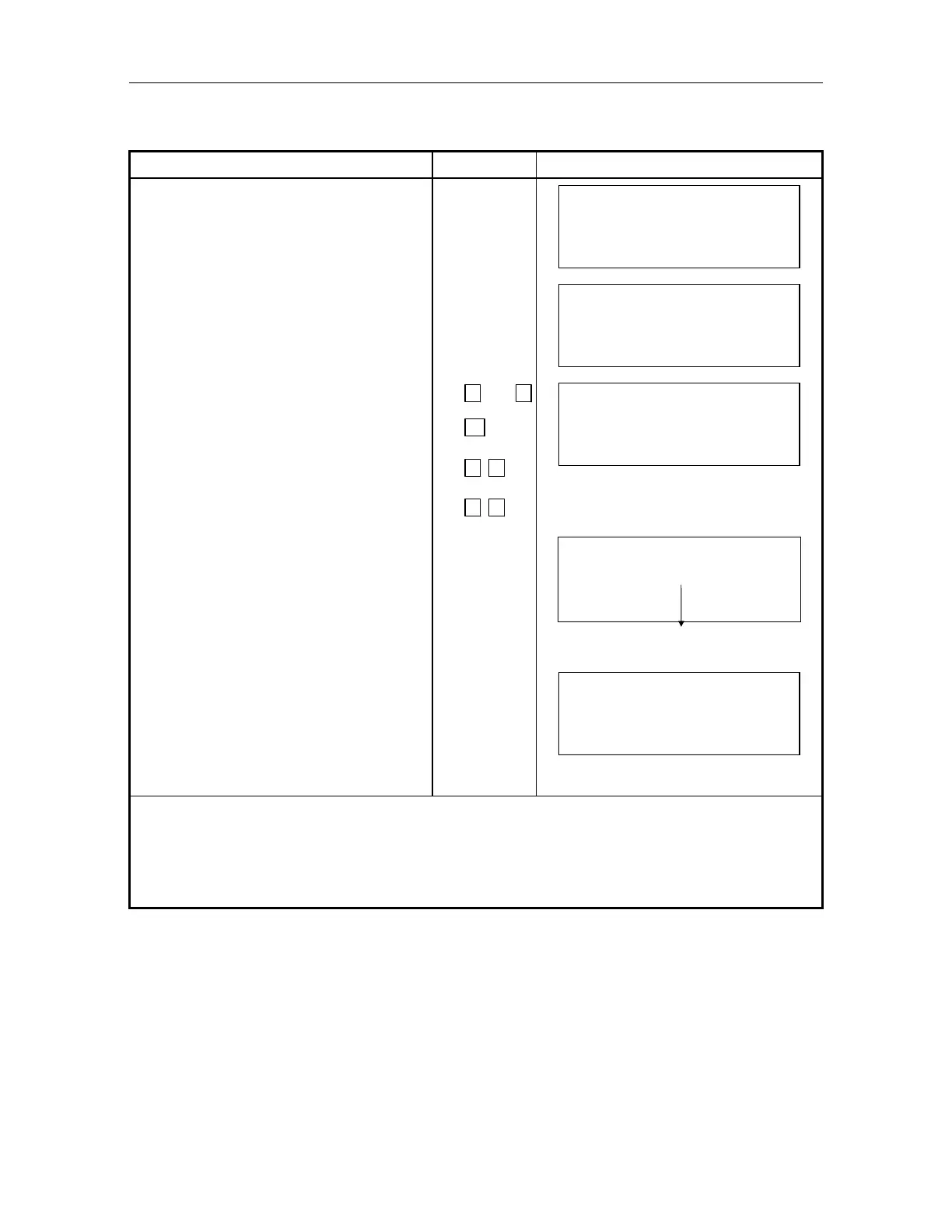
4.3 Measuring from the Required Horizontal Angle
Make sure the mode is angle measurement
Operating procedure Operating key Display
Sight the target for the which the
Horizontal angel is to be set .
V: 90 10 '20"
HR : 120 30' 40"
0SET HSET R/L 1
Press [F2](HSET) key. [F2]
H–SET
HR :
EXIT – – – CLR
–
Input value of Horizontal angle to be
set.
For example :70 40' 20"
1)
7
0
.
4
0
2
0
H–SET
HR : 70.4020
EXIT – – – CLR
–
Press [ENT] key . [ENT]
H–SET
HR : 70 40' 20"
SET!
When completed, normal measuring
from the required Horizontal angle is
possible.2)
V: 90 10' 20"
HR : 70 40' 20"
0SET HSET R/L 1
1) To revise wrong value, move cursor with [F4]()or input from the beginning by [F3](CLR) key to
correct value.
2) With wrong input value(for example 70'), setting will not be completed. Input again from the step
.



 To Next Page