17. CHECK AND ADJUSTMENT
17-9
17.3.6 Adjustment of Vertical Angle 0 Datum
If when measuring the vertical angle of target A at telescope position normal (direct) and reverse
settings, the amount of normal and reverse measurements combined is other than 360 (ZENITH-
0), half of the difference from 360 is the error amount from corrected 0 setting. Carry out
adjustment. As adjustment for vertical angle 0 setting is the criteria for determining instrument
coordinate origin, use special care for adjustment.
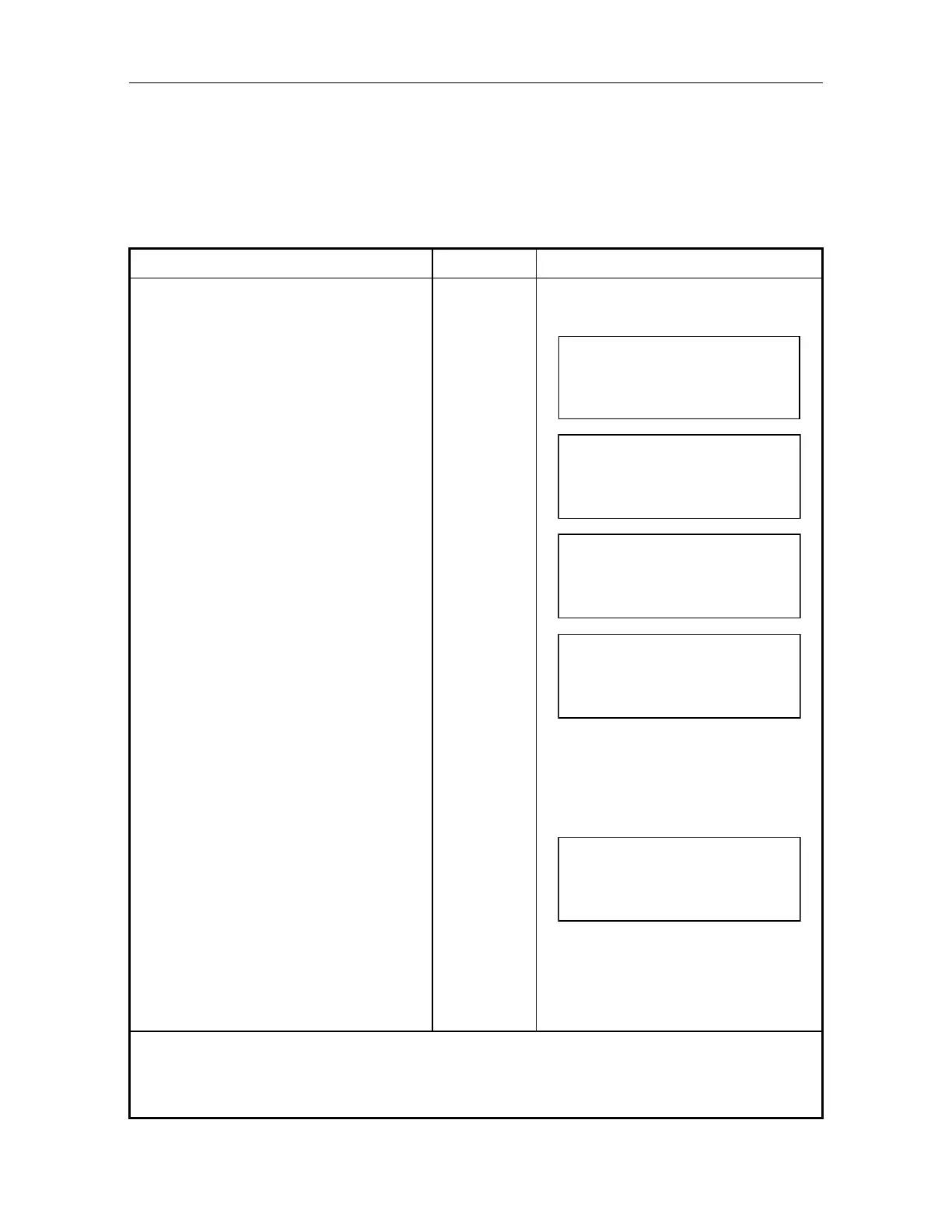
Operating procedure Operating key Display
Level the instrument properly with the
plate level.
While pressing [F1]key, turn power
switch ON.
Input code when secret code is ON.
In case mode is set in Auto 0-set, AP-
L1A rotates automatically to do zero set
for H and V angle. When mode is set in
manual 0-set , turn jog / shuttle of H or
V 0-set.
[F1]
+
POWER ON
[V0
ADJUST]
ZERO SET
H - SET (AUTO)
V - SET (AUTO)
Operate jog / shuttle of H and V, and
collimate target A from the telescope
properly in normal setting.
VO
ADJUST
STEP
1
FRONT
V0
00
'
00
"
SET
Press [F4](SET) key.
Press Auto inversion key or operate jog
/ shuttle of H and V, and reverse the
telescope.
[F4]
VO
ADJUST
STEP
2
REAR
V0
00
'
00
"
SET
Collimate target A in reverse telescope
setting with H/V jog/shuttle.
Press [F4](SET)key.
Measured value is set and carry out
normal angle measurement.
[F4]
V: 90
10
'
20
"
HR : 120
30
'
40
"
0SET HSET R/L 1
Check that the total amount of normal
and reverse angular travel is 360
collimating the target A by normal and
reverse positions.
Any misoperating and an error display appears. Repeat the above procedure from the start.
In step , if the measure value in normal and reverse is more than set value, error will be
displayed. Repeat from beginning.



 To Next Page