7. APPLICATION FUNCTIONS
7-6
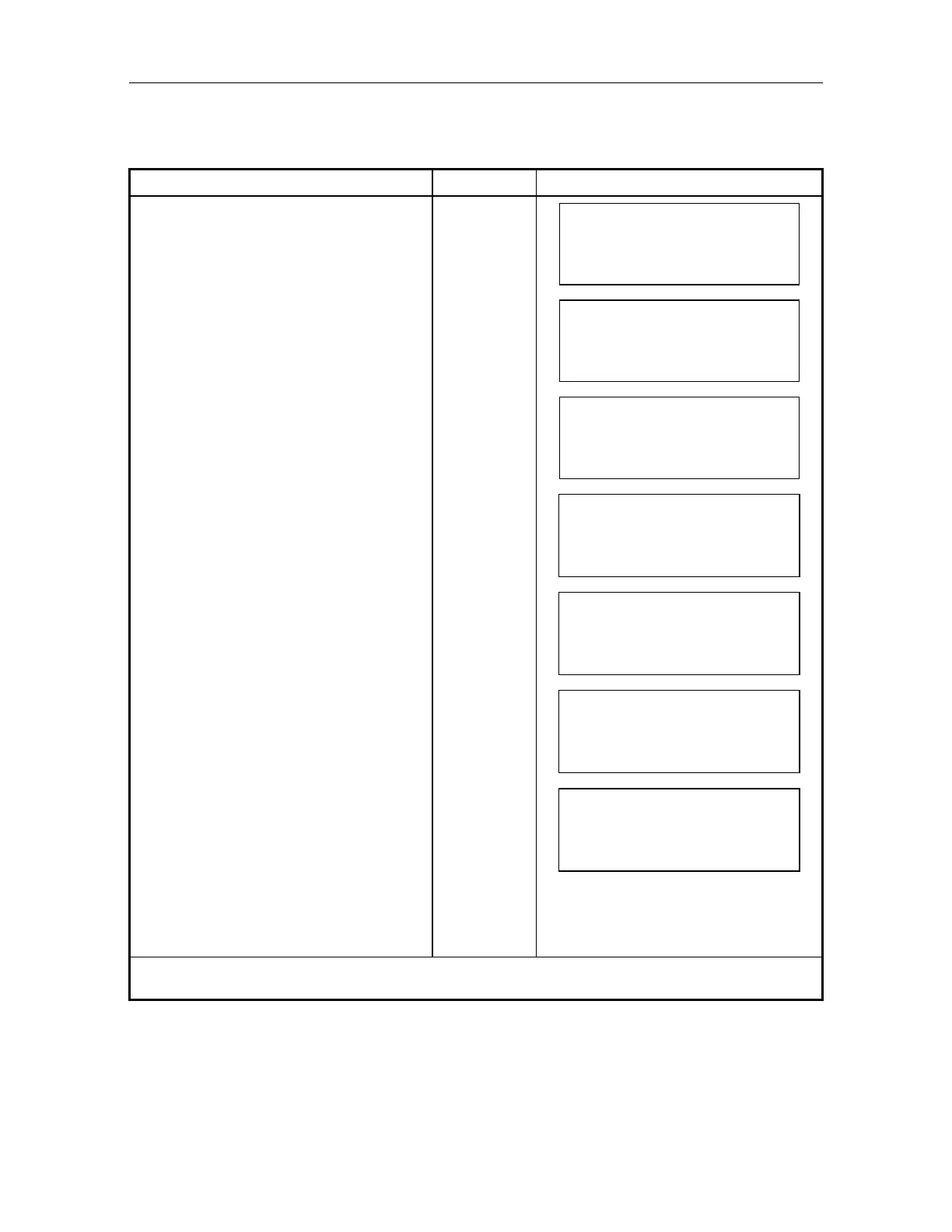
7.2.2 Area Set Function ON, and Set Effective Area No.
ON / OFF of area set function and effective area Number is specified. Whenever instrument is
powered up, these functions are set automatically in the OFF position.
Operating procedure Key Operation Display
Press [MENU] key in the normal
measurement mode.
[MENU]
MEN
1/1
F1 : PARAMETERS
F2 : PROGRAMS
F3 : REMOTE
Select [F2:PROGRAMS]. [F2]
PROGRAMS 1/1
F1 : TEACH
F2 : AREA SET
Select [F2:AREA SET].
[F2]
AREA SET
F1 : INPUT NEZ
F2 : MOVED SET
F3 : SETTING AREA
Select [F2:SETTING AREA]. [F2]
AREA MODE
OFF
EXIT
ENT
Press [F2](), [F3]() key, and select
ON .Press [F4](ENT) key.
1)
[F2]
or
[F3]
[ENT]
AREA MODE
AREA 1
EXIT
ENT
Select effective setting area Number
[F2](
), [F3]() key is to select, and
press [F4](ENT) key.
[F2]
or
[F3]
[ENT]
AREA MODE
AREA 2
EXIT
ENT
Effective area is set, and returns to
AREA SET menu.
AREA SET 1/1
F1 : INPUT NEZ
F2 : MOVED SET
F3 : SETTING AREA
To return to normal mode, press
[MENU]key.
1) Selecting OFF returns to AREA SET menu.



 To Next Page