17. CHECK AND ADJUSTMENT
17-2
17.2 Checking the Optical Axis
To check if the optical axis of EDM and theodolite are matched, follow the procedure below. It is
especially important to check after adjustment of the eyepiece reticle is carried out.
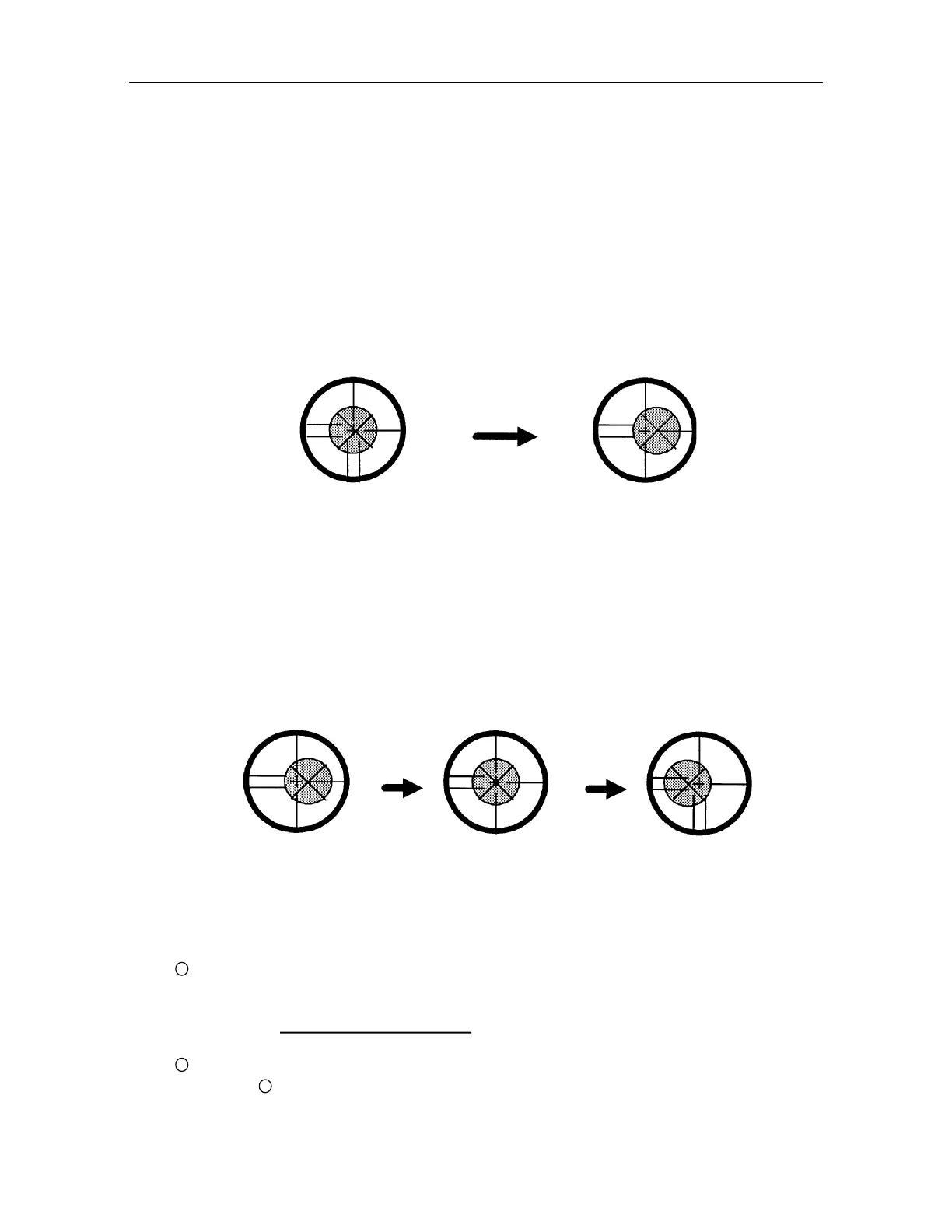
Position a prism about 30 to 50m apart from AP-L1A .
After the power switch ON of AP-L1A, collimate the center of the prism.
After pressing the [F4]() key 3 times to be function as in page 4, press the [F3](S/A) key to set
"Set Audio Mode".
Buzzer sounds continuously.
H direction confirmation (Do not move V direction).
Turn the horizontal jog counterclockwise slowly, move the collimating point to the left side of
prism gradually until buzzer sound stops.
Turn the horizontal jog clockwise slowly, and move the collimating point to the prism center
gradually until at the position buzzer starts.
Confirm the value of SIG (light quantity level) in display to adjust at the level of 1 to 20 by
turning the horizontal jog.
Press the [ESC] or [F1](EXIT) key to be angle measurement mode, and note the horizontal
angle displayed. Or you can do 0-set of horizontal angle.
Press the [F3](S/A) key to return to "Set Audio Mode".
Turn the horizontal jog clockwise, move the collimating point to the right side of prism gradually
until buzzer sound stops.
Move the collimating point to the center of prism gradually until buzzer sound starts.
Turning the horizontal jog to be 1 to 20 level of SIG value to adjust the collimating point same
as procedure.
Note horizontal angle same as procedure.
11
Calculate the average value of and .
[Example]
........................
0 00' 00"
........................
0 08' 20"
Average value
0 04' 10"
12
Climate to the center of prism. Compare the reading horizontal angle value and calculated
value in
11
. If the difference is within 1' 30", no problem for use.



 To Next Page