6. COORDINATE MEASUREMENT
6-2
6.2 Setting Coordinate of Instrument Point
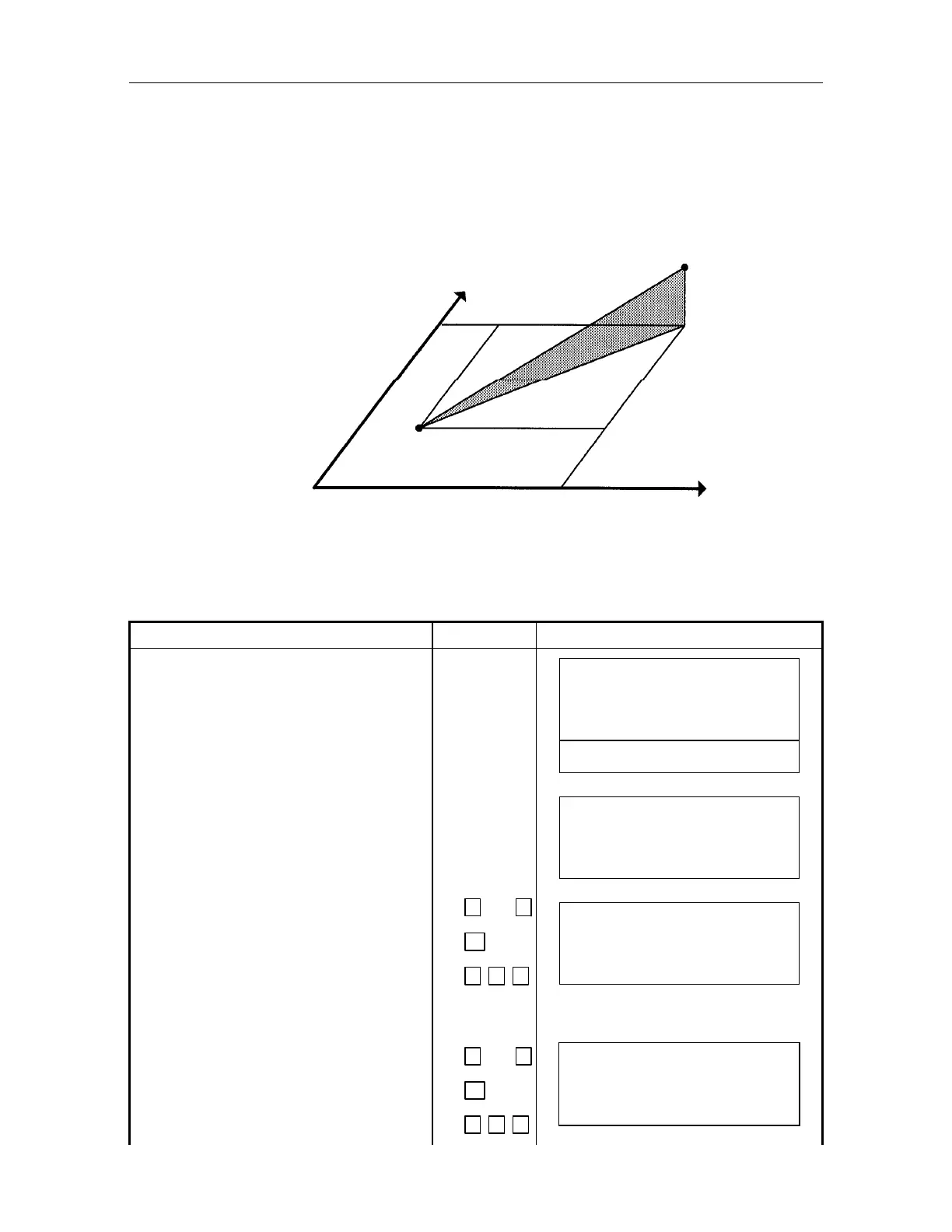
Set the coordinates of AP-L1A/L1AN according to the coordinate original point, and AP-L1A/L1AN
automatically measures, converts, and displays the unknown point (prism point) coordinates. It is
possible to retain the coordinate of the instrument point after turning power switch OFF. Refer to
Chapter 15 "Special mode (Menu key operation)".
However, when the instrument is powered off, the value of the instrument height will be erased.
Instrument height will need to be reentered.
6.2.1. How to Input Instrument Coordinate Value Directly
Confirm the mode is set in angle or distance measuring mode.
Example: N coordinate 12.345m, E coordinate 54.321m, Z coordinate 2.345m,
Instrument height 1.3m
Operating procedure Operating key Display
Press [F4]()key 4 times to be function
as in page 5.
[F4]
4 times
V: 90
10
'
20
"
HR : 120
30
'
40
"
0SET HSET R/L 1
BS CSET RST 5
Press [F2](CSET)key. [F2]
OCC. POI
T
: 0.0000 m
E : 0.0000 m
EXIT
CLR
Input N coordinate.
Example: N coordinate: 12.345m
1
2
.
3
4 5
[ENT]
OCC. POI
T
: 12.3450 m
E : 0.0000 m
EXIT
CLR
Input E coordinate.
Example:E coordinate: 54.321m
5
4
.
3
2 1
OCC. POINT
N : 12.3450 m
E : 54.3210 m
EXIT
CLR
Prism(N,E,Z)
N
Origin(0,0,0)
E
N
E
Instrument point C
z



 To Next Page