7. APPLICATION FUNCTIONS
7-16
7.8 remote mode
The remote mode is the mode to communicate between AP-L1A and wireless terminal WT-1A/1B.
It enables the receiving of measured data or control of AP-L1A by data terminal FS/2 . This is the
only mode for mode for wireless communication (remote mode).
Except the key return to normal mode, no other keys on AP-L1A function in remote mode.
However , it is available to make jog shuttle function ON by communication form data terminal.
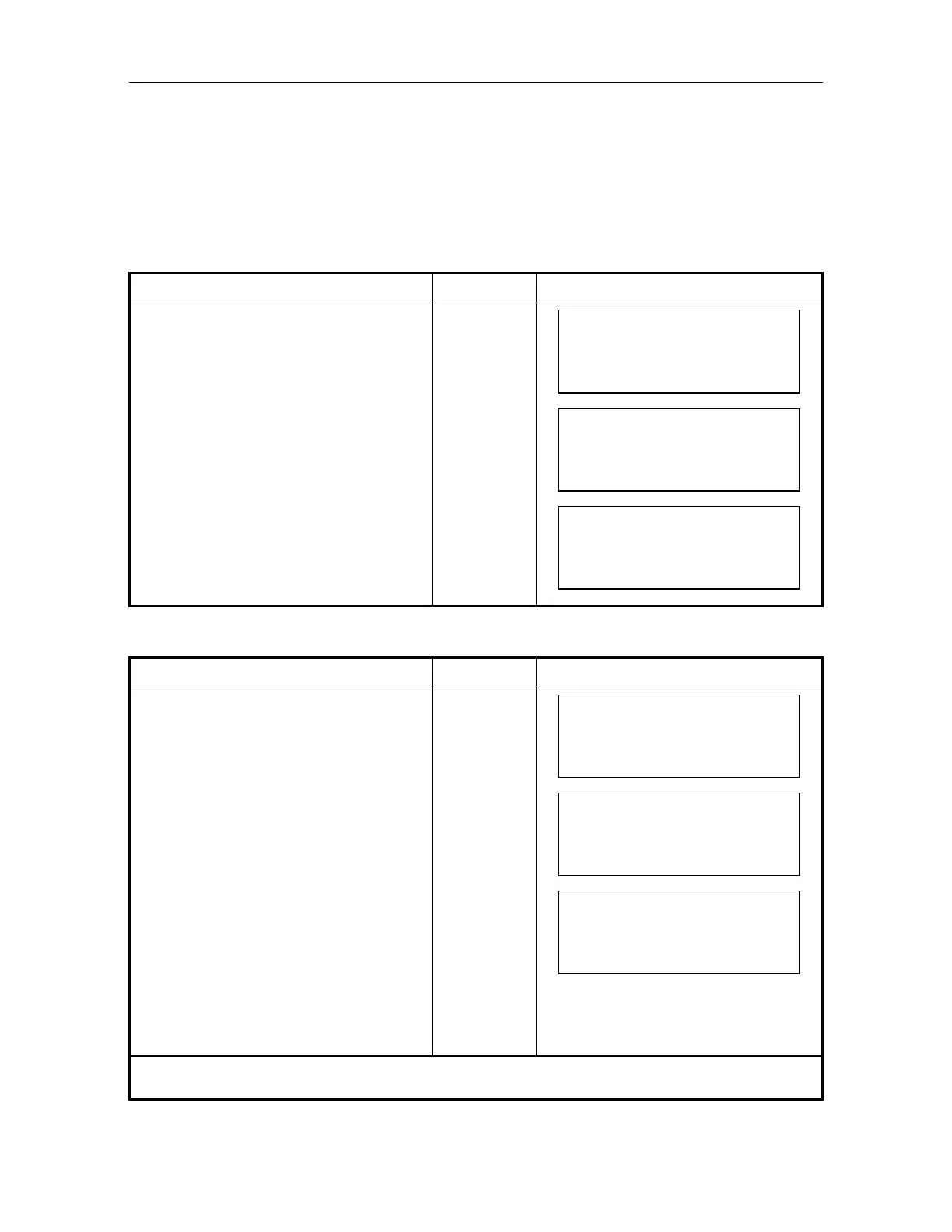
7.8.1 How to Switch Remote Mode
Operating procedure Operating key Display
Press [MENU] key from the normal
mode.
[MENU]
MENU 1/1
F1 : PARAMETERS
F2 : PROGRAMS
F3 : REMOTE
Select [F3:REMOTE ] [F3]
REMOTE 1/1
F1 : REMOTE
Select [F1:REMOTE ]
Mode changes to remote mode.
[F1]
REMOTE
EXIT
7.8.2 How to Switch Remote Mode to Normal Mode (Manual mode)
Operating procedure Operating key Display
REMOTE
EXIT
Press [F1] (EXIT) key of remote mode. [F1]
Input
secret code
REMOTE
SECRET :
EXIT
Input secret code when secret mode is
ON, and press [ENT] key.
1)
[ENT]
REMOTE 1/1
F1 : REMOTE
Press [ESC] key, and press [MENU]
key.
Mode will be changed to normal mode.
[ESC]
[MENU]
1) If the secret code that is already set is mis-input, it is not possible to change to normal mode.



 To Next Page