7. APPLICATION FUNCTIONS
7-14
7.7 Secret Mode
Setting secret code (4 digit number) and activating ON of Secret mode can be helpful to avoid miss
operation by unauthorized operator. This function is effective when measuring is performed in
remote mode by one person surveying.
Operating Procedure
1) Set 4 digits number as a secret code, and select secret mode ON.
2) When secret mode is ON and user powers up and returns to normal mode from remote mode,
the secret code is needed to be input.
Note) Never forget the secret code which you set.
If forgotten you can not operate any function on the AP-L1A and it must be returned to an
authorized Topcon dealer for repair.
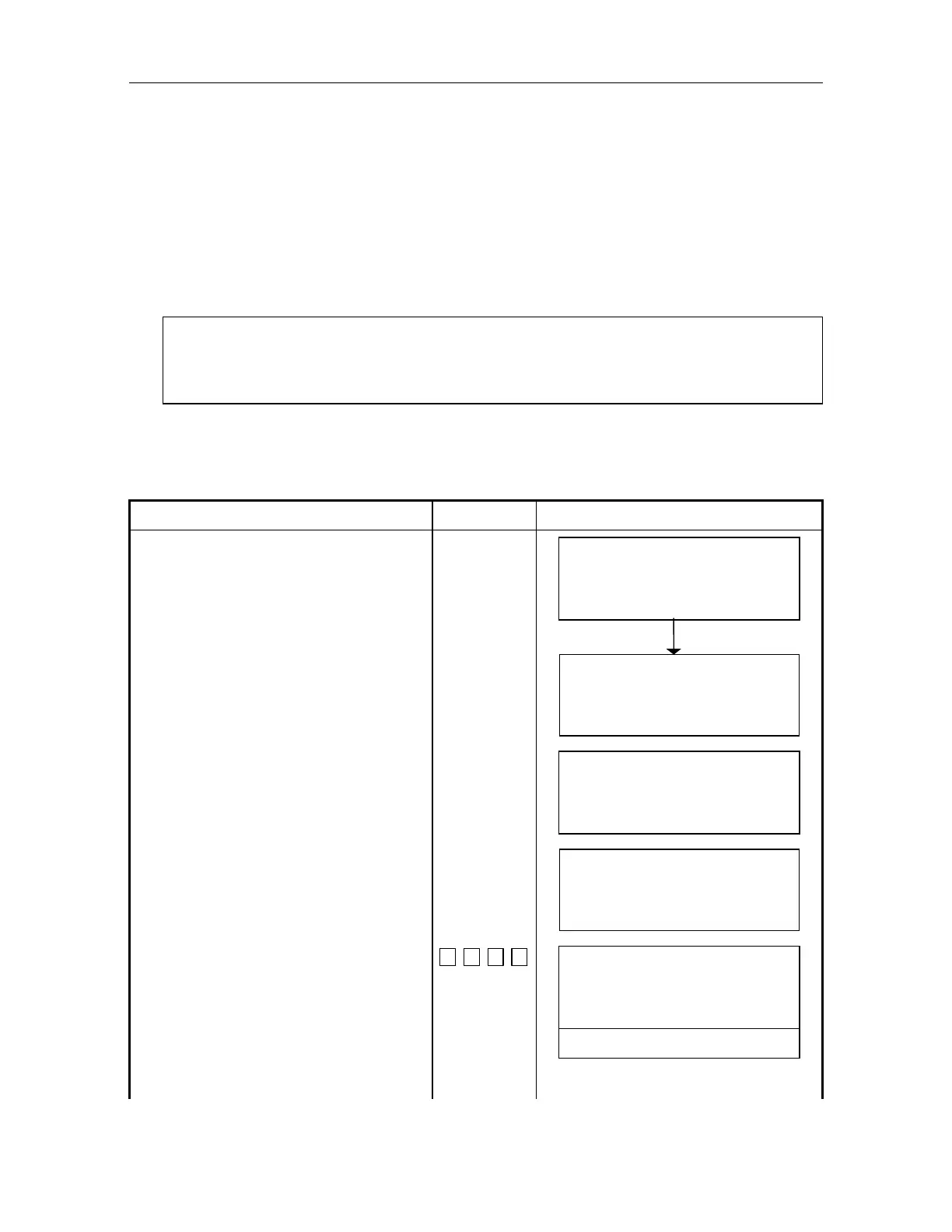
How to Set Secret Code and ON/OFF Switches for Secret Mode
For example : Setting 7373 as secret code and select secret mode ON
Operating procedure key Operation Display
While pressing [F2] key, power ON.
If the secret code is already set,
input the secret code.
1)
[F2]
+
POWER ON
[PARAMETERS SET]
PARAMETERS 1/1
F1 : ANGLE
F2 : DIST
F3 : SECRET
Select [F3:SECRET] . [F3]
SECRET
F1 : SECRET M ODE
F2 : SECRET CODE
Select [F2:SECRET CODE].
[F2]
SECRET
CODE :
EXIT
CLR
****
Input secret number 7373.
Press [ENT] key.
7
3 7 3
[ENT]
SECRET
CODE : 7373
EXIT CLR
SET!



 To Next Page