17. CHECK AND ADJUSTMENT
17-12
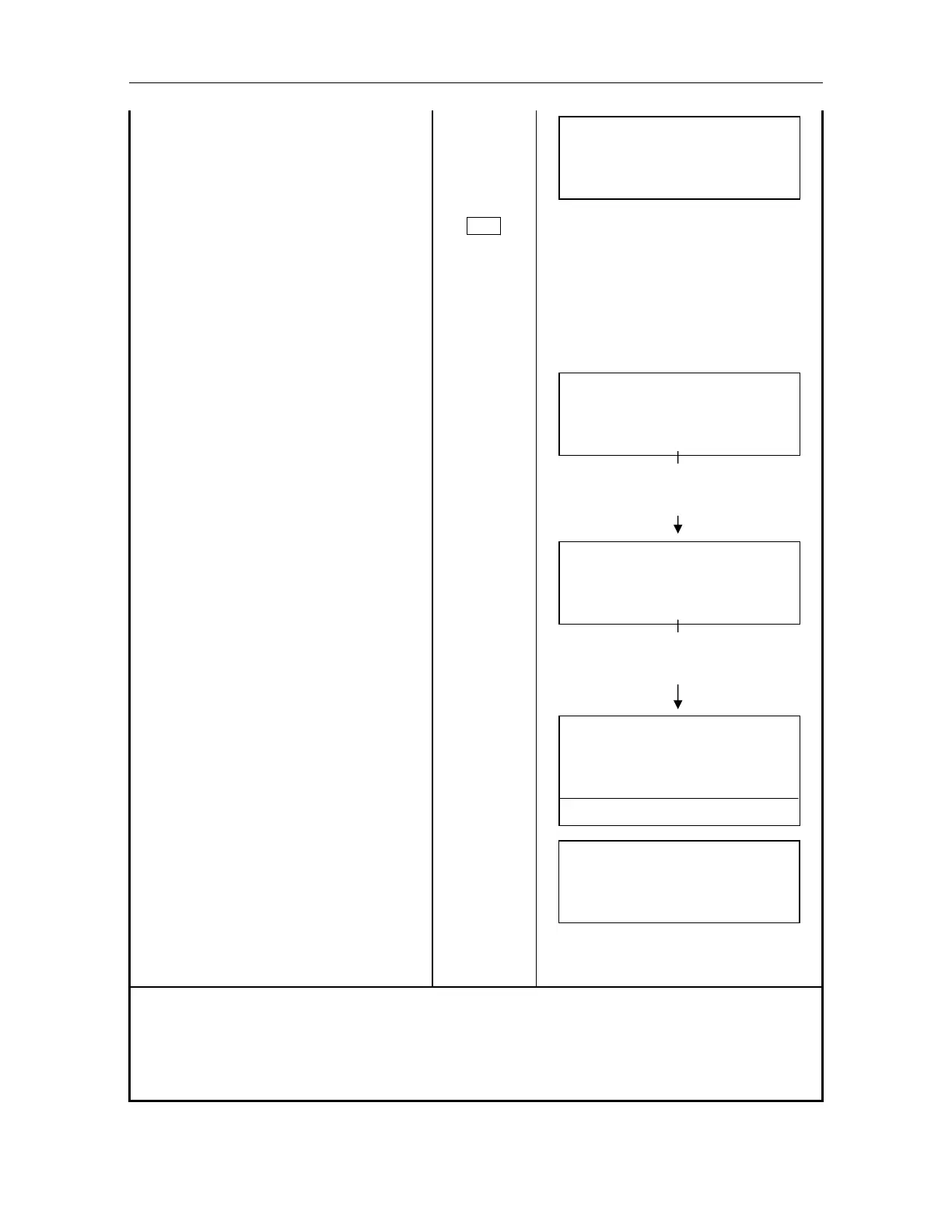
Select [F2:ADJ.AXIS(A)].
[F2]
ADJ AXIS AUTO
V: 90
10'20"
H: 160
40'20"
START
Operate H / V jog shuttle to collimate
the prism in the normal (direct) position
of telescope .
Press (A / M) key to obtain auto
tracking mode.
A/M
Press [F1](START).1)
The measured data will be checked at
the normal position of telescope
internally.
[F1]
ADJ AXIS AUTO
V: 90 00' 00"
H: 60 40' 20"
DATA CHECK
Instrument and also telescope turns in
reverse and tracks prism automatically
at the reverse position of telescope.
The measured data will be checked at
the reverse position of telescope
internally.
ADJ AXIS AUTO
V : 270 00' 00"
H : 240 40' 20"
DATA CHECK
Instrument and also telescope turns
and return at the normal (direct)
position of telescope.
The shifted quantity between H angle
and V angle measured from the normal
and reverse position of telescope will
be calculated internally, and the error
will be displayed
2)
Press [F3] (YES) key.
[F3]
ADJ AXIS AUTO
HOFF : 0' 10"
VOFF : 0' 20"
SET OK [YES][NO]
SET!!
The compensation value will be set and
memorized to AP-L1A.
The display returns TRK menu 2/2.
Confirm if the center of telescope reticle
and the center of prism coincide.
TRK 2/3
F1 : ADJ AXIS(M)
F2 : ADJ AXIS(A)
F3 : TRK SPEED
1) The display shows "NOT TRACKING" when tracking mode is not set, or the target prism is not
found.
2) The display shows "OFF SET OVER" when the calculated compensation value is exceeded than
limited value of
1'. Press [F4] (CLR) key to carry out from the step or adjust by manual.
Instrument and also telescope turns
in reverse
Instrument and also telescope turns
in reverse



 To Next Page