15. SPECIAL MODE (MENU KEY OPERATION)
15-8
2-2) EDM MODE : Setting Distance Measuring Mode
Setting distance measuring mode in Teach measuring .
Selecting items Set items
FINE 1mm (0.005ft) Measure minimum display unit of 1 mm (0.005ft) in Fine mode.
FINE 0.2mm (0.001ft) Measure minimum display unit of 0.2mm (0.001ft) in Fine mode.
COARSE 1cm (0.02ft) Measure minimum display unit of 1cm (0.02ft) in Coarse mode.
COARSE 1mm (0.005ft) Measure minimum display unit of 1mm (0.005ft) in Coarse mode.
Initial value : Fine 0.2 mm (0.001ft)
2-3) CYCLE TIME: Setting Cycle Time
Set the cycle time. The cycle time represents the elapsed time from the start of
Teach measuring through to the last point and to when user wants to repeat the
process with the same points all over again.
Setting numbers
1minute CYCLE TIME 24hours
Setting unit : 1 minute
Initial value : 60 minutes
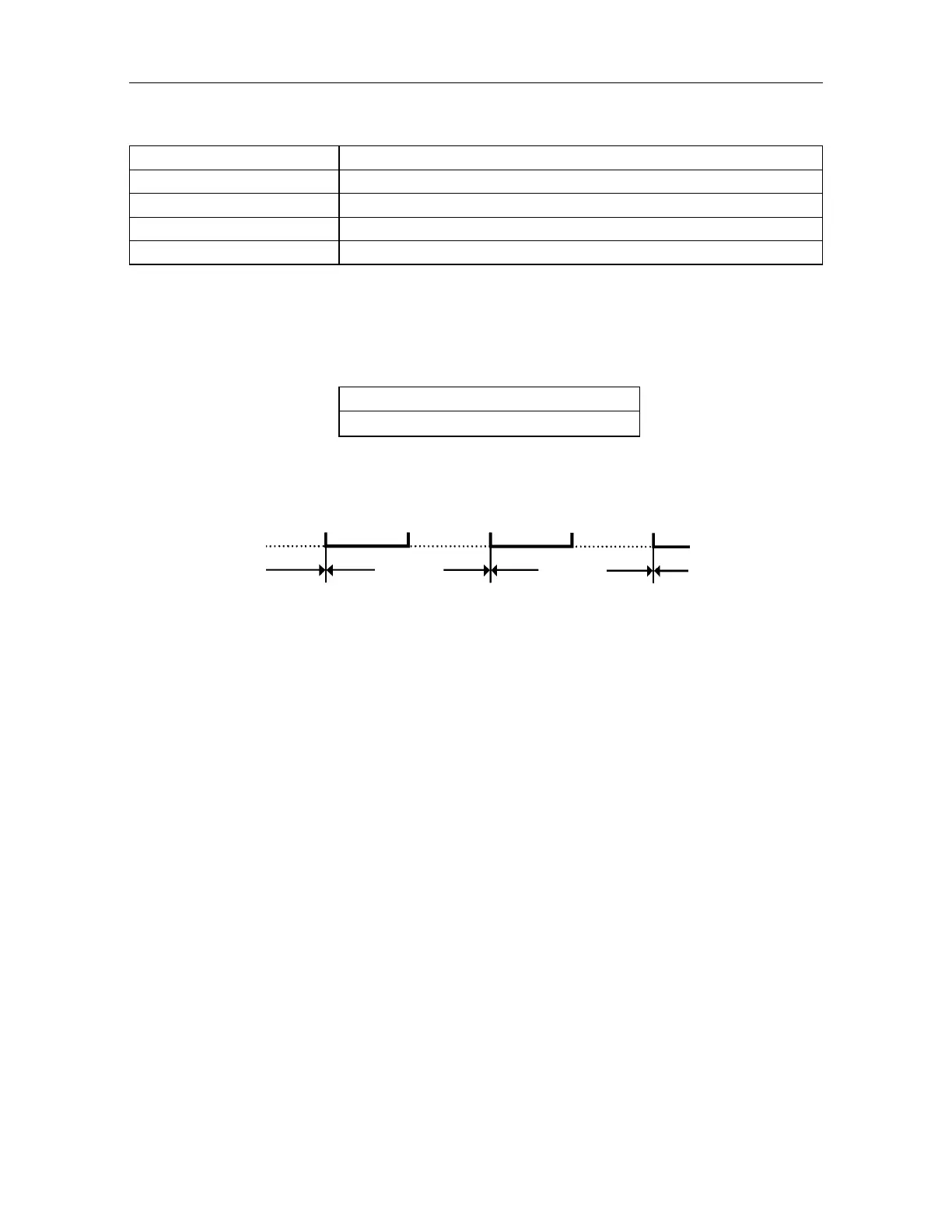
Measuring N cycles Measuring ( N+1) cycles
Measuring start Measuring start Measuring start
Whenever the set cycle time is over regardless if the AP-L1A has completed
measuring to all memorized points, the cycle will begin again with the first point.
3) GO: Executing of Teach Function
Teach measurement will execute according to the order of measuring point number.
Refer how to operate to Chapter 8.2 "Teach measurement".
To stop measurement, press [ESC] key.
Cycle time
Cycle time



 To Next Page