Downloading Files to a Computer
P/N 7010-0557 www.topconpositioning.com
4-11
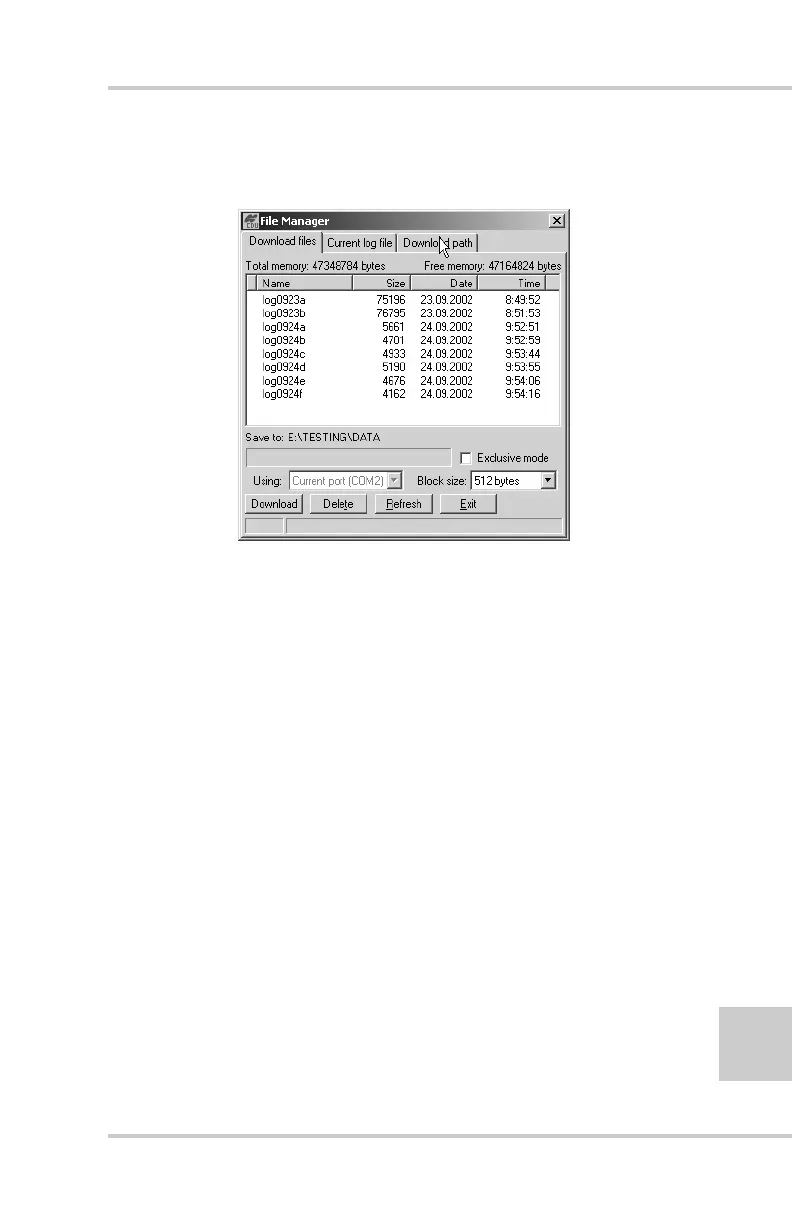
4. Click the Download path tab on the File Manager dialog box
(Figure 4-4).
Figure 4-4. Find Files to Download
5. Do one of the following:
• Navigate to and open the folder in which to download and
store files.
• Type a new folder name and click Create to create a new
folder in which to download and store files. Open this new
folder.
6. Select the Download files tab.
7. Select the file(s) to download (Figure 4-5 on page 4-12).
To select multiple files, hold down the shift key and click on
non-sequential files to select several files at once; or, hold down
the Ctrl key and click on individual files.



 To Next Page