Configuration
Topcon HiPer Lite and HiPer Lite+ Operator’s Manual
2-42
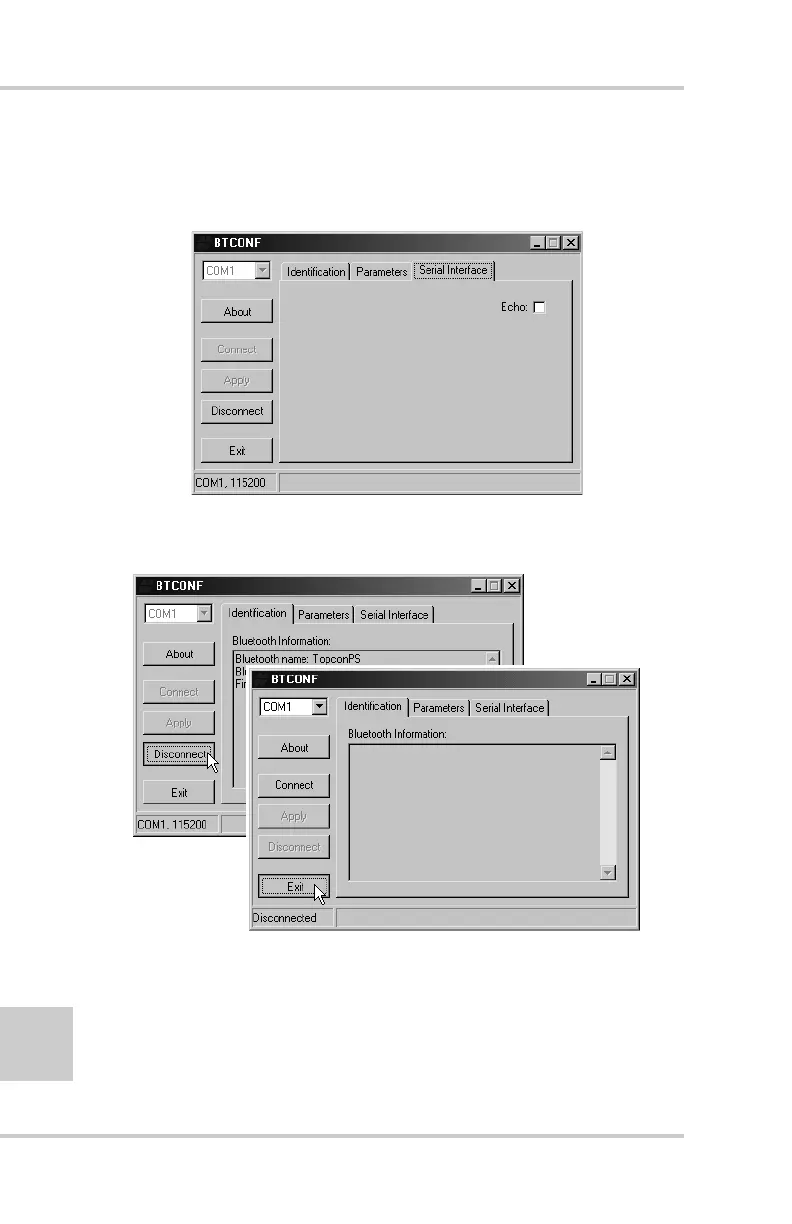
9. Click the Serial Interface tab (Figure 2-37). Enable Echo to
display Bluetooth module replies and corresponding commands
on the computer terminal. If needed, click Apply.
Figure 2-37. BTCONF Serial Interface Tab
10. Click Disconnect then Exit (Figure 2-38) to quit BTCONF.
Figure 2-38. Click Disconnect then Exit



 To Next Page