Surveying with the Receiver
P/N 7010-0557 www.topconpositioning.com
3-9
1. Using PC-CDU, configure and set up the Base as described
in “Static Survey” on page 3-5.
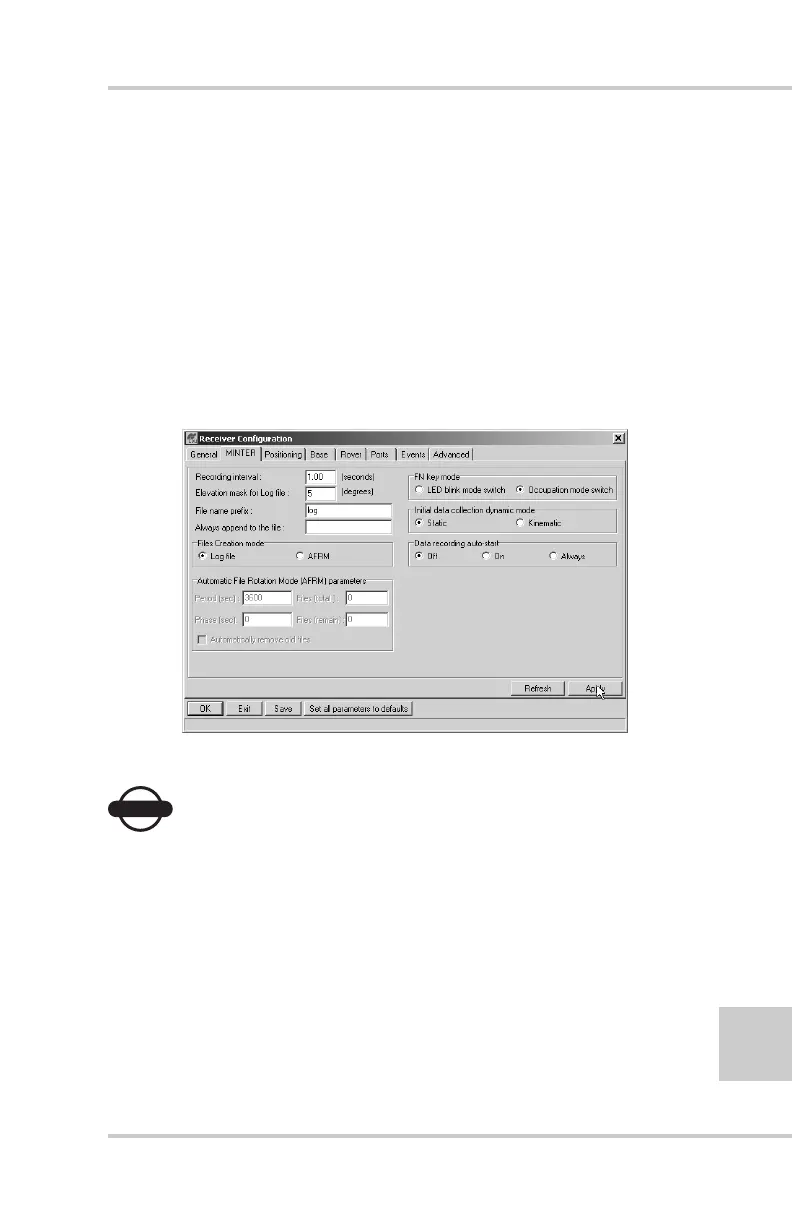
2. Using PC-CDU, click ConfigurationReceiver
MINTER, and configure the Rover with the following
parameters, then click Apply (Figure 3-5):
• FN key mode, Occupation mode switch – enable
• Initial data collection dynamic mode, Static – enable
See Table 4-1 on page 4-5 for FN key functions and REC
LED statuses.
Figure 3-5. Rover MINTER Configuration
NOTICE
NOTICE
Remember, both Base and Rover receivers must collect
data from the same satellites, at the same data recording
rate, and with identical elevation mask angles.
3. Set up the Rover at an unknown point and press power.
Allow the Rover to collect static data for two to ten
minutes. The REC LED will be orange.
4. Check the STAT light for satellites tracked.



 To Next Page