2. SYSTEM MODE EO13-33002
2.2 Parameter Setting
2-19
How to Enter Parameter Setting Mode
Turn on the printer while pressing the [FEED] and the [PAUSE] keys at the same time. Hold both keys
until the “<1>DIAG. Vx.x” message appears.
Press the [FEED] key. The printer is at the start of the Parameter Setting menu.
2.2.1 Character Code Selection
This parameter is to choose a character code used for printing. Printed characters differ depending on a
chosen character code and font. For details of characters, refer to the B-SX6T/SX8T Series External
Equipment Interface Specification (Printer Command Manual).
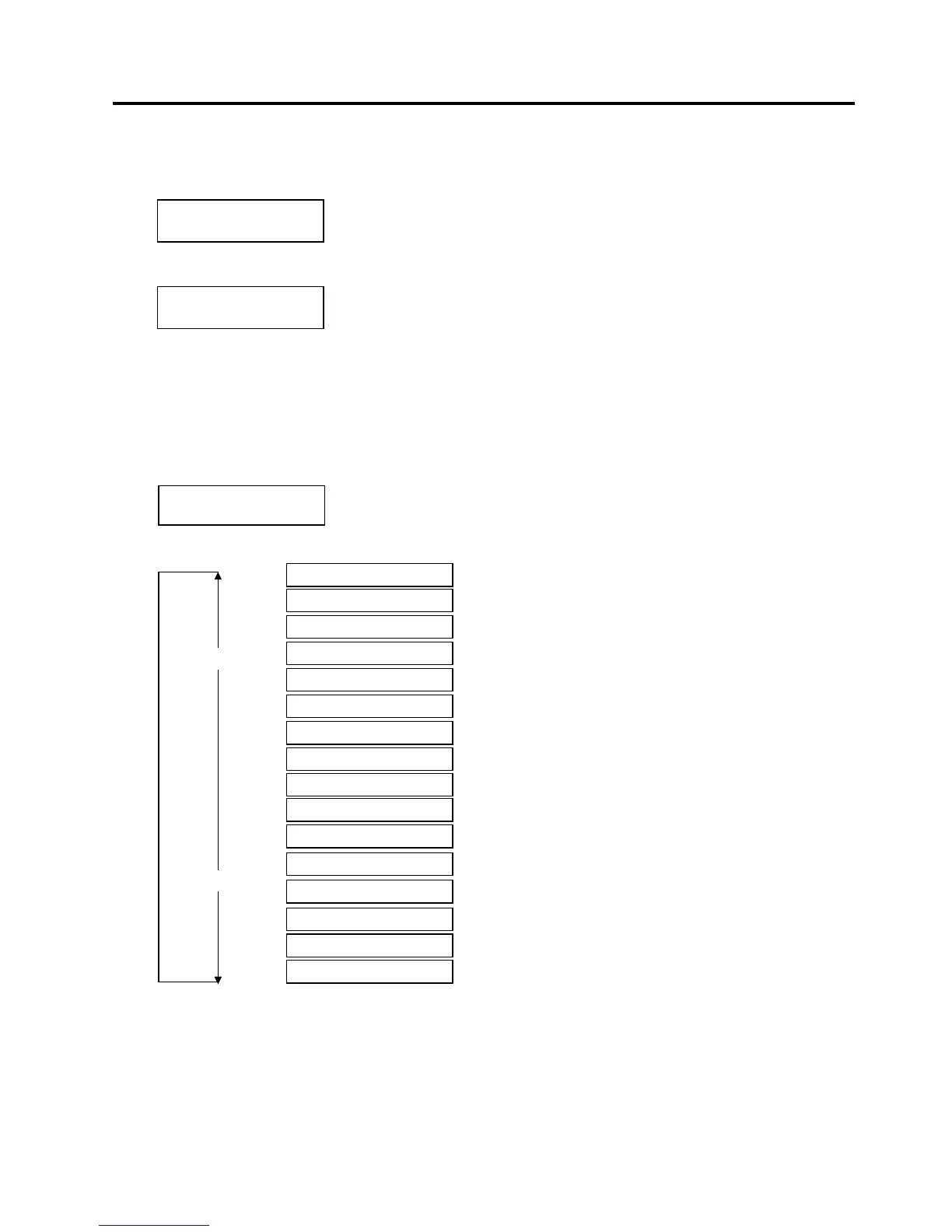
When “<2>PARAMETER SET” appears, press the [PAUSE] key.
Use the [FEED] or [RESTART] key to select a desired option.
After selecting a character code, press the [PAUSE] key.
NOTES: 1. When pressing the [FEED] and [RESTART] keys at the same time in the parameter setting, the
message returns to “<2>PARAMETER SET”.
2. If holding the [FEED] or [RESTART] key for 0.5 seconds or longer in the parameter setting the key
is entered continuously.
3. A changed parameter becomes effective by pressing the [PAUSE].
<2>PARAMETER SET
FONT CODE PC-850
<1>DIAG. Vx.x
<2>PARAMETER SET
FONT CODE PC-850
FONT CODE PC-852
FONT CODE PC-857
FONT CODE PC-8
FONT CODE PC-851
FONT CODE PC-850
FONT CODE PC1250
FONT CODE PC1251
FONT CODE PC1252
FONT CODE PC1253
FONT CODE PC1254
FONT CODE PC1257
FONT CODE LATIN9
FONT CODE Arabic
[RESTART]
[FEED]
FONT CODE PC-866
FONT CODE UTF-8



 To Next Page
 Loading...












