2. SYSTEM MODE EO13-33002
2.7 IP Address Setting
2-67
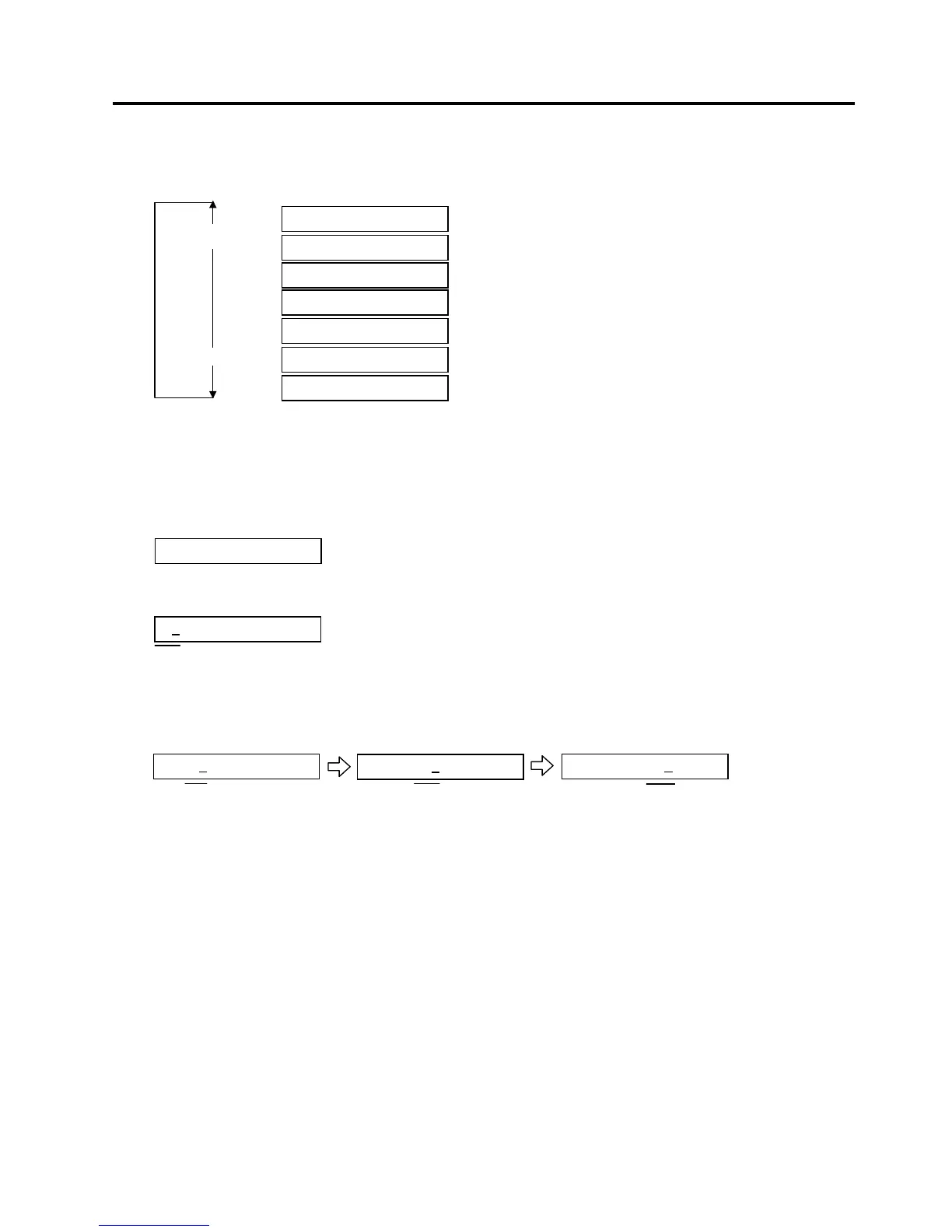
When “<7>IP ADDRESS” appears, press the [PAUSE] key.
Choose an IP Address menu among “Printer IP Address”, “Socket Port”, “Gateway IP Address”, “Subnet
Mask”, or “DHCP”.
To enter each sub menu, press the [PAUSE] key.
2.7.1 Printer IP Address, Gateway IP Address, and Subnet Mask Settings
When “PRINTER IP ADRES” is displayed, press the [PAUSE] key.
Set the IP address using the following procedure.
Set the first 3-digit value with the [FEED] or [RESTART] key.
Press the [PAUSE] key to move the cursor to the next 3-digit value.
Set the next values in the same way.
NOTES: 1. Pressing the [FEED] key one time causes a –1 change. Pressing the [RESTART] key one time
causes a +1 change.
2. If holding the [FEED] or [RESTART] key for 0.5 seconds or longer in the parameter setting, the key
is entered continuously.
After the last 3-digit value is set, press the [PAUSE] key. The display will show “GATEWAY IP ADDRESS”.
Set the values for the Gateway IP Address and Subnet Mask, respectively.
192.168.010.020
[RESTART]
[FEED]
PRINTER IP ADRES
SUBNET MASK
SOCKET PORT
GATEWAY IP ADRES
DHCP
192.168.010.020
192.168.010.020
192.168.010.020
PRINTER IP ADRES
DHCP CLIENT ID
DHCP HOST NAME



 To Next Page
 Loading...












