2. SYSTEM MODE EO13-33002
(Revision Date: Jul. 24, 2008)
2.9 RFID Module Setting
2-84
2.9.13 RFID Module Q Value Setting
This parameter is to set the Q value.
In the case multiple RFID tags are read at the same time, this menu is useful to pinpoint a target tag.
Set the Q value to “1” or greater (2 is recommended.) with the [FEED] or [RESTART] key. Q value “0”
causes the tags to interfere with each other and disables proper data write.
When a Q value is set, set an AGC threshold for data write and an AGC threshold lower limit for retry, also.
Setting all these values enable writing data to a tag placed just above the antenna. (For details, refer to
Section 8.5 of Option Installation Manual) The factory default is 0.
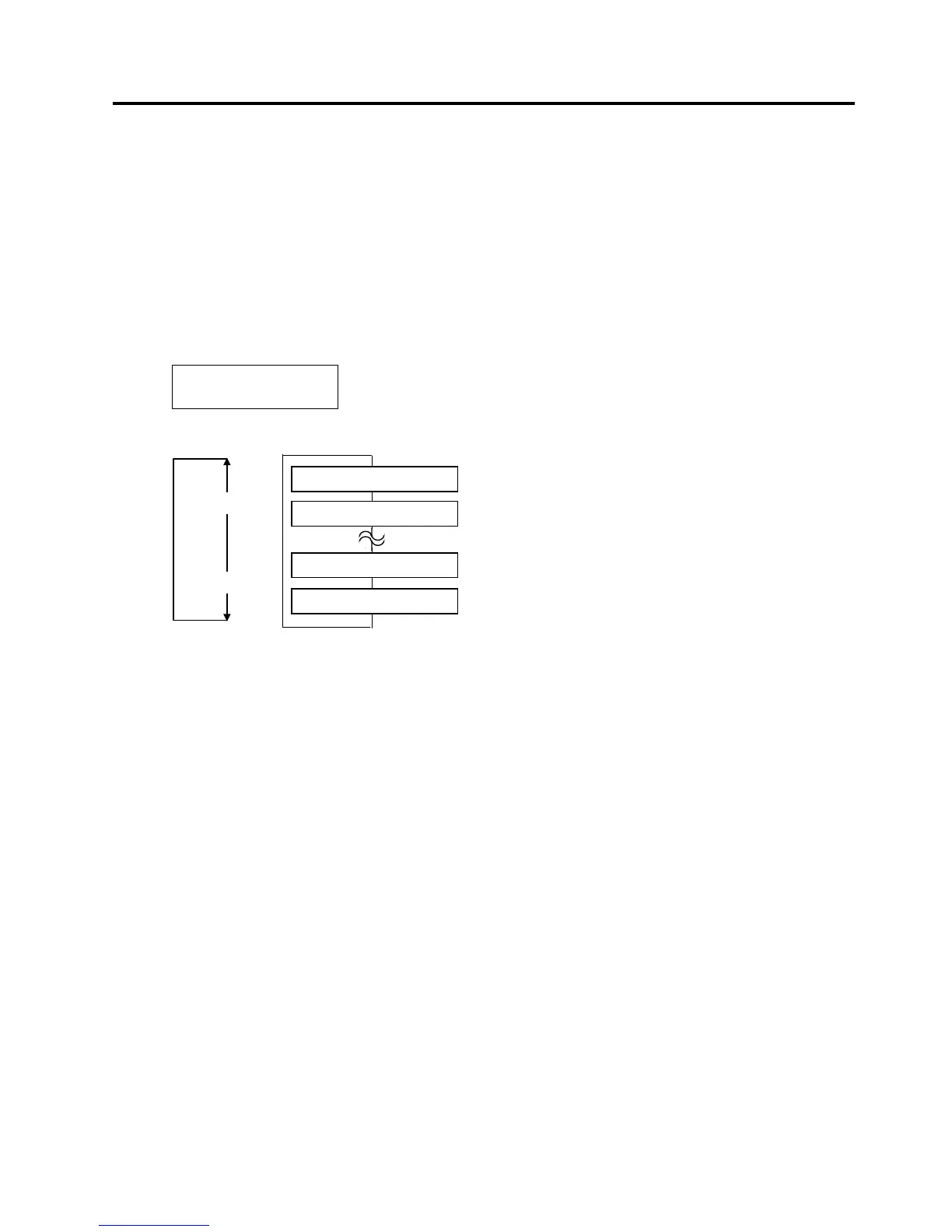
When “Q VALUE” is displayed, press the [PAUSE] key.
Use the [FEED] or [RESTART] key to select a desired option. (Range: 0 to 15)
After selecting the adjustment value, press the [PAUSE] key.
<10>RFID
Q VALUE 2
[RESTART]
[FEED]
QVALUE 15
QVALUE 14
QVALUE 1
QVALUE 0



 To Next Page
 Loading...












