2. SYSTEM MODE EO13-33002
2.3 Printer Parameter Fine Adjustment
2-46
2.3.7 Threshold Manual Fine Adjustment (Black Mark/Feed Gap Sensor)
This parameter is to set a threshold voltage of the black mark sensor or feed gap sensor.
When pre-printed media is used, and if the black mark sensor or feed gap sensor cannot properly detect a
print start position even after an automatic threshold setting has been performed, set a threshold voltage
here.
Usually, a threshold is a midpoint between the voltage at a print area and the voltage at a black mark (black
mark sensor) or a gap (feed gap sensor).
When “<3>ADJUST SET” appears, press the [PAUSE] key until the following display appears.
To set the threshold for the feed gap sensor, press the [PAUSE] key again.
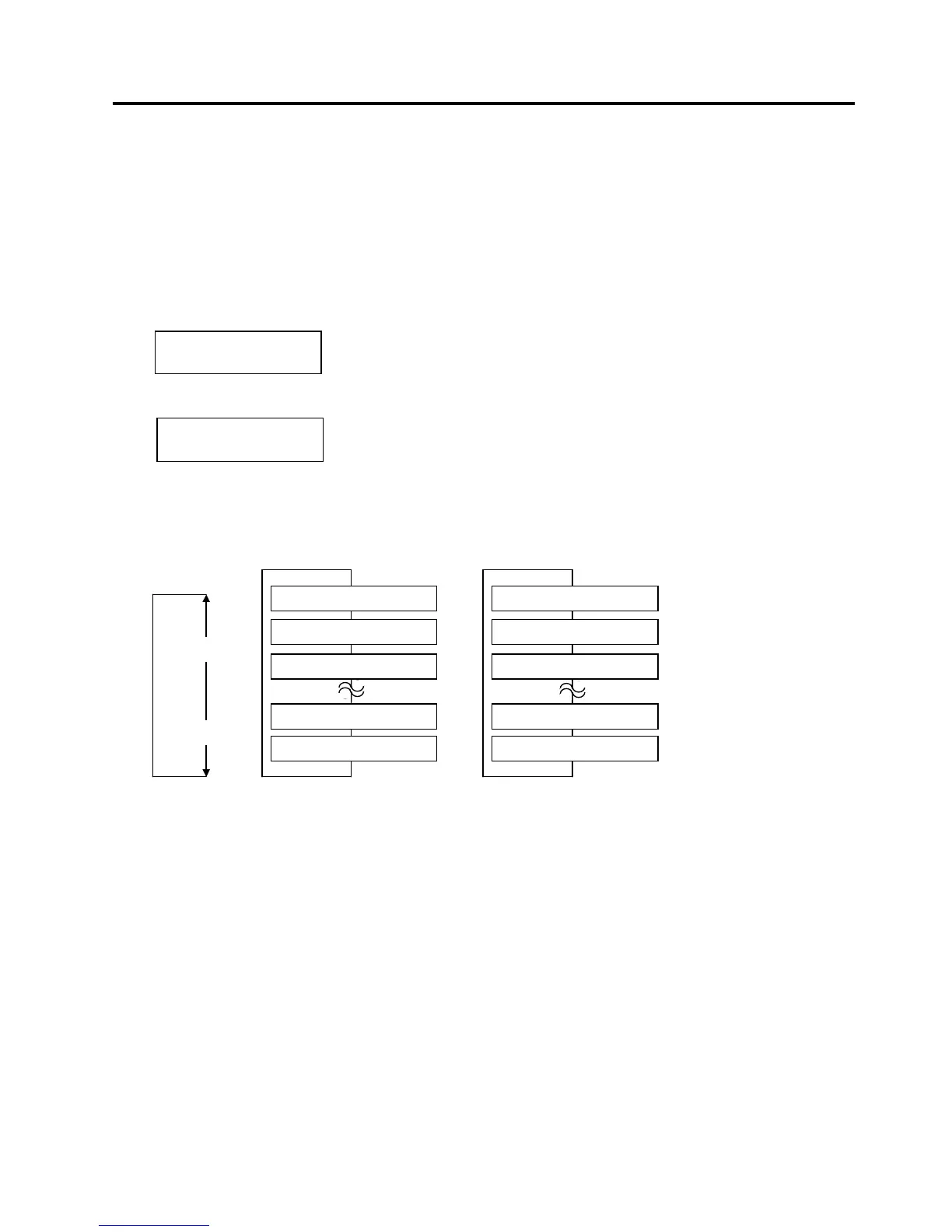
When the LCD display shows “THRESHOLD<R>” or “THRESHOLD<T>”, select a desired value with the
[FEED] or [RESTART] key. (Range: 0.0V to 4.0V)
[FEED] key: Pressing the [FEED] key one time causes a –0.1V change, up to 0.0V.
[RESTART] key: Pressing the [RESTART] key one time causes a +0.1V change, up to +4.0V.
After completing the fine adjustment, press the [PAUSE] key.
NOTE: If “0.0V” is set as a threshold voltage, it will be automatically changed to the initial value when the printer
is turned off and back to on.
THRESHOLD<R>: 1.4V
THRESHOLD<T>: 1.0V
<3>ADJUST SET
THRESHOLD<T>1.4V
<3>ADJUST SET
THRESHOLD<R>1.0V
Threshold setting for the black mark sensor
Threshold setting for the feed gap sensor
[RESTART]
[FEED]
THRESHOLD<R>4.0V
THRESHOLD<R>3.9V
THRESHOLD<R>3.8V
THRESHOLD<R>0.1V
THRESHOLD<R>0.0V
THRESHOLD<T>4.0V
THRESHOLD<T>3.9V
THRESHOLD<T>3.8V
THRESHOLD<T>0.1V
THRESHOLD<T>0.0V
Black Mark Sensor Feed Gap Sensor



 To Next Page
 Loading...












