2. SYSTEM MODE EO13-33002
(Revision Date: May 22, 2007)
2.6 RAM Clear
2-62
2.6.1 RAM Clear Menu Selection
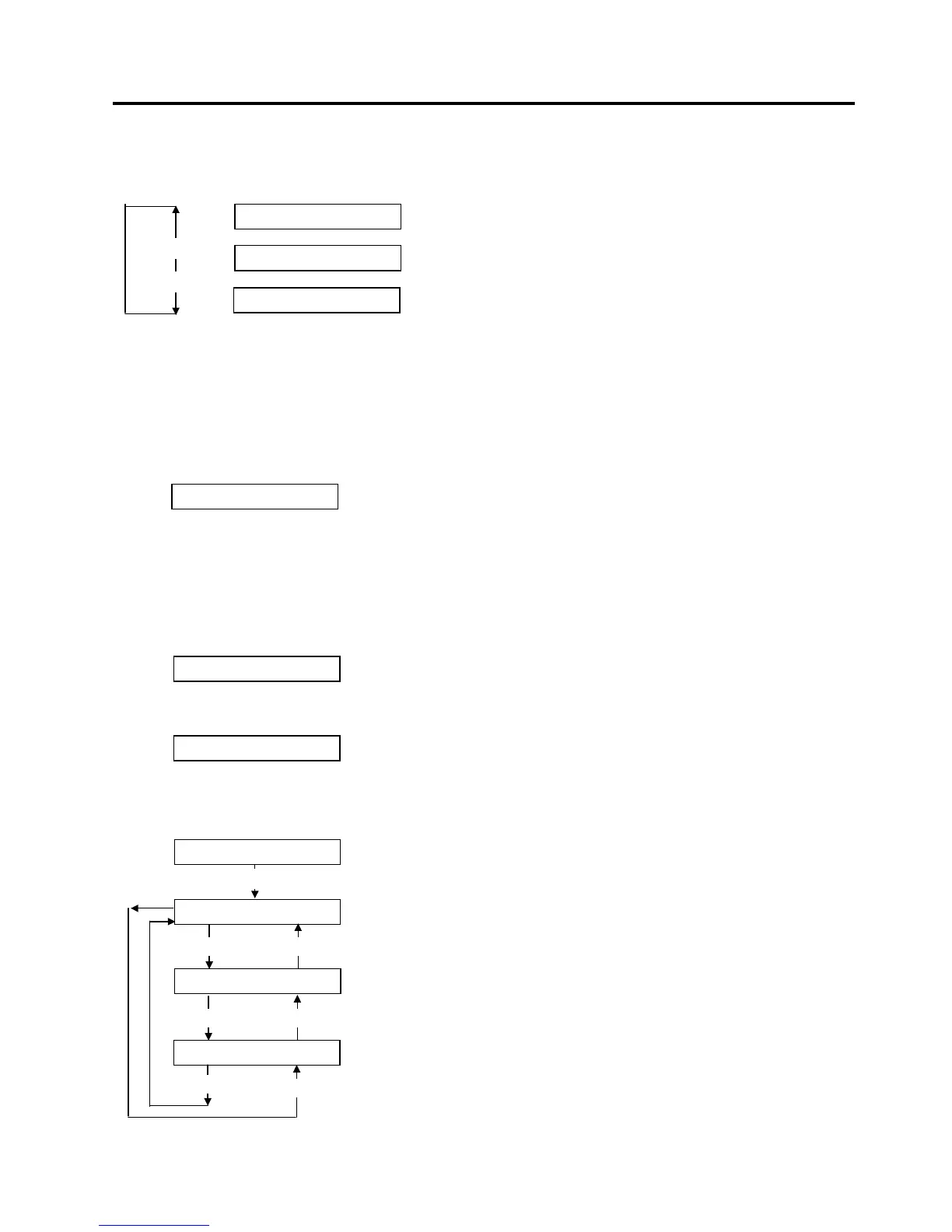
When “<6>RAM CLEAR” appears, press the [PAUSE] key.
Choose a RAM Clear menu among “No RAM Clear”, “Maintenance Counter Clear”, or “Parameter Clear”.
NOTES: 1. To exit the RAM clear menu selection, press the [FEED] and [RESTART] keys at the same. The
display returns to “<6>RAM CLEAR”.
2. Even after performing a RAM clear, the following items are still stored: Label distance covered,
Sensor adjustment value, IP address, Socket port number, Language for the LCD message, data in
the flash memory.
2.6.2 No RAM Clear
Press the [PAUSE] key. No RAM Clear operation is performed and the display returns to “<6>RAM
CLEAR”.
Pressing the [PAUSE] key again causes the display to return to “NO RAM CLEAR”.
2.6.3 Maintenance Counter Clear
B-SX6T-TS12-QM-R and B-SX8T-TS12-QM-R (V1.0B or earlier)
Press the [PAUSE] key to perform the Maintenance Counter Clear.
When the Maintenance Counter Clear is completed, the following message appears.
Turn off the printer to exit this mode.
B-SX8T-TS12-QM-R (V1.1 or greater)
Choose a maintenance counter clear mode with the [FEED] or [RESTART] key.
After choosing a mode, press the [PAUSE] key. A maintenance counter clear will be performed
according to the chosen mode.
MAINTE.CNT CLEAR
*** COMPLETE ***
NO RAM CLEAR
NO RAM CLEAR
MAINTE.CNT CLEAR
[RESTART]
[FEED]
RAM Clear is not performed.
Clears the Maintenance Counter.
Clears the Parameter.
PARAMETER CLEAR
ALL CLEAR
[FEED]
[RESTART]
FEED&PRINT CLEAR
[FEED]
[RESTART]
CUT CLEAR
All clear mode: All items of the Maintenance Counter are cleared.
Feed & Print clear mode: Only the label distance covered and the
Print distance are cleared.
Cut clear mode: Only the cut count is cleared.
All items of the Maintenance Counter are cleared.
MAINTE.CNT CLEAR
[PAUSE]
[FEED]
[RESTART]



 To Next Page
 Loading...












