3. ON LINE MODE EO13-33002
3. ON LINE MODE
3- 2
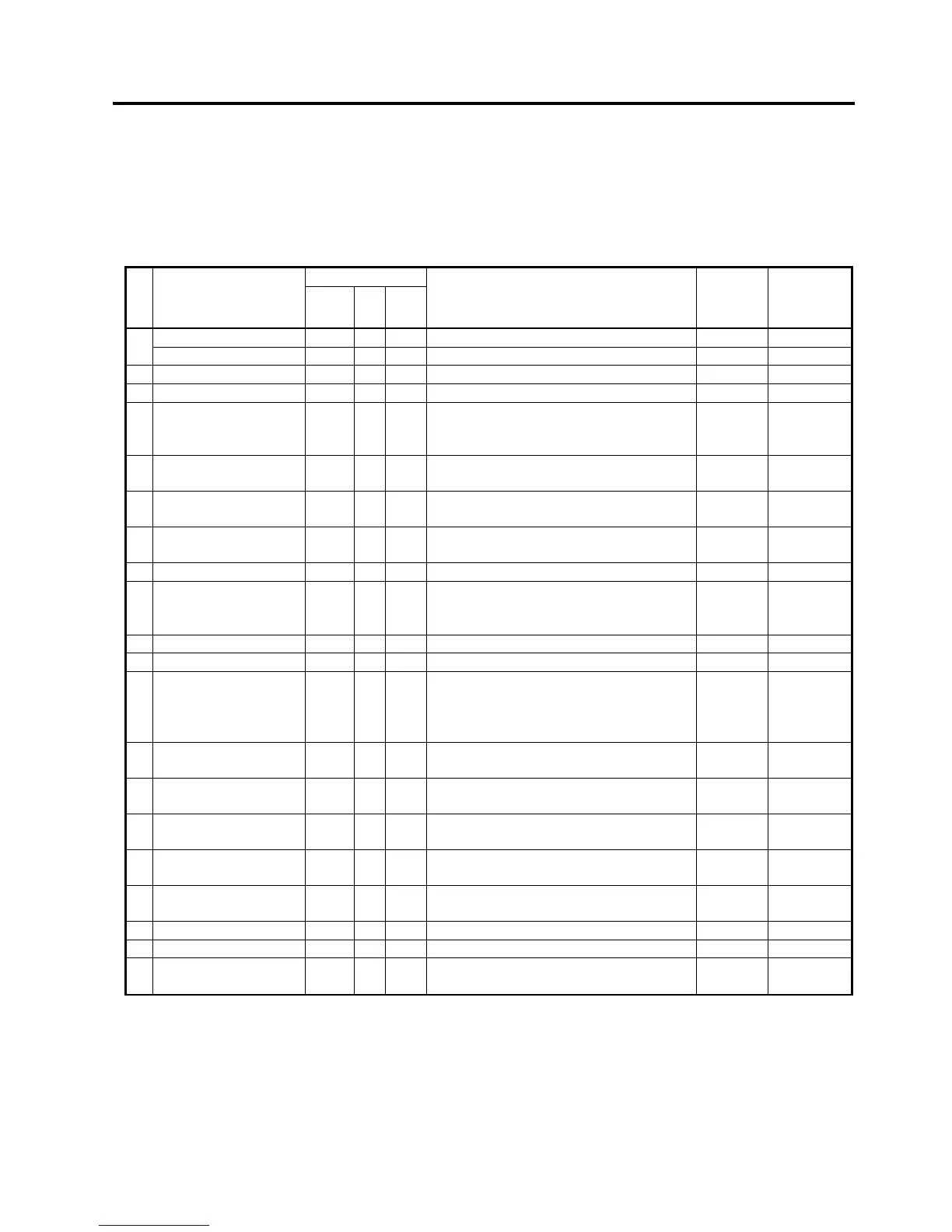
LCD message and LED indication
Symbols in the message
1: : The LED is illuminated. ~: The LED is flashing. z: The LED is unlit.
2: ****: the number of unprinted media. Up to 9999 (in pieces)
3: ###: Flash memory card remaining memory for PC save area: 0 to 3072 (in K bytes)
4: &&&&: Remaining flash memory capacity for storing writable characters 0 to 3072 (in K bytes)
LED Indication
No. LCD Message
POWER
ON
LINE
ERROR
Printer Status
Restoration
by
RESTART
key Yes/No
Acceptance of
Status Reques
Reset
Command
Yes/No
ON LINE z Online mode ----- Yes
1
ON LINE
~ z Online mode (communicating) ----- Yes
2 HEAD OPEN z z The Top Cover is opened in online mode. ----- Yes
3 PAUSE **** z z Pause state Yes Yes
4 COMMS ERROR z
A parity, overrun, or framing error has
occurred during a communication by
RS-232C.
Yes Yes
5 PAPER JAM **** z
A paper jam has occurred during paper
feed.
Yes Yes
6 CUTTER ERROR**** z
A problem has occurred at the cutter
module.
Yes Yes
7 NO PAPER **** z
The media has run out, or the media is
not loaded properly.
Yes Yes
8 NO RIBBON **** z The ribbon has run out. Yes Yes
9 HEAD OPEN **** z
feed or an issue was attempted with the
Top Cover opened. (Except when the
[FEED] key is pressed.)
Yes Yes
10 HEAD ERROR z The print head has a problem. Yes Yes
11 EXCESS HEAD TEMP z The print head is overheated. No Yes
12 RIBBON ERROR**** z
The ribbon has been torn. A problem
has occurred with the sensor that
determines the torque for the ribbon
motor.
Yes Yes
13 SAVING ####&&&& z
In writable character or PC command
save mode
----- Yes
14 FLASH WRITE ERR. z
An error has occurred in writing to the
flash ROM.
No Yes
15 FORMAT ERROR z
An error has occurred in formatting the
flash ROM.
No Yes
16 FLASH CARD FULL z
Saving failed because of an insufficient
capacity of the flash ROM.
No Yes
17
Display of error
message (See Note.)
z
A command error has occurred in
analyzing the command.
Yes Yes
18 POWER FAILURE z A momentary power failure has occurred. No No
19 INTIALIZING… z z The flash ROM is being initialized. ----- -----
20 EEPROM ERROR z
Data cannot be read from/written to a
backup EEPROM properly.
----- -----



 To Next Page
 Loading...












